If you miss a call, you can set SmartflowCRM to automatically send a WhatsApp message to the caller, keeping them engaged with your business. Following up with them straight away means you are less likely to miss them as a potential customer.
In order to use the missed call WhatsApp functionality, you need to:
Have a mobile phone number purchased in SmartFlowCRM,
Linked the number to your Facebook account in the Meta Business Suite
Verified your number for use with WhatsApp in the Meta Business Suite
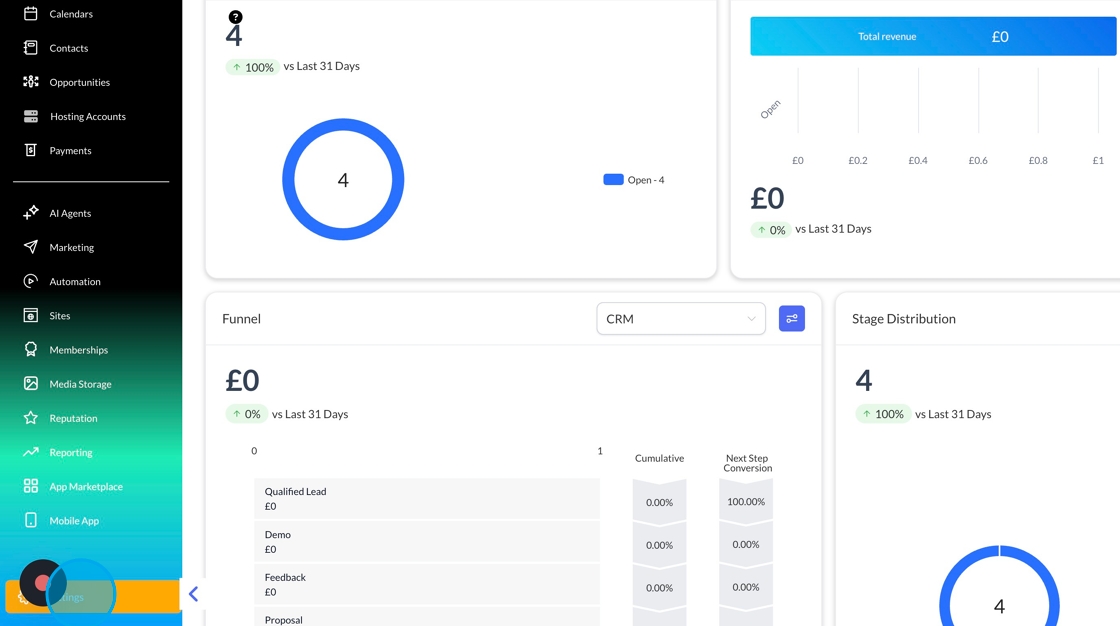
To enable the missed call WhatsApp functionality, click settings.
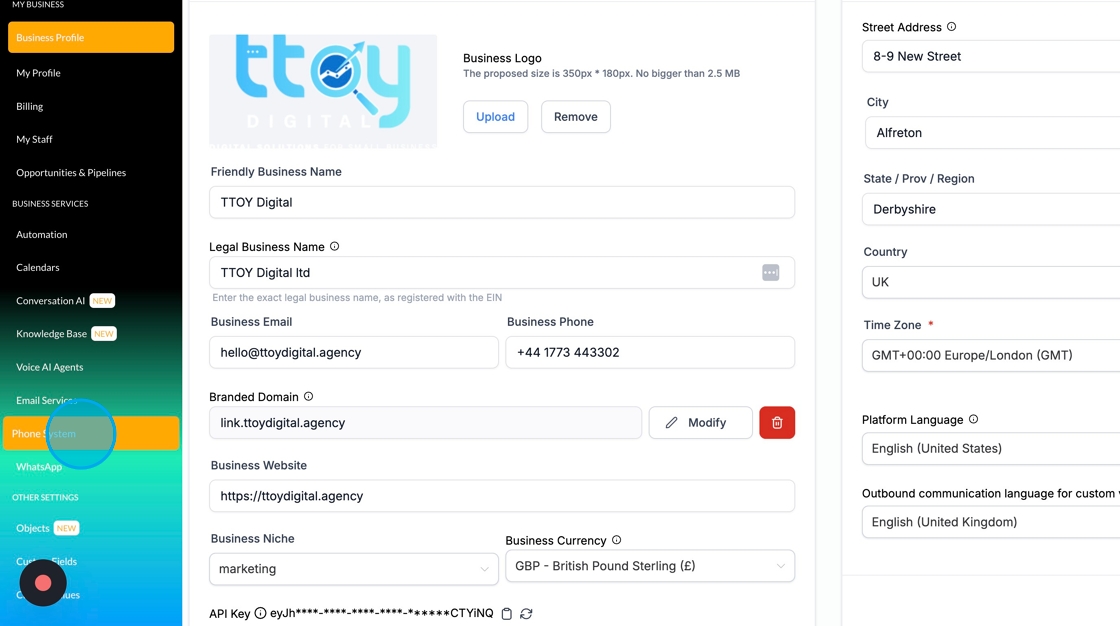
Head over to Phone Settings.
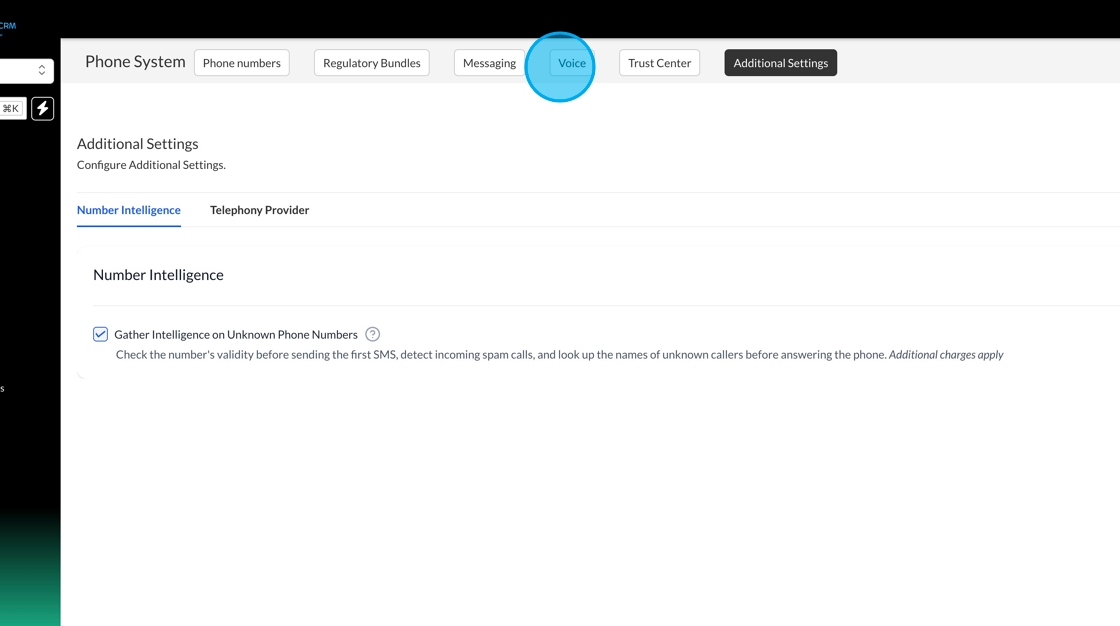
Click Voice
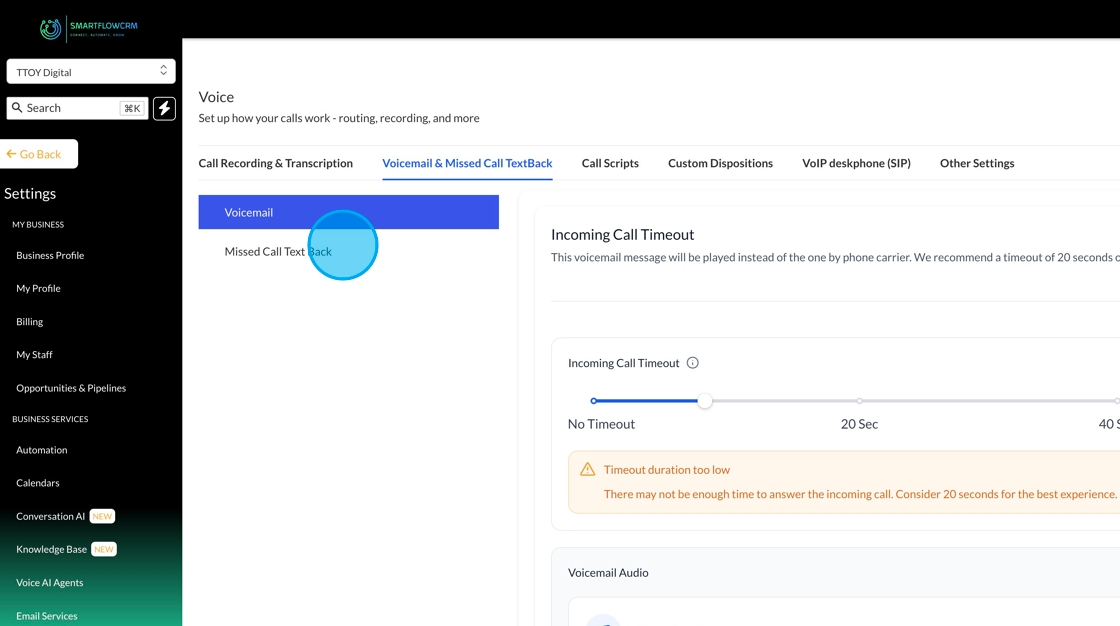
Go to Voicemail and Missed Call Text Back
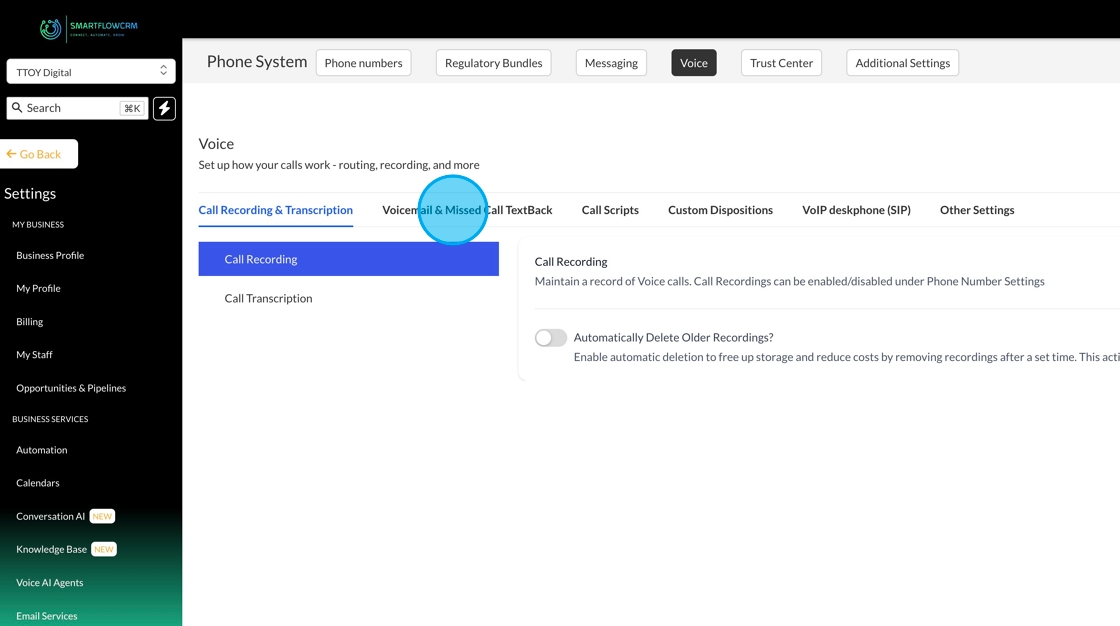
Then, missed call text back
You’ll then be able to use the WhatsApp missed call checkbox. We’ll automatically send the template if it's marked to be verified for you, and it shouldn’t take long before you can start using it.