With Smartflow you can invite as many of your team as you like, unlike other CRMs we do not charge per user.
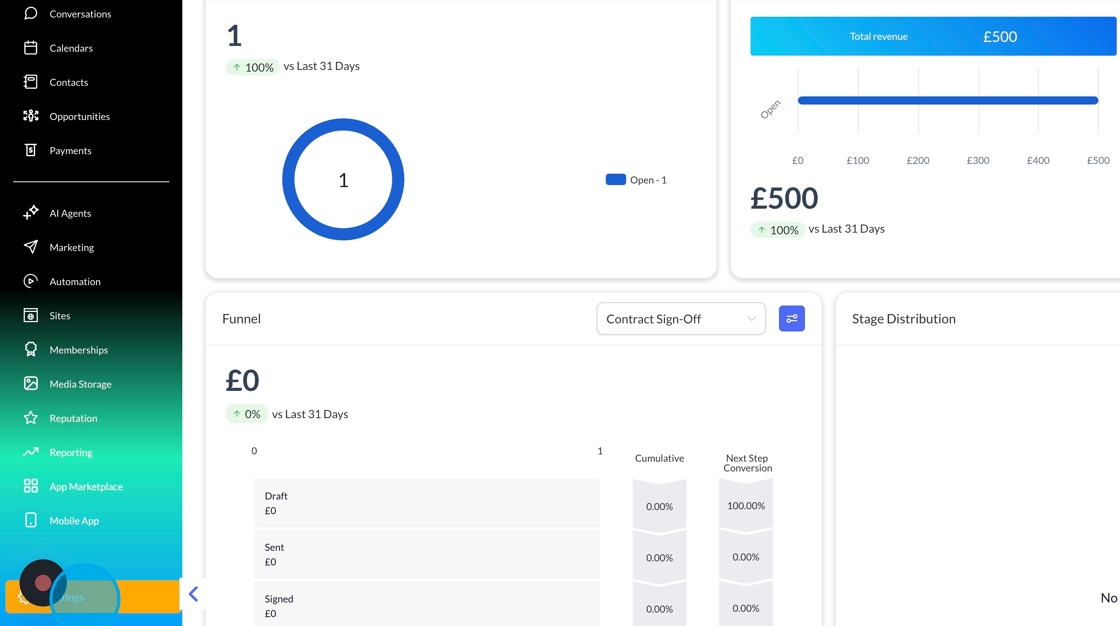
To invite someone to your team, head to settings:
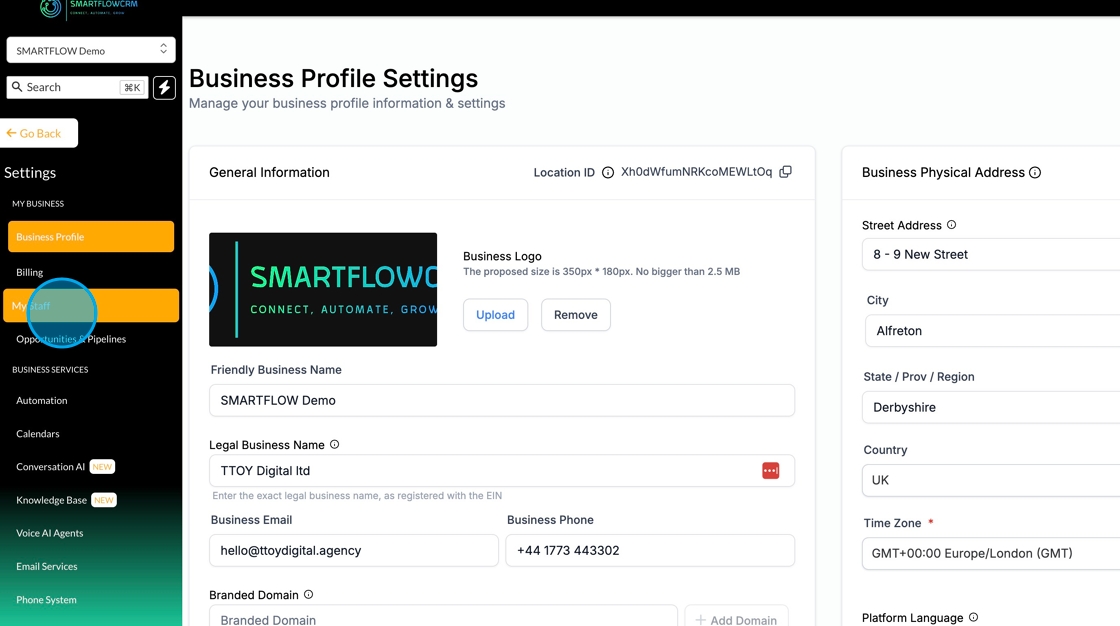
Then my staff.
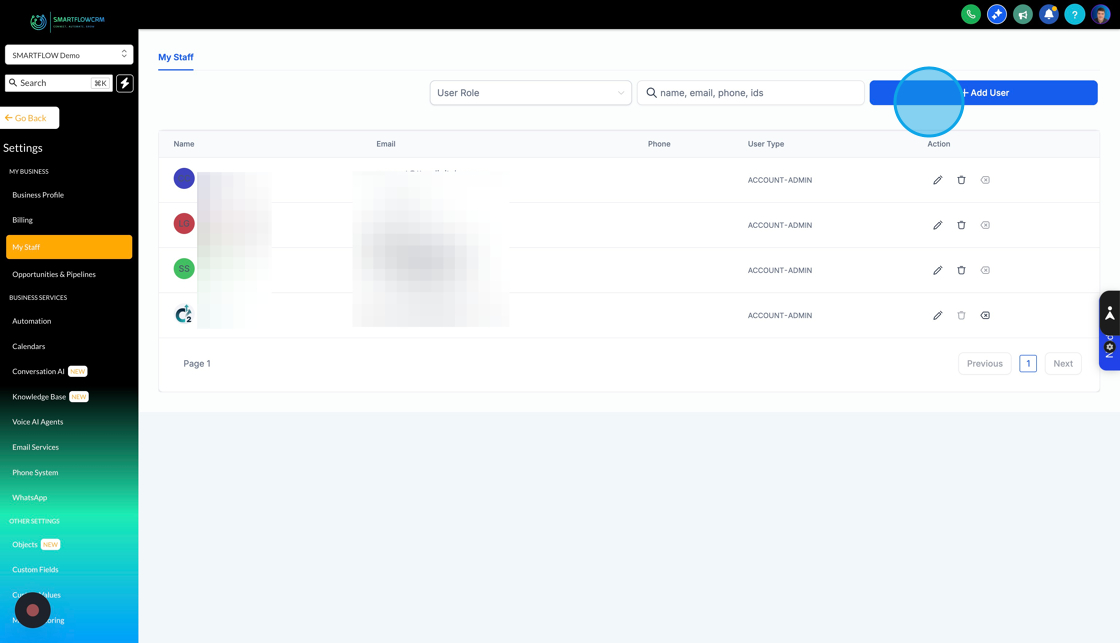
Within SmartflowCRM, there are two user types: Administrators and Users. The Administrator role should be reserved for managers, while the user role should be for everyone else. To add a new member, click the add user button.
The member details frame allows you to add the personal details of your team member, complete as much of the information as possible. Double-check the email, as SmartflowCRM will send an email out to the user so they can log in.
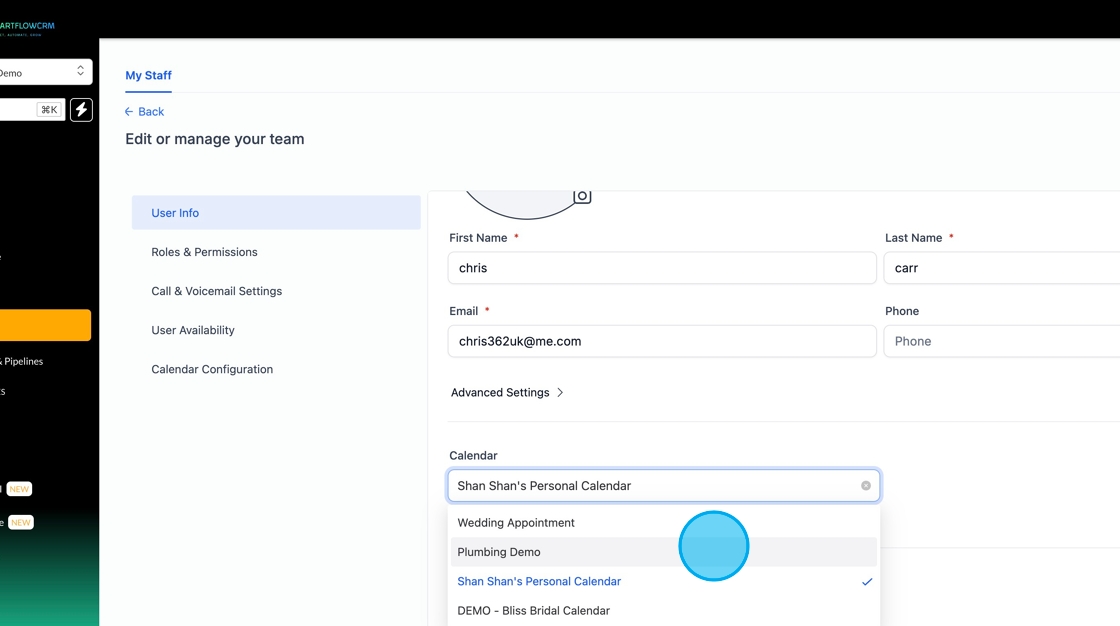
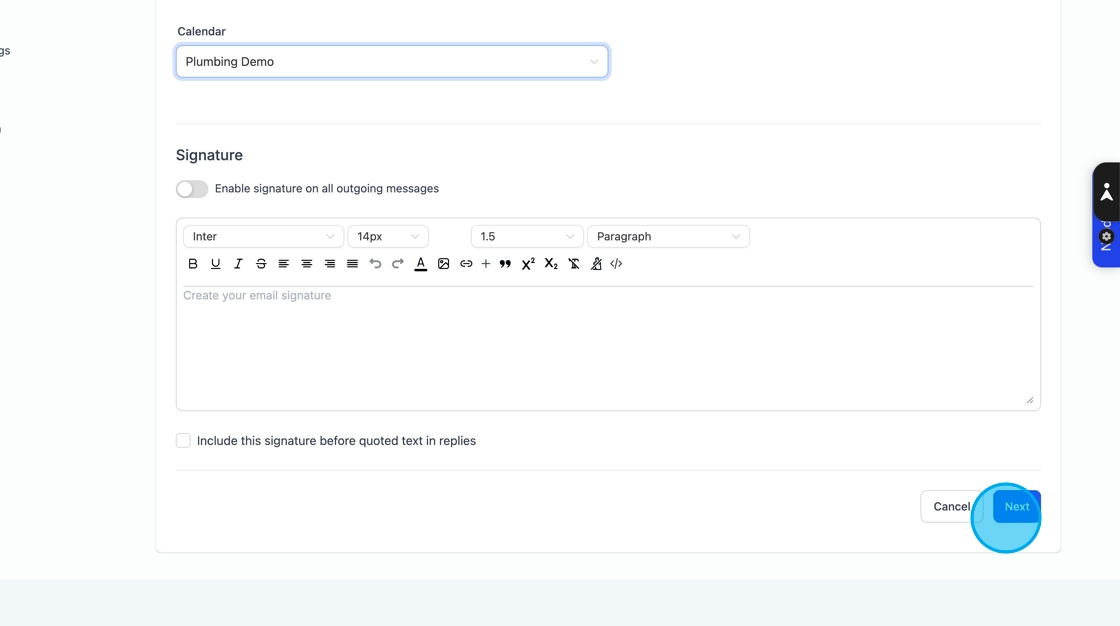
To give the user a calendar, select one from the drop-down, and you can also add a signature that will automatically be added to outgoing emails.
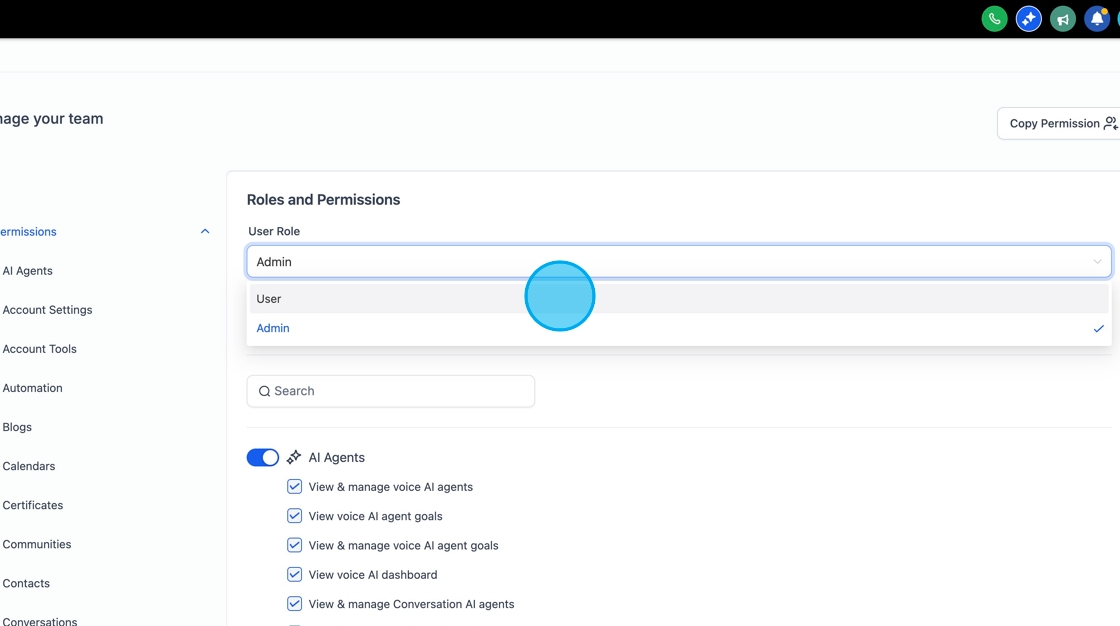
As mentioned previously, there are two types of user roles Admin and User. Permissions are granular for each part of the system and are split into individual areas of Smartflow. You can either clear the whole section or uncheck the individual permission checkbox to remove the permission.
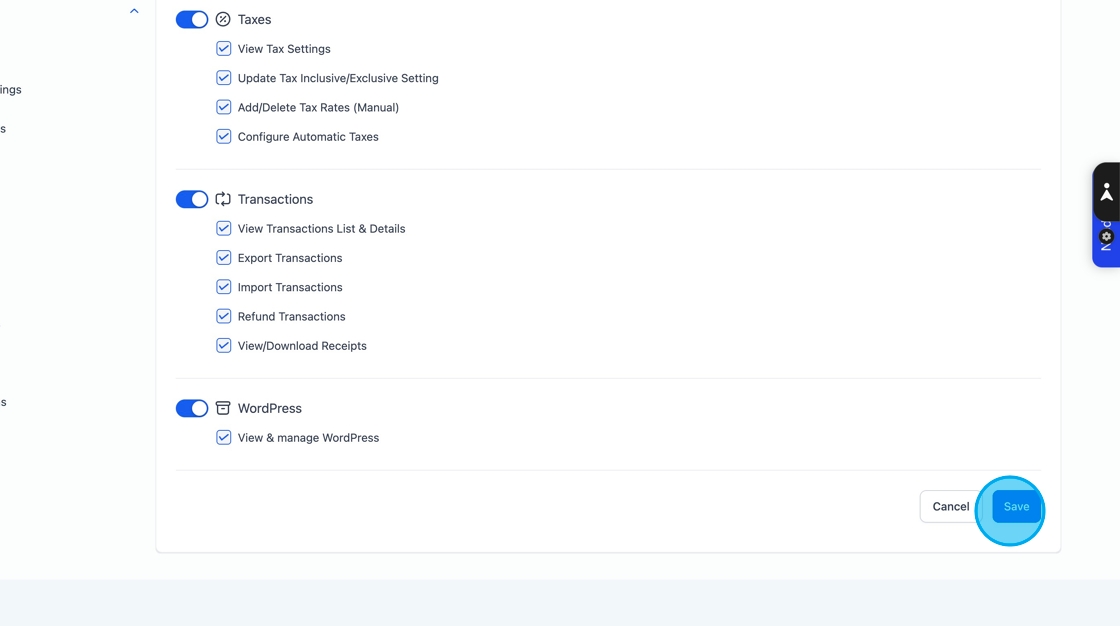
Once you've reviewed the permissions, click Save to create the user.
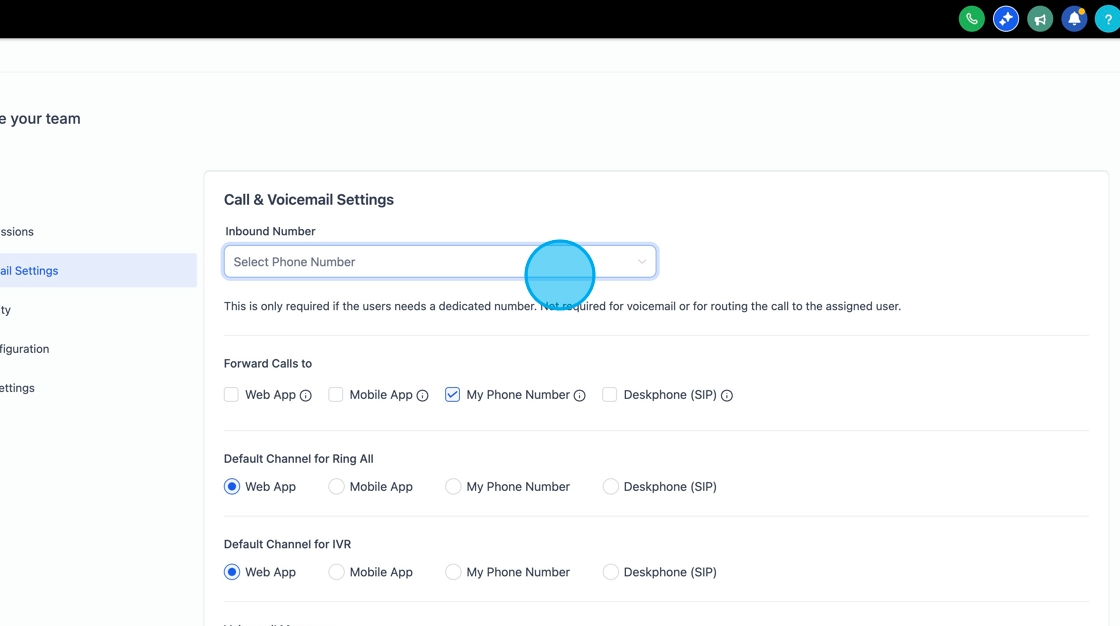
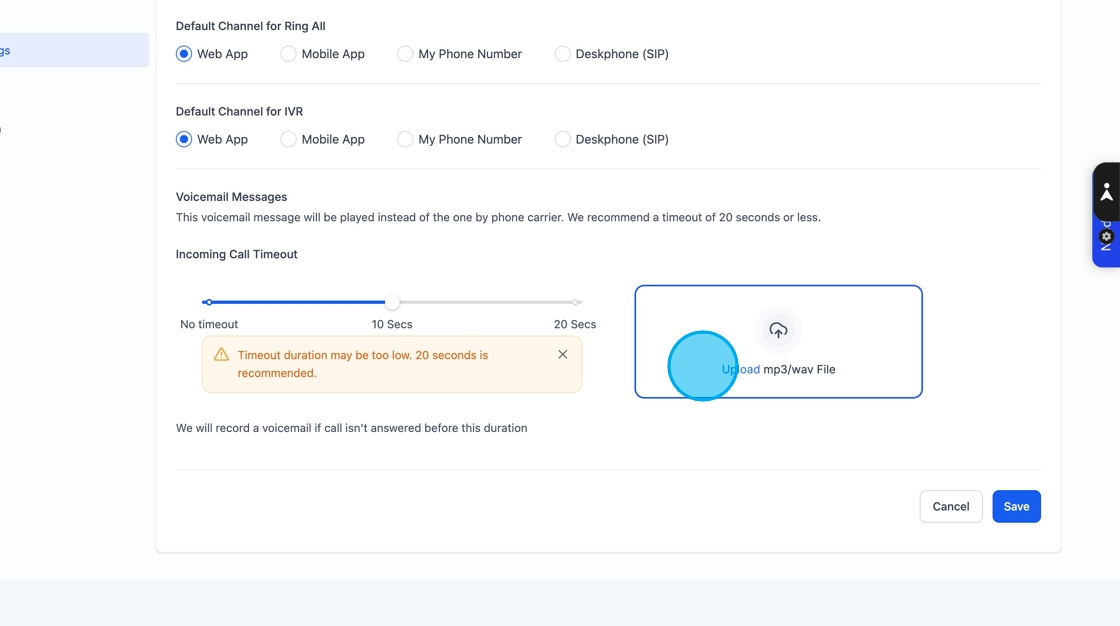
You add a purchased number from SmartFlow to the staff member by using the drop-down to allocate it. You can then choose how you want the team member to receive the calls, either from Smarflow on the web, the Lead Connect app on mobile or a deskphone.
To upload a voicemail, click the voicemail button and find the file on your computer. MP3 works best
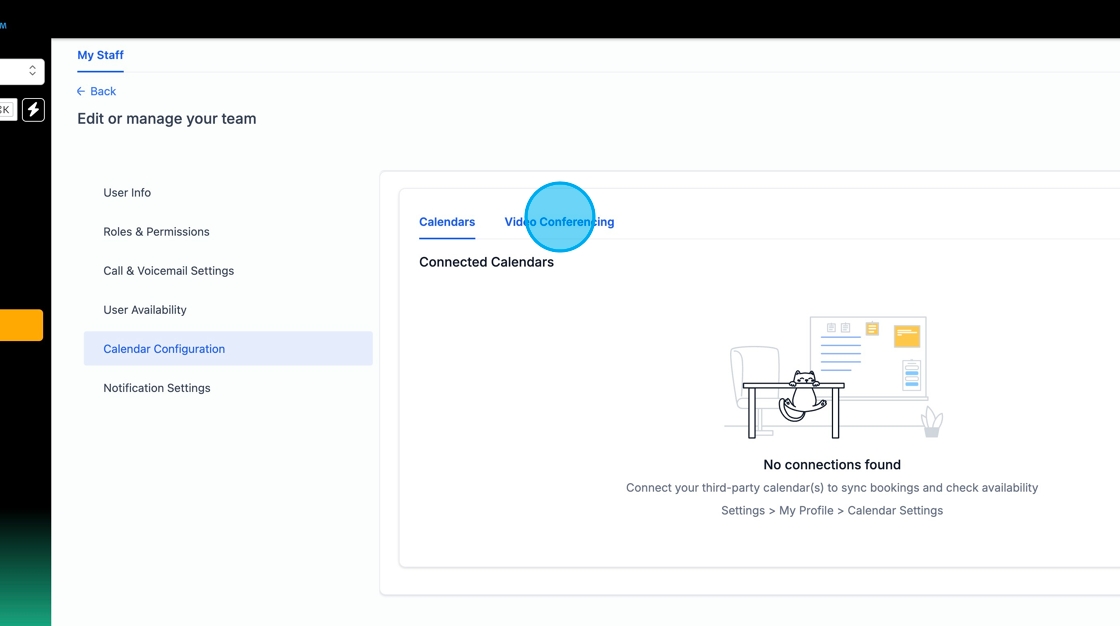
When a user has a linked calendar, you can set the times that the user is available for bookings, for instance, hours of work. You can also add custom hours, which are one-off dates that override the main calendar settings, for example, if you only work half a day on Christmas Eve.

The calendar configuration tool links to external calendars such as Office365/Google Workspace and MS Teams/Zoom calendars, so that when an appointment is booked, it will automatically be added to the relevant user's calendar. To make a team member appear in the appointment booking drop-down, add their calendar to the relevant appointment round robin. If a video conferencing tool is linked, the system will automatically generate a video link to send out to a customer.
Smartflow offers several ways to notify your team of events within Smartflow, such as when an appointment is booked. You can decide how you want your team to get notified for each event type.
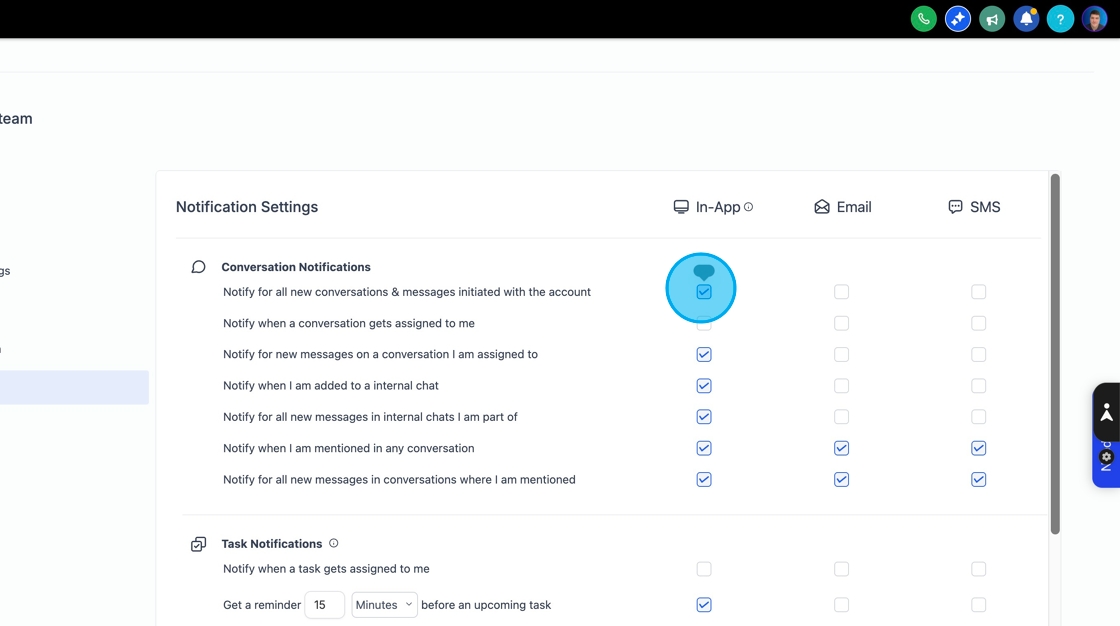
In App means in the web browser. When email is selected, and an email is sent, if you have a phone number activated, you can also send an SMS to the user.
All permissions and notification settings can be updated at anytime.