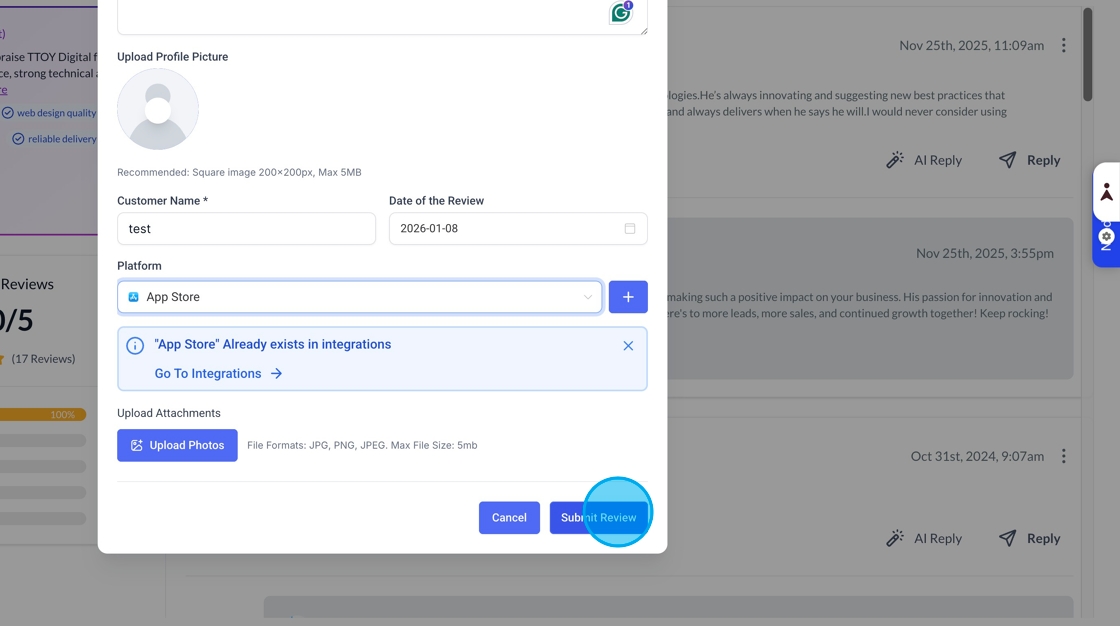
You can link multiple platforms to SmartFlow's reputation management module. There may be occasions when a customer leaves a review on a non-integrated platform, and you want to display it in the widget.
You can add reviews manually, either by bulk upload or one by one.
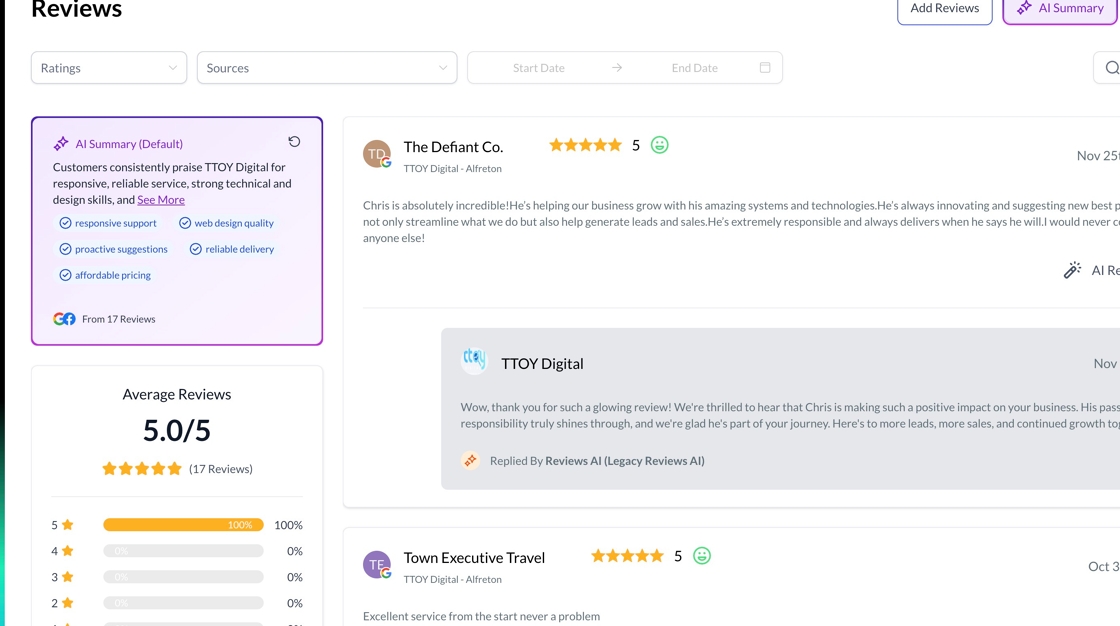
To start adding a manual review or reviews, head over to reputation management
And then click the add Reviews button
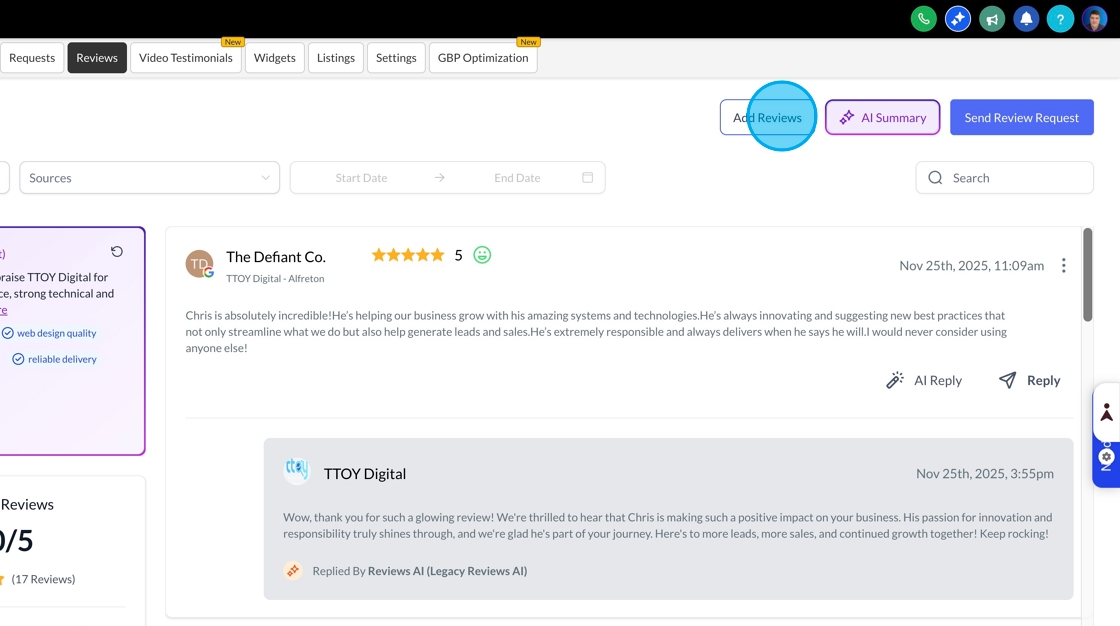
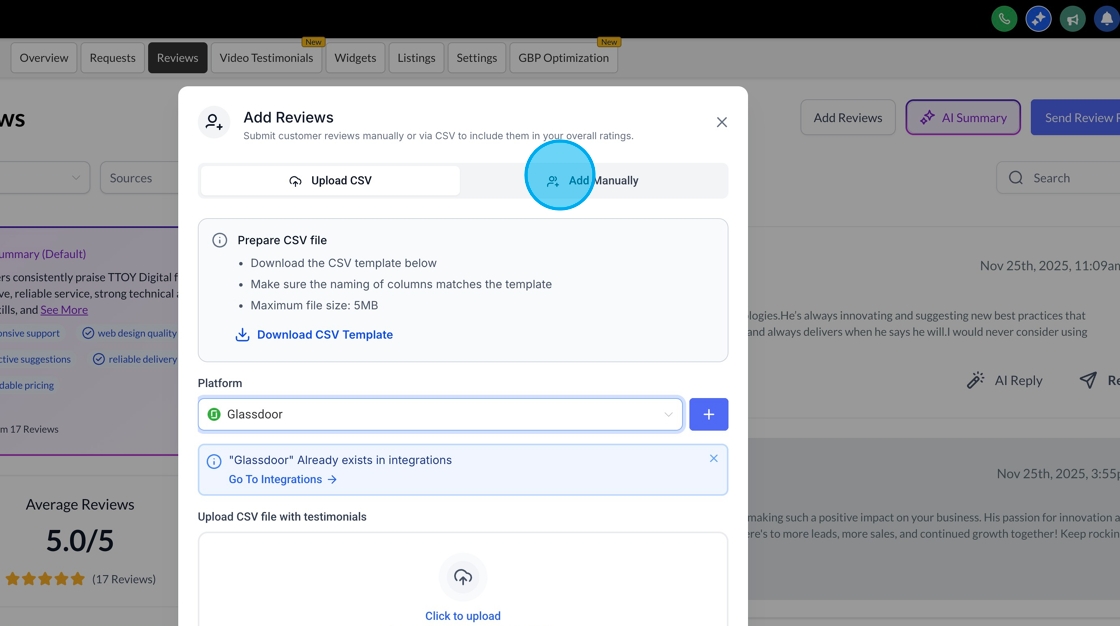
To add reviews in bulk, download a CSV file and add all the reviews.
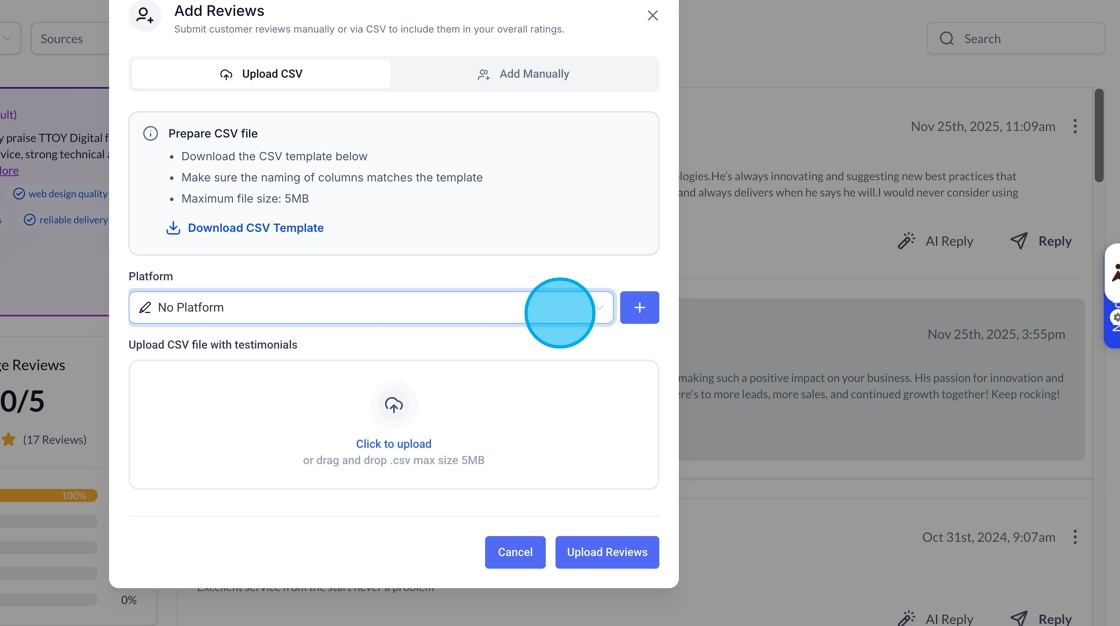
You can click the drop-down to choose an existing platform or click the plus button to add a new platform to the list. Drag your completed csv file into the box or click the link to find a file on your computer.

If you’re individual reviews, start by clicking the add manually button
You’ll then be able to add all the details of the review, upload a profile image, include a platform and also any other images.
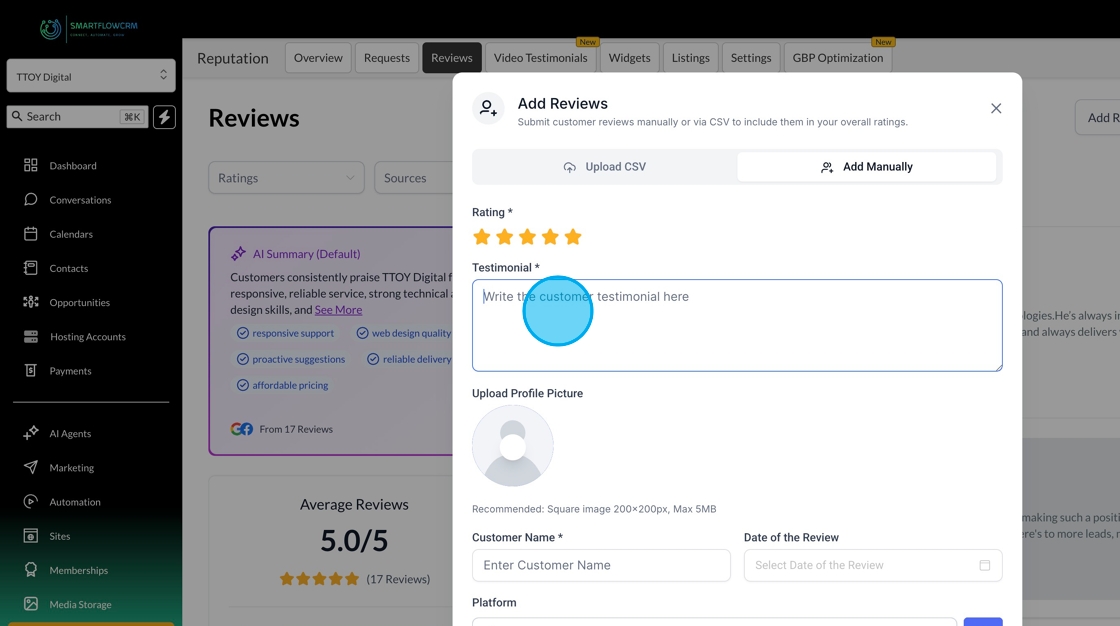
Once you’re happy, click submit and the review will appear in the reviews list, just like any other review.