This tutorial guides you through creating a video review capture screen in SmartflowCRM
You will learn how to set up a collector, customise templates, and send review requests effectively.
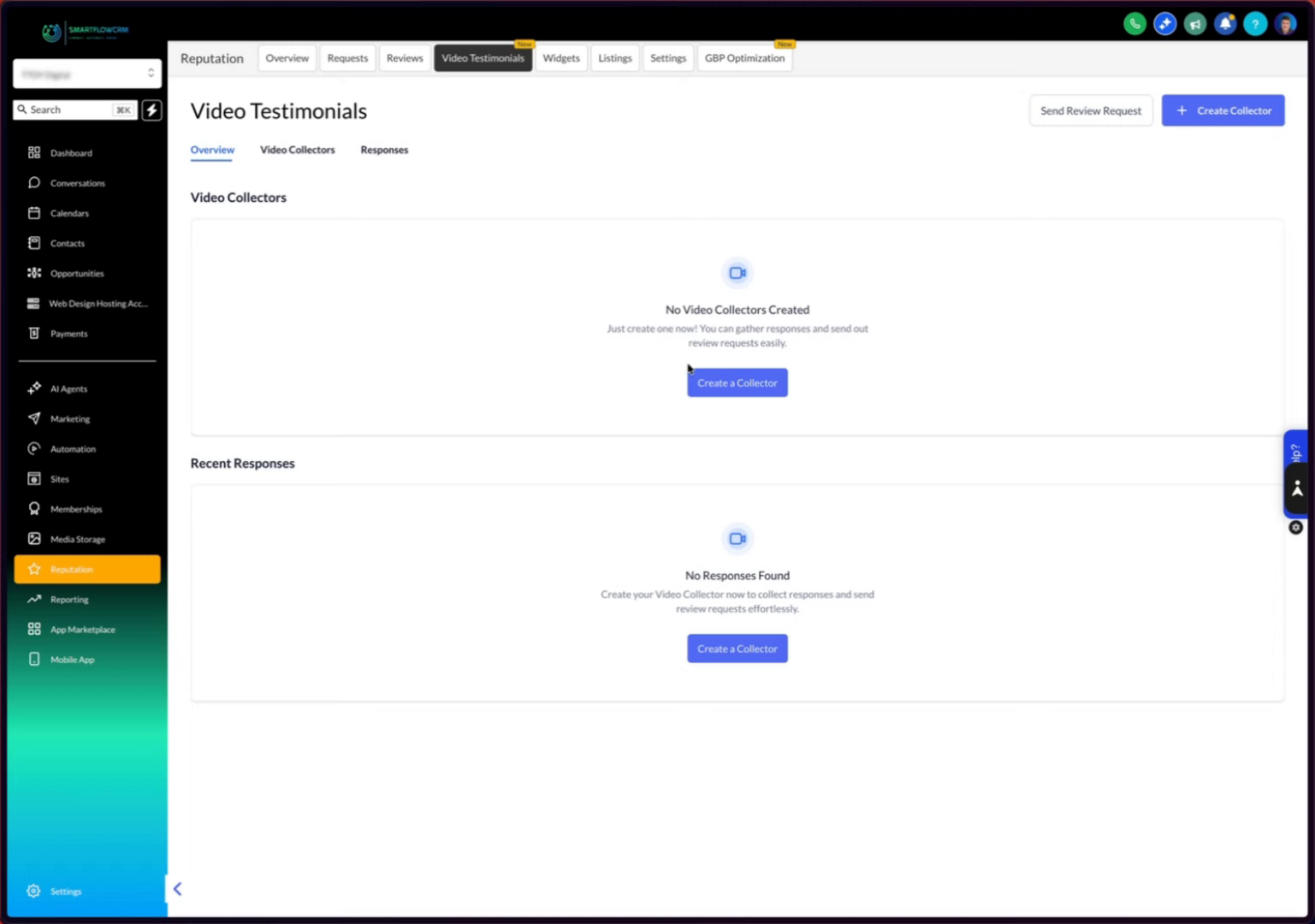
Click the Create a Collector button to start setting up your video review capture process.
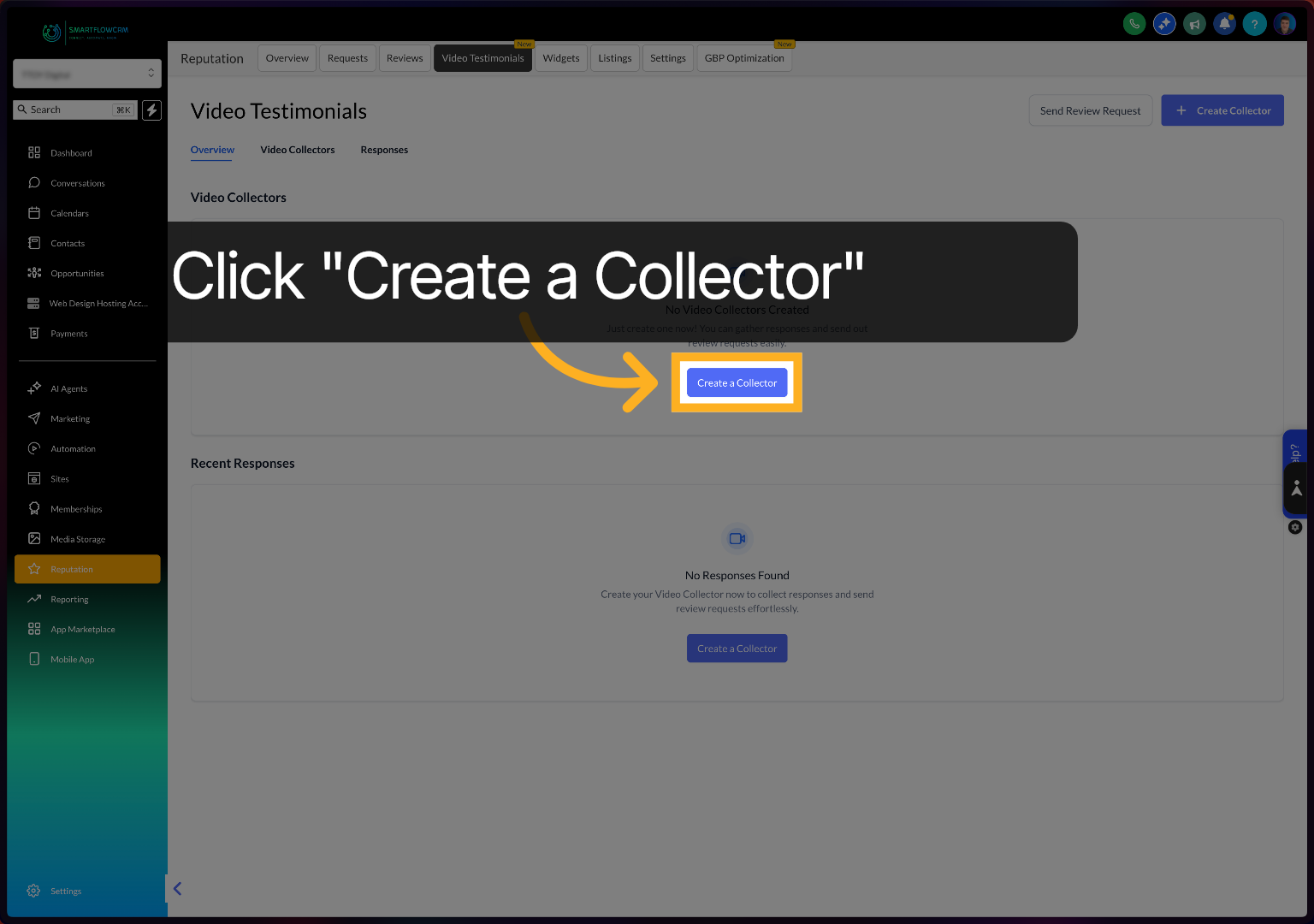
Click the New Template text to name your review template.
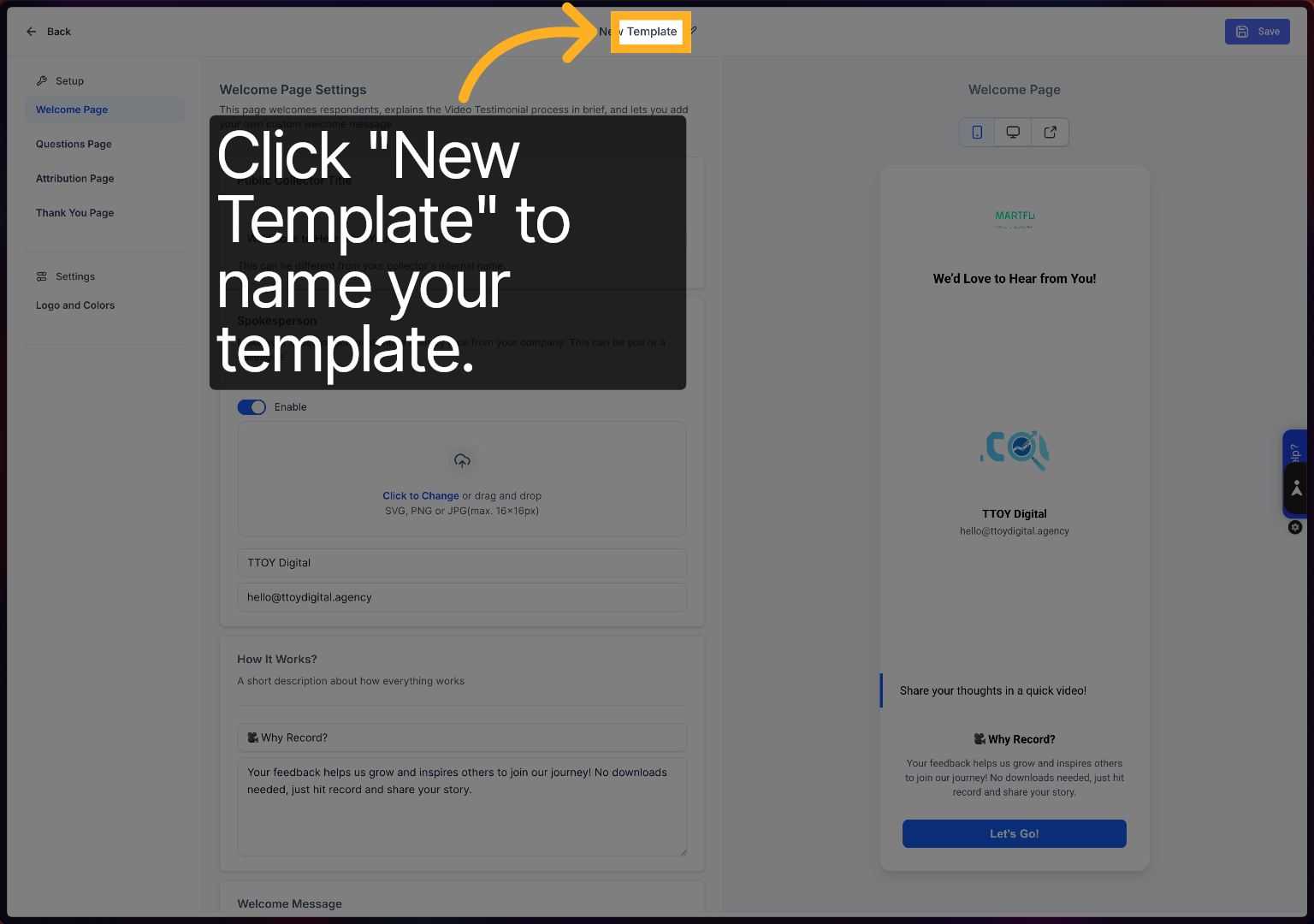
Enter your template name to identify it easily within your review collectors.
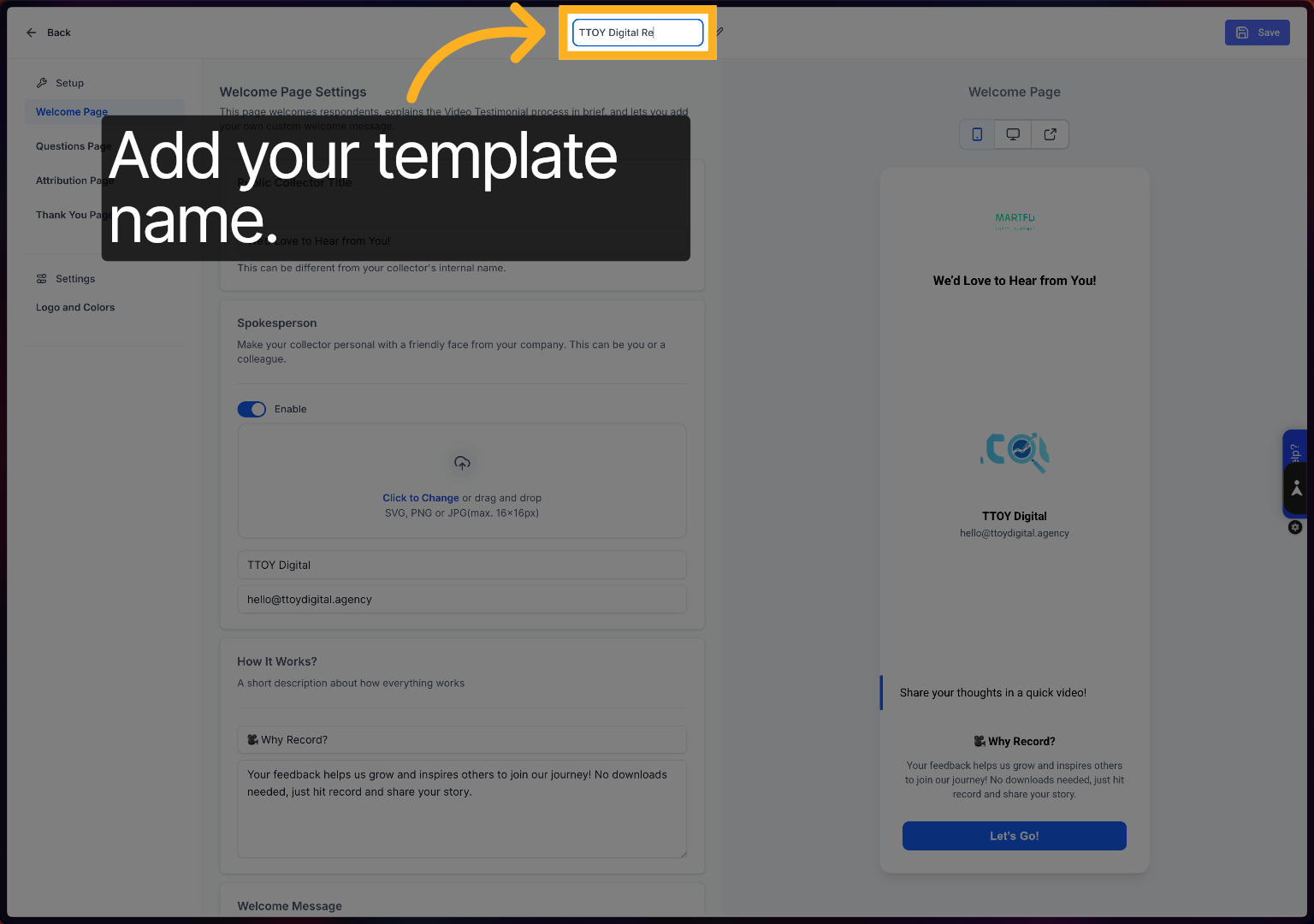
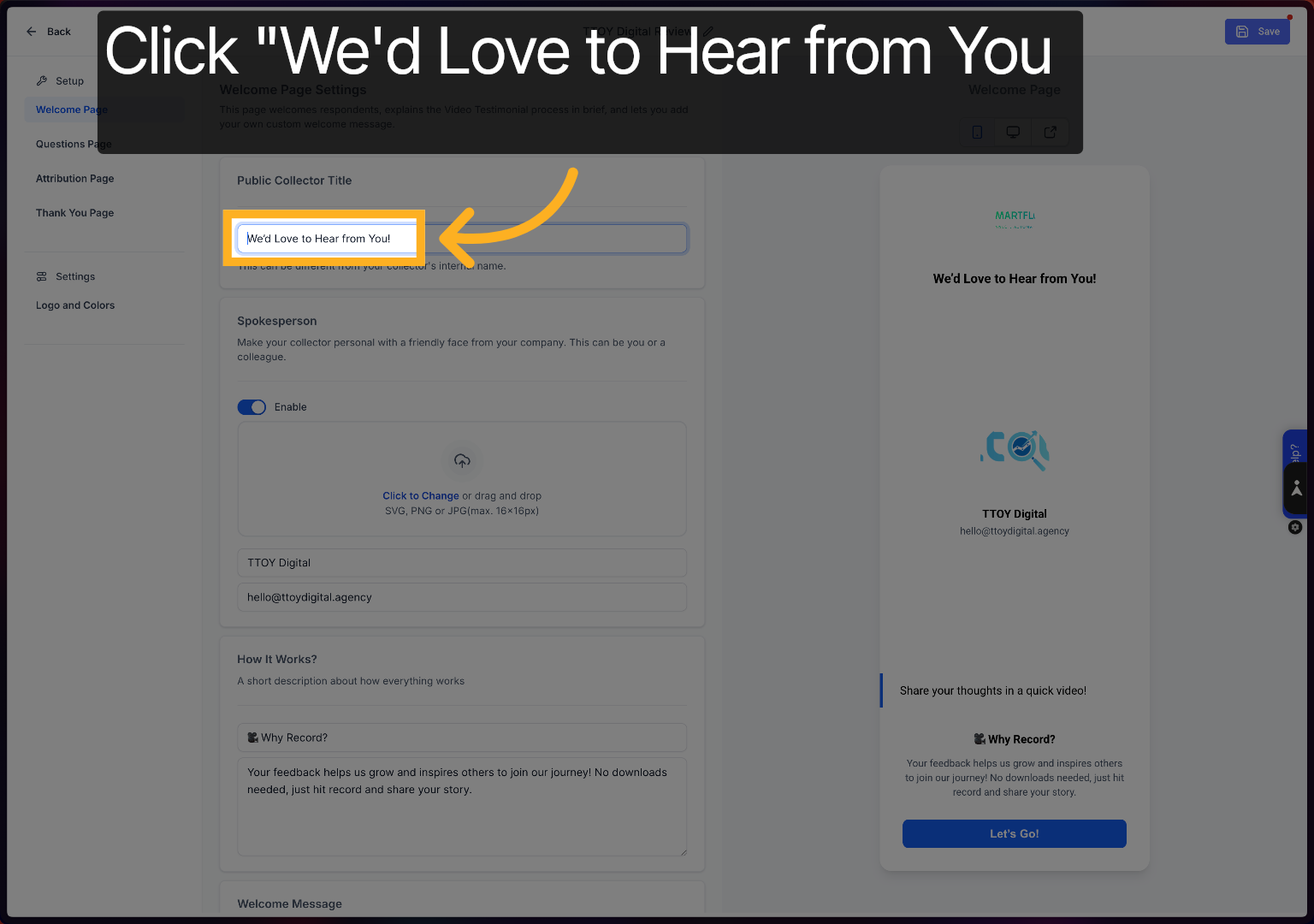
Click the We'd Love to Hear from You text to change the text.
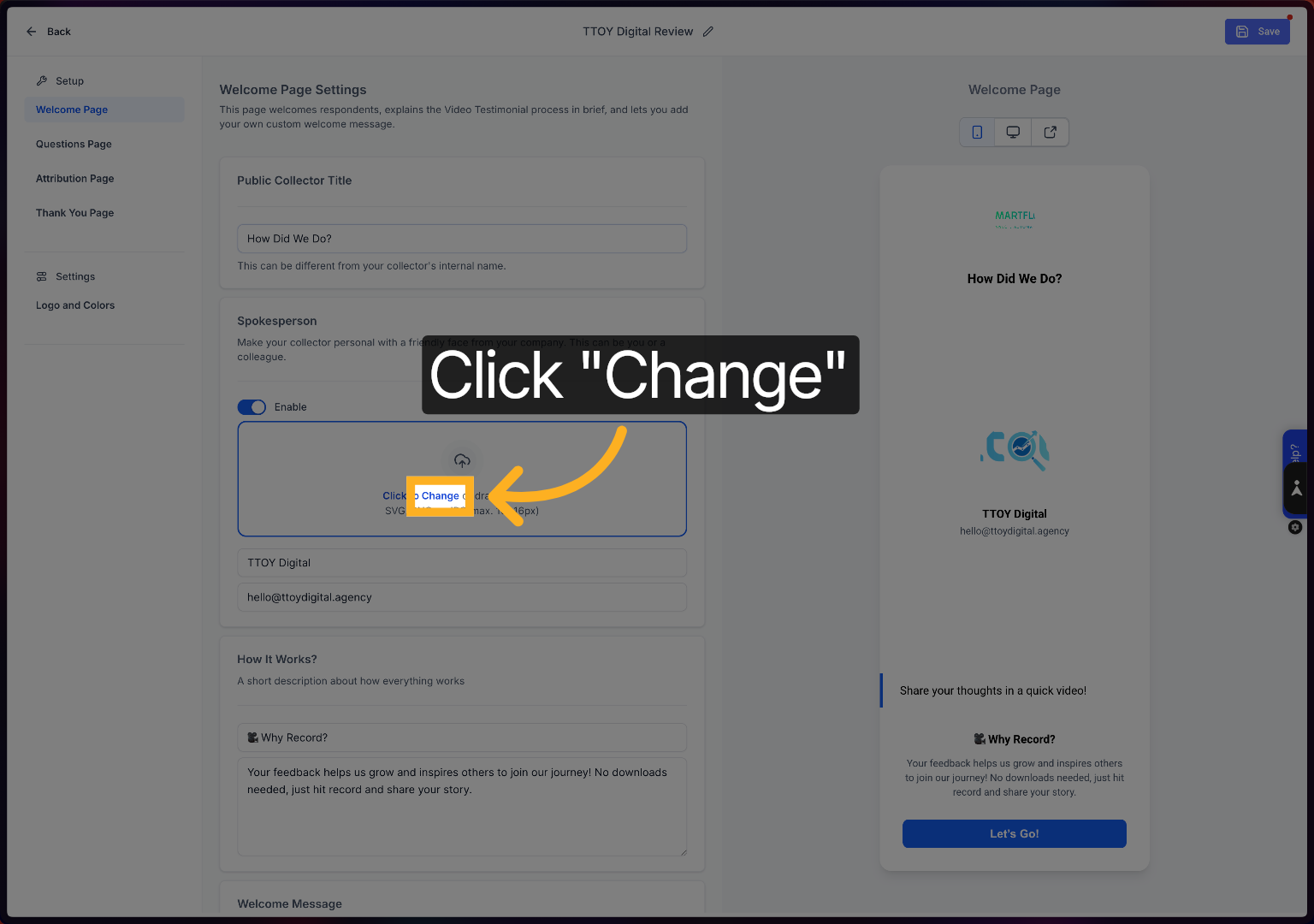
Click the Change button to modify the image or media associated with your review template.
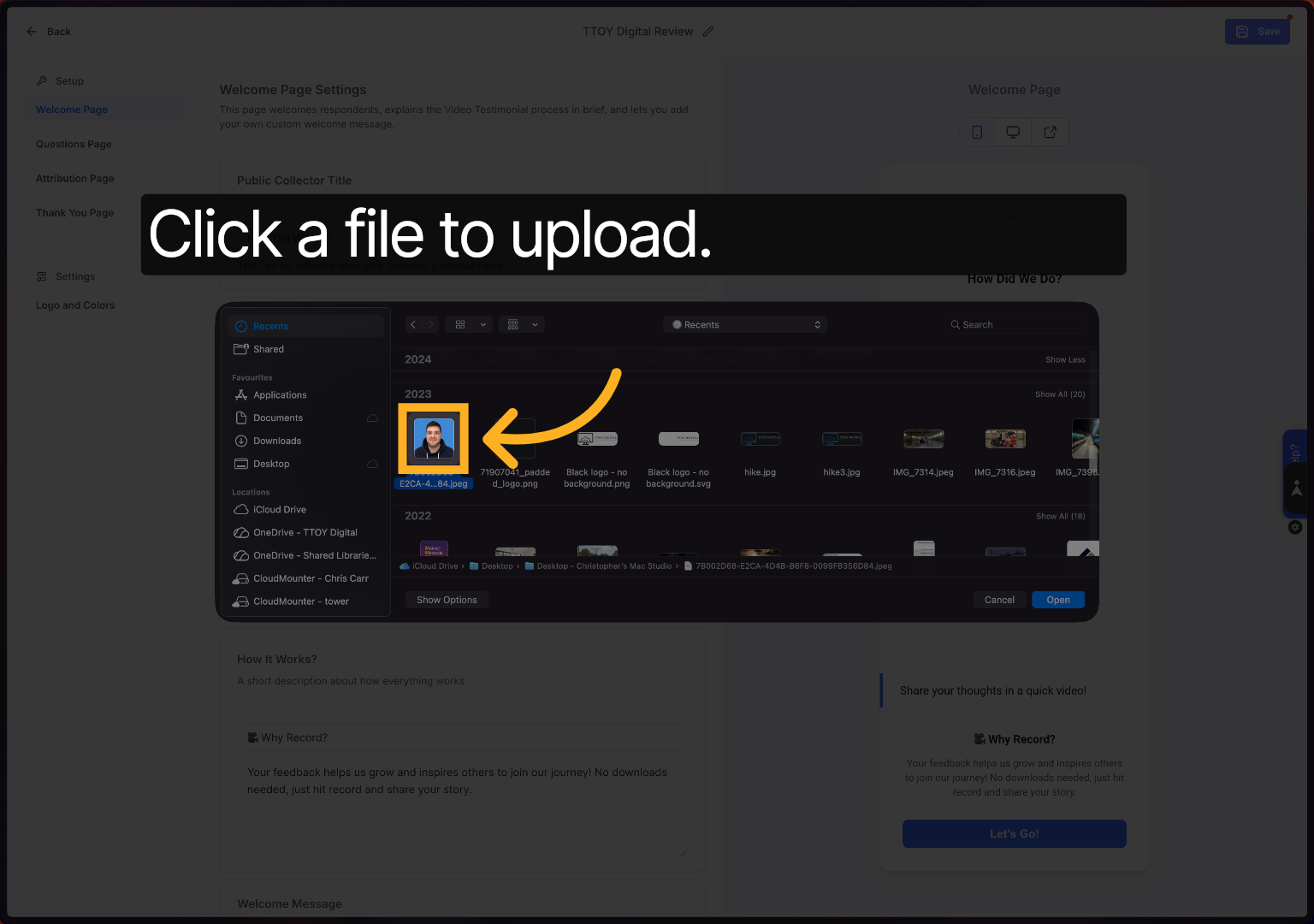
Click the image file to use it as part of your review capture template.
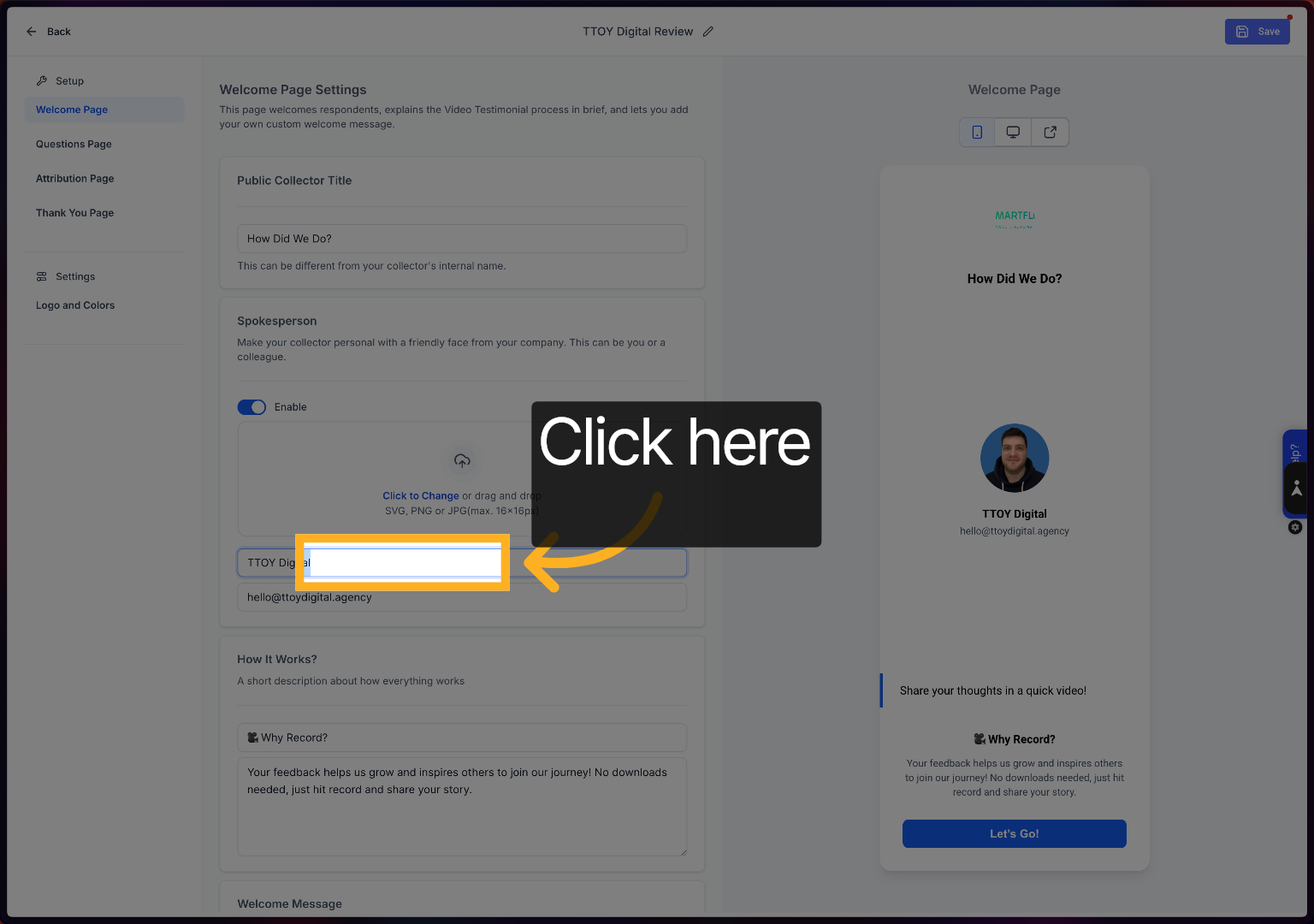
To add your your name
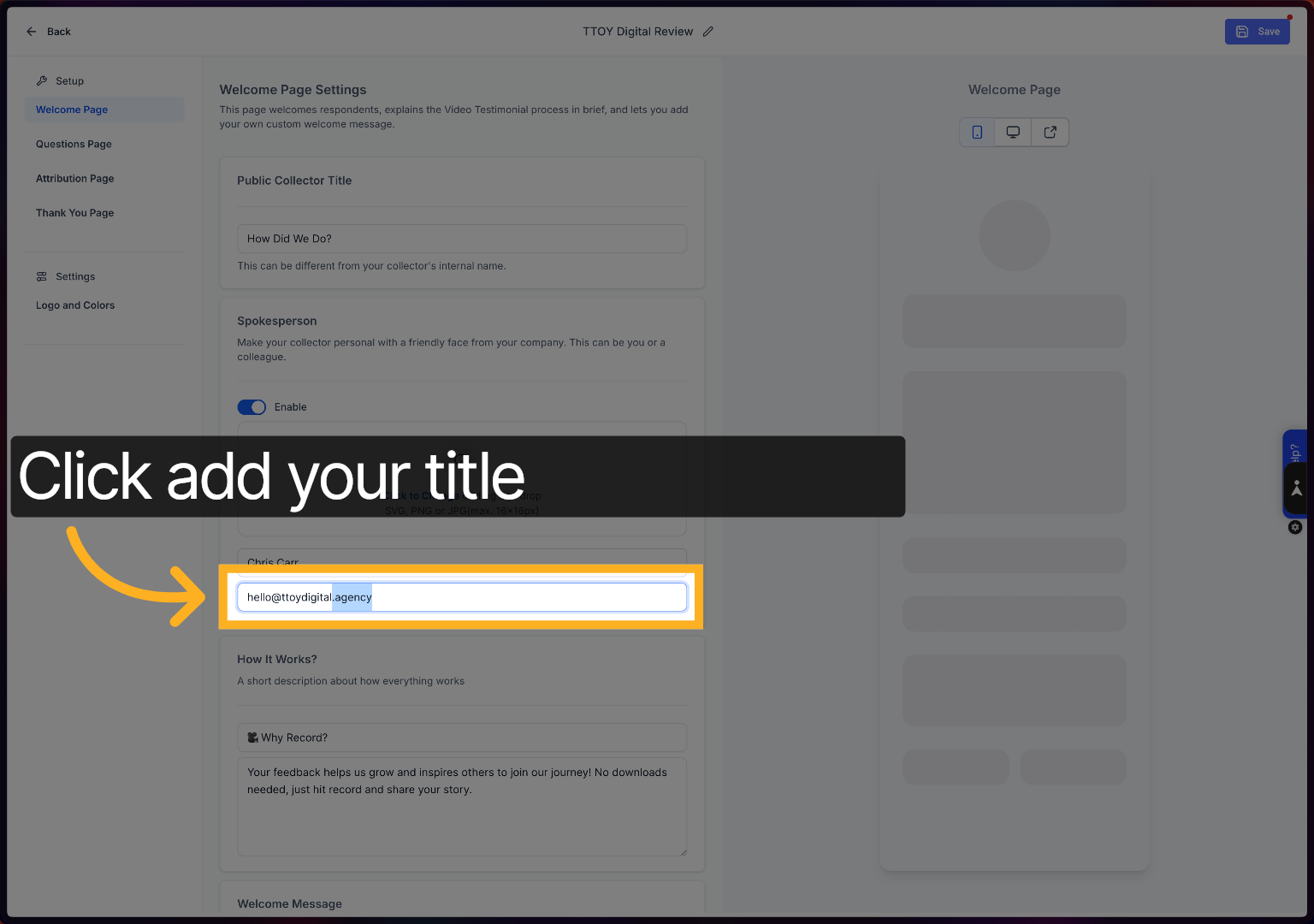
This sill allow you to add your title.
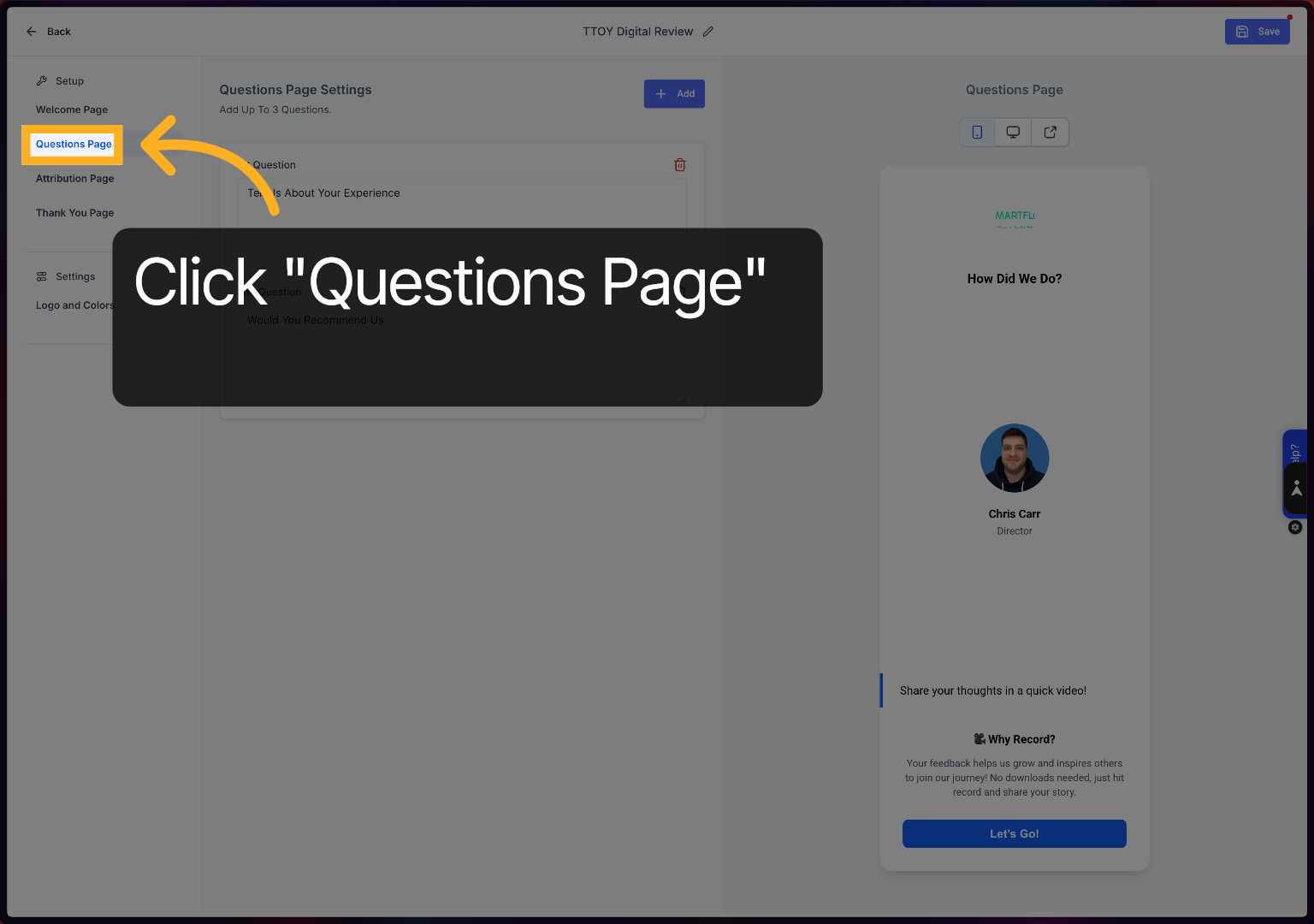
Click the Question Page option to add or change the questions that you want to ask your customers.
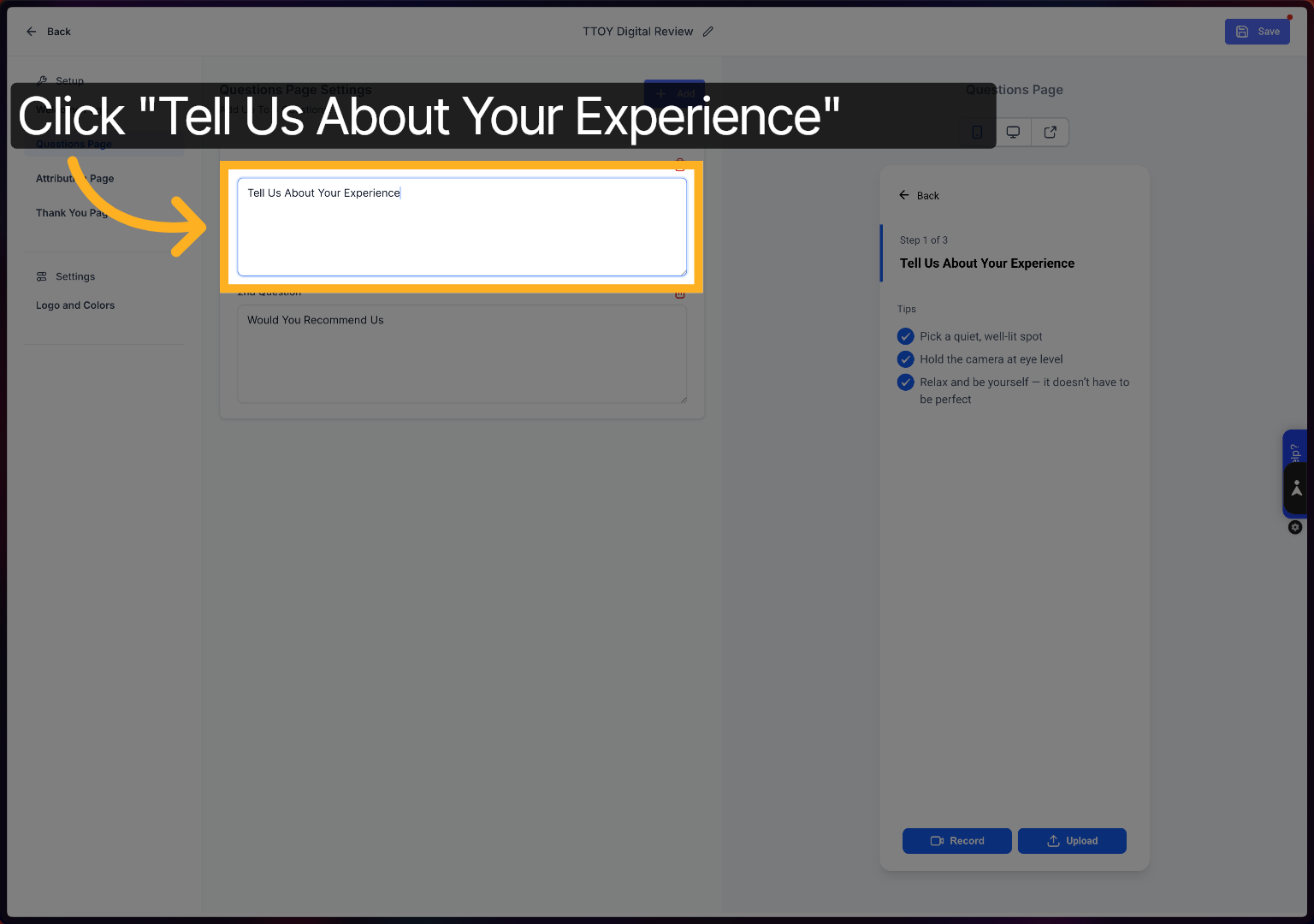
Click Tell Us About Your Experience to change the question
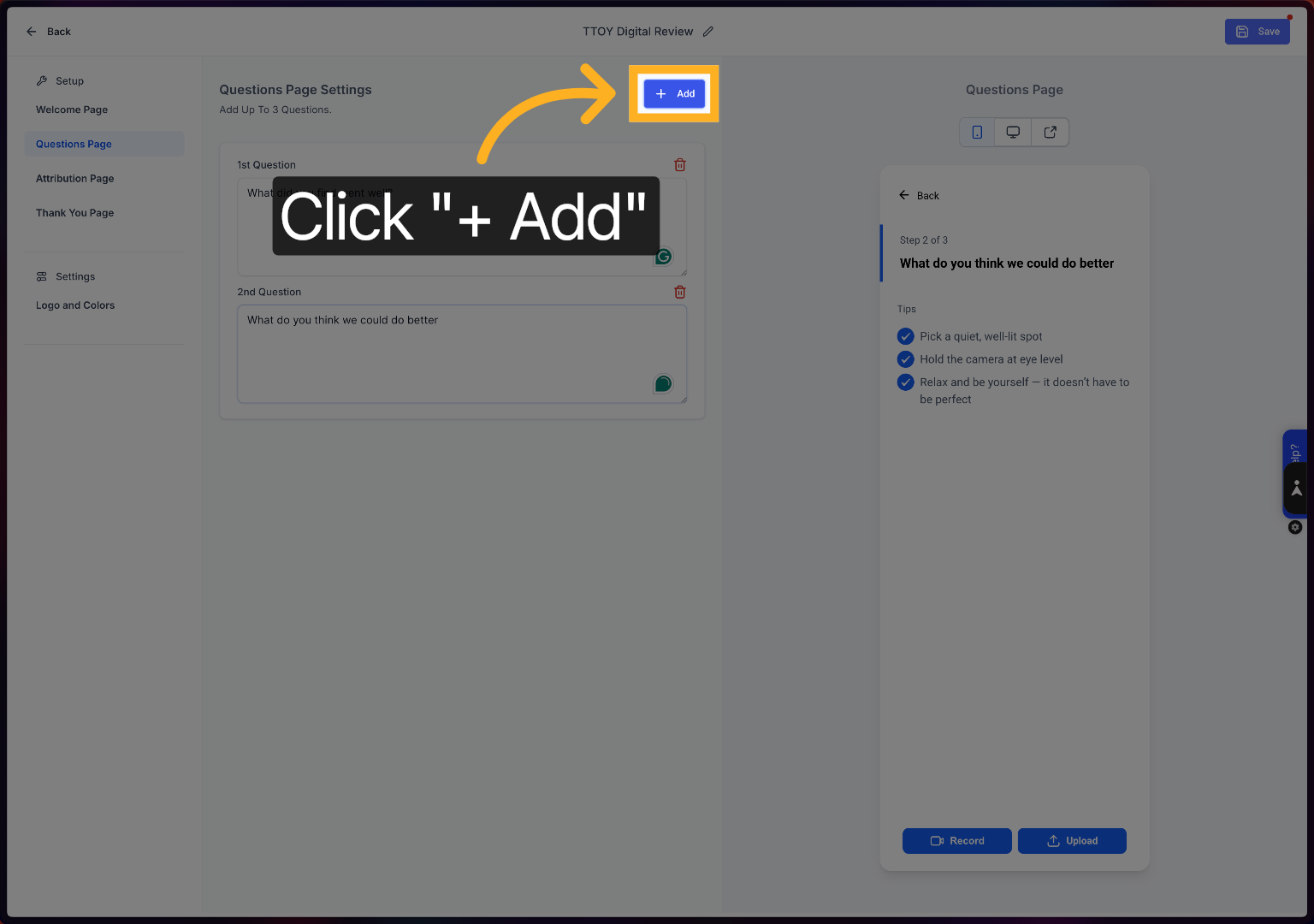
Click Add to insert additional questions into your review template.
Click here to proceed with further template customisation options.
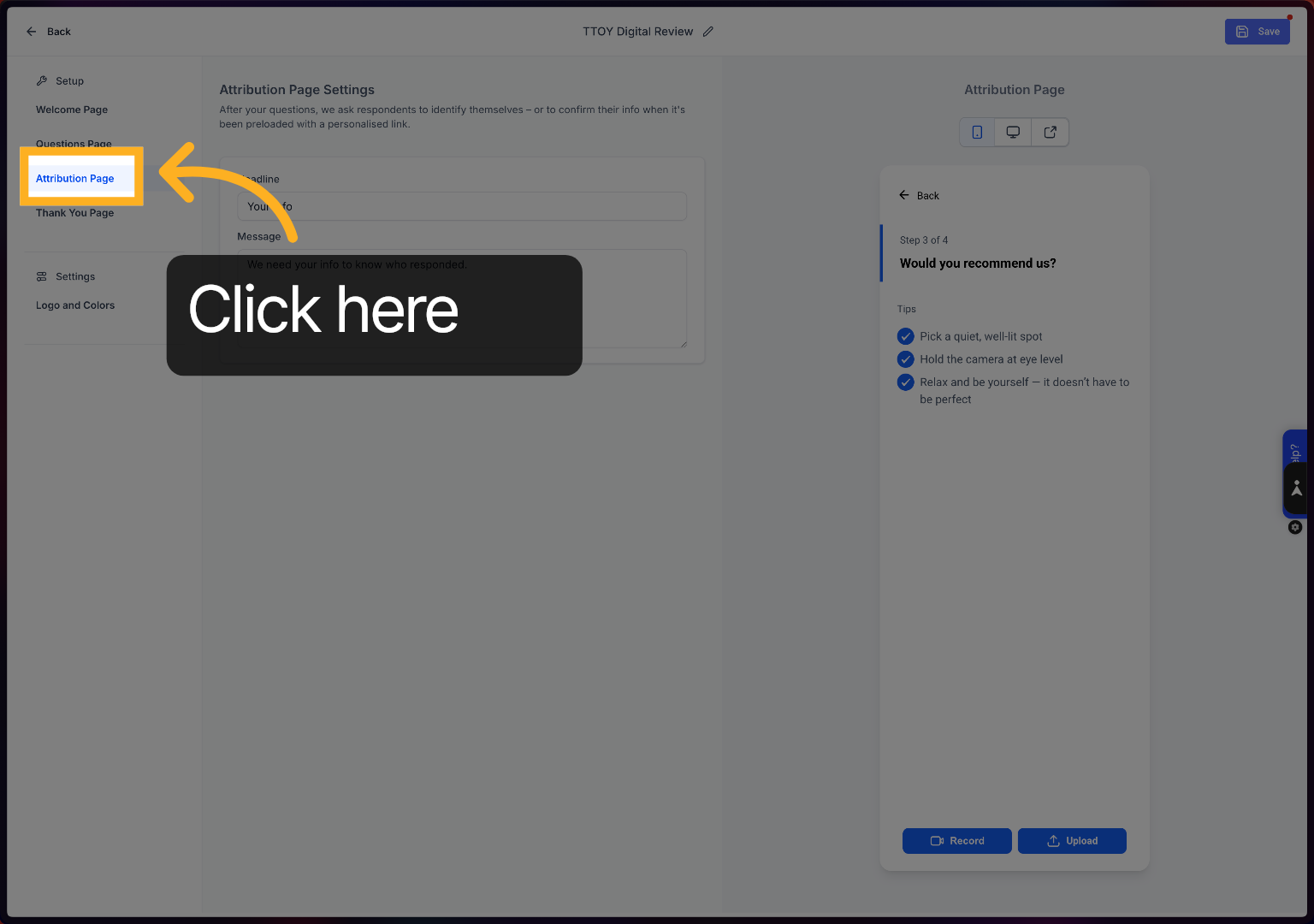
Click We need your info to know who responded to ensure proper identification.
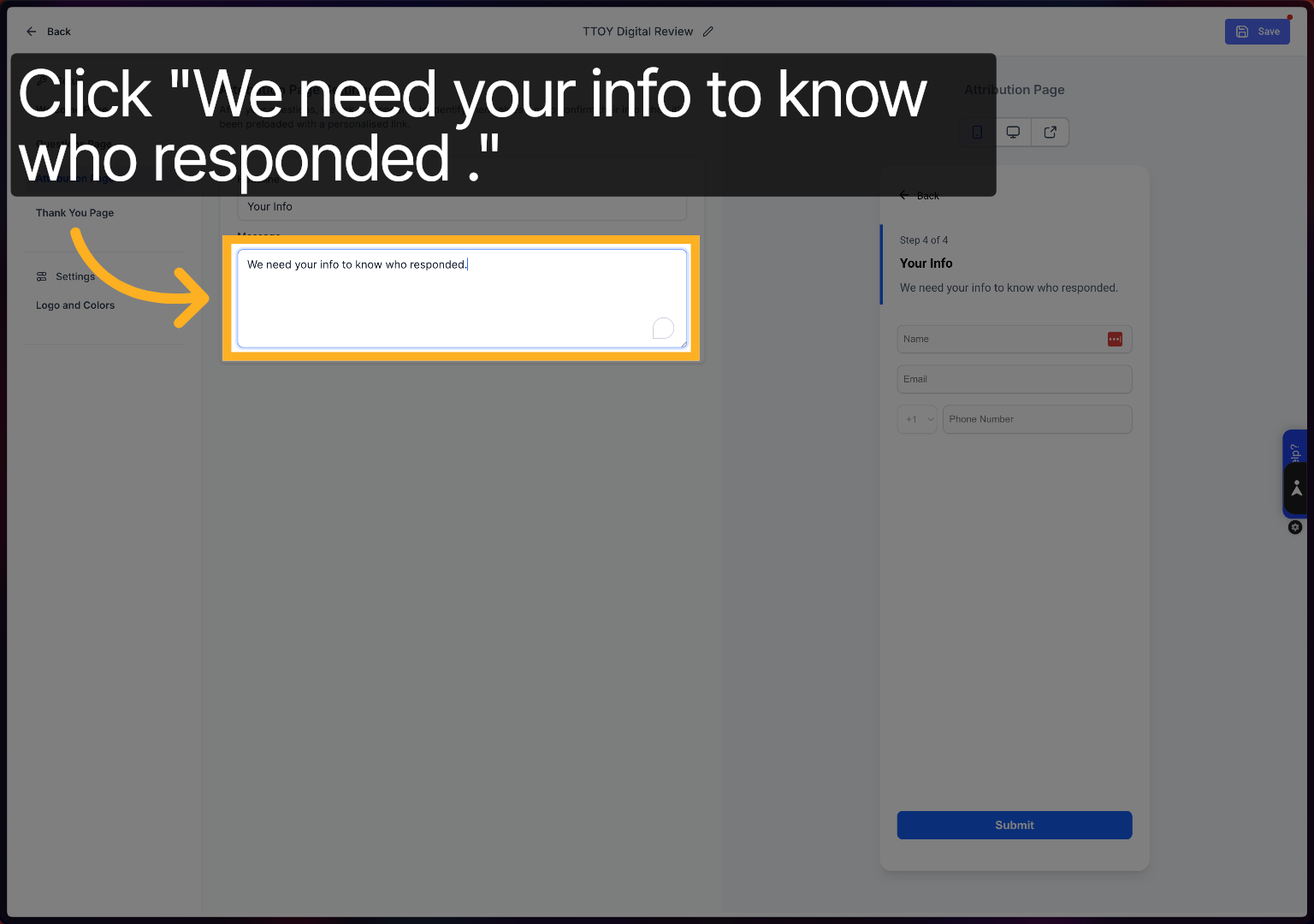
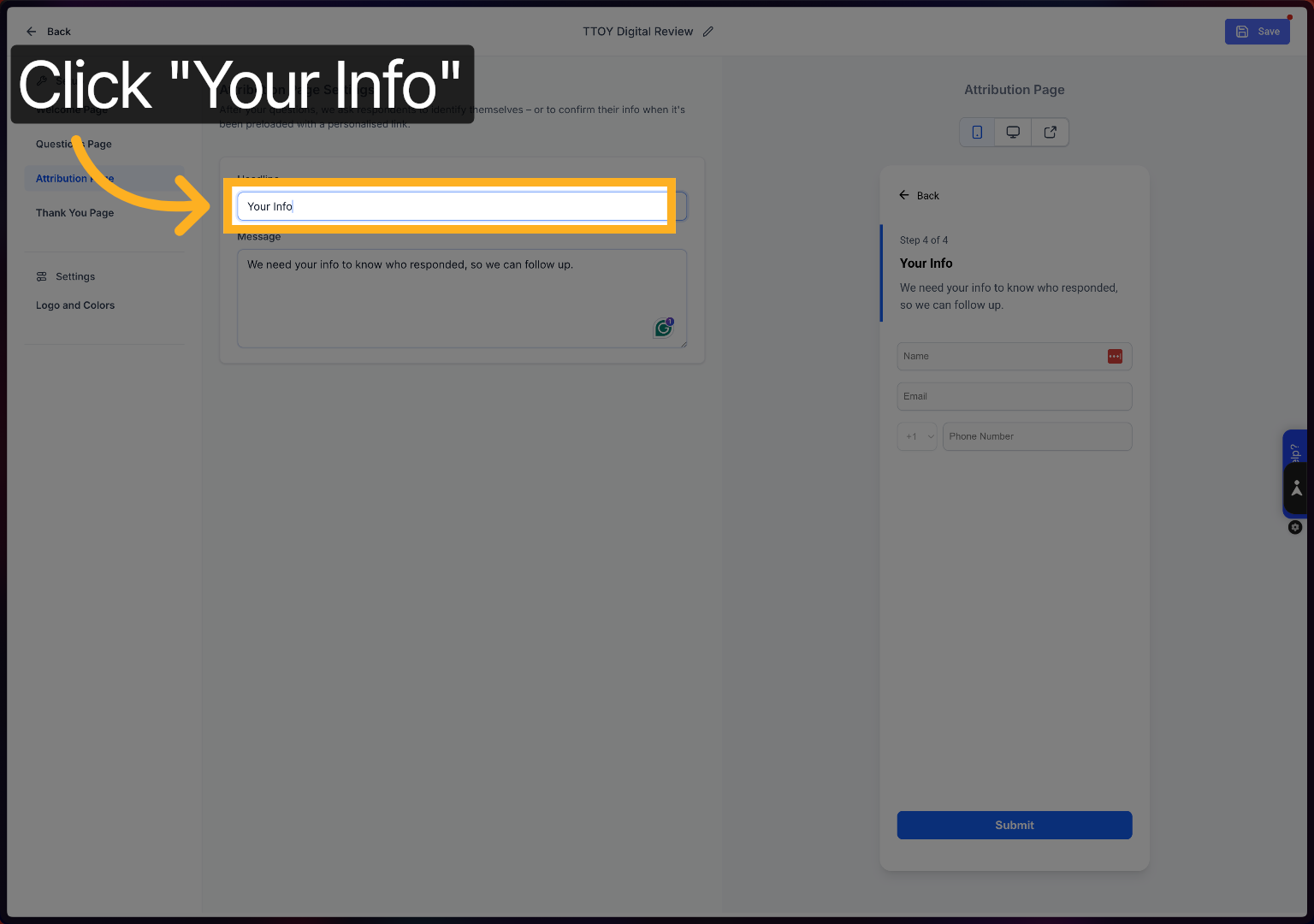
Click Your Info to configure respondent information collection settings.
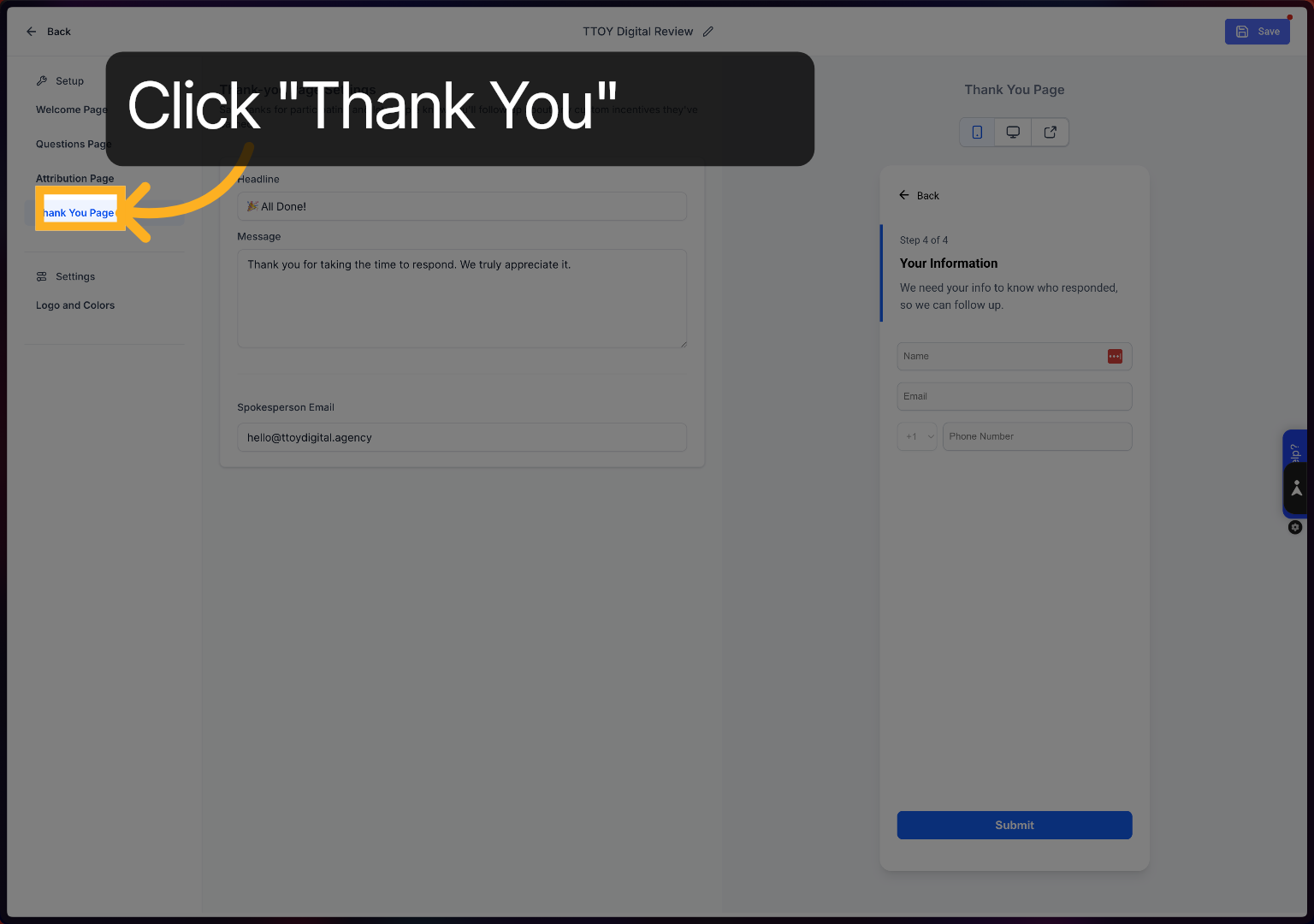
Click the Thank You page to personalise the respondent information fields.
Click the email address field to set up contact details for review responses.
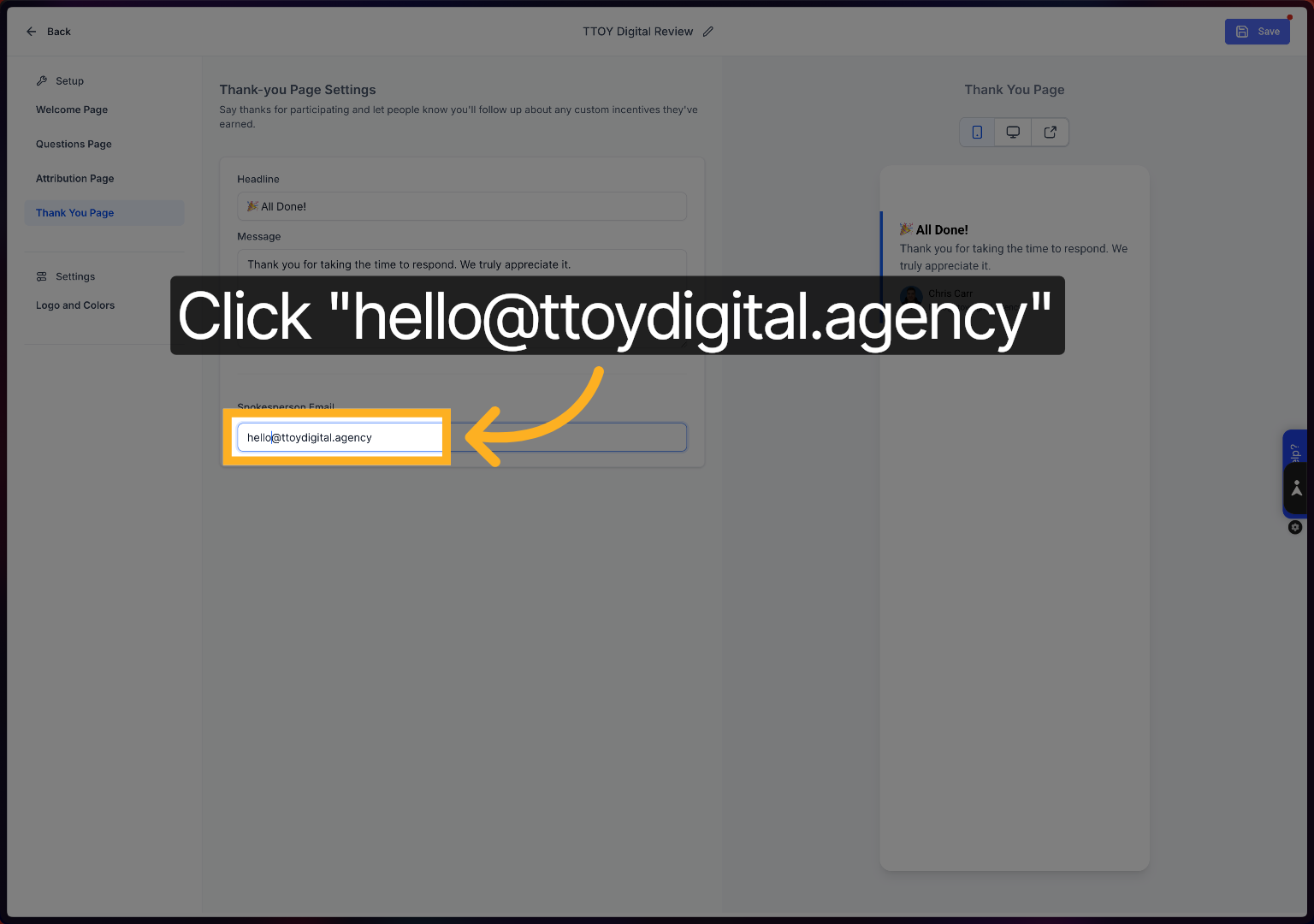
Click Logo and Colours to customise the colour scheme of your review capture screen.
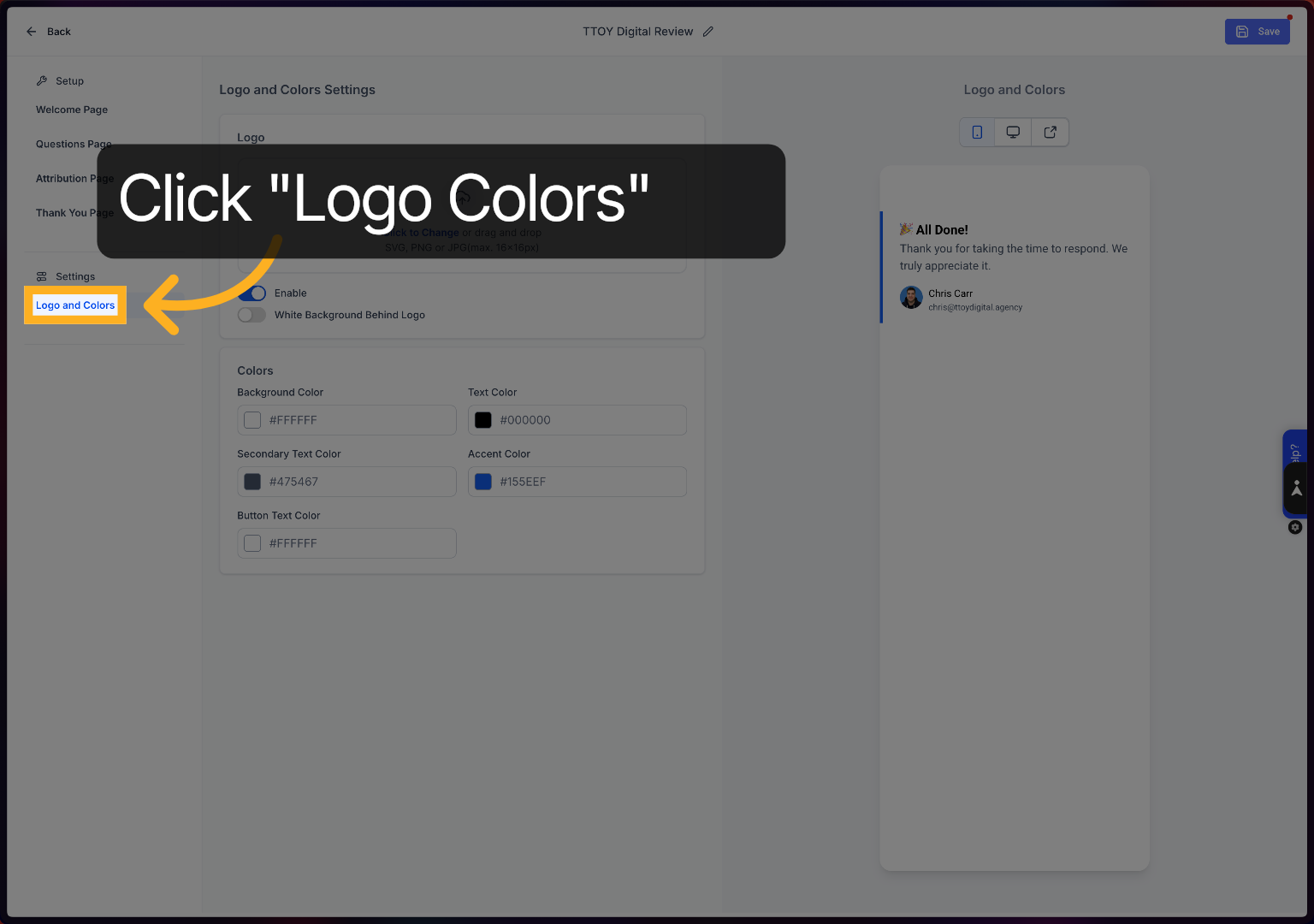
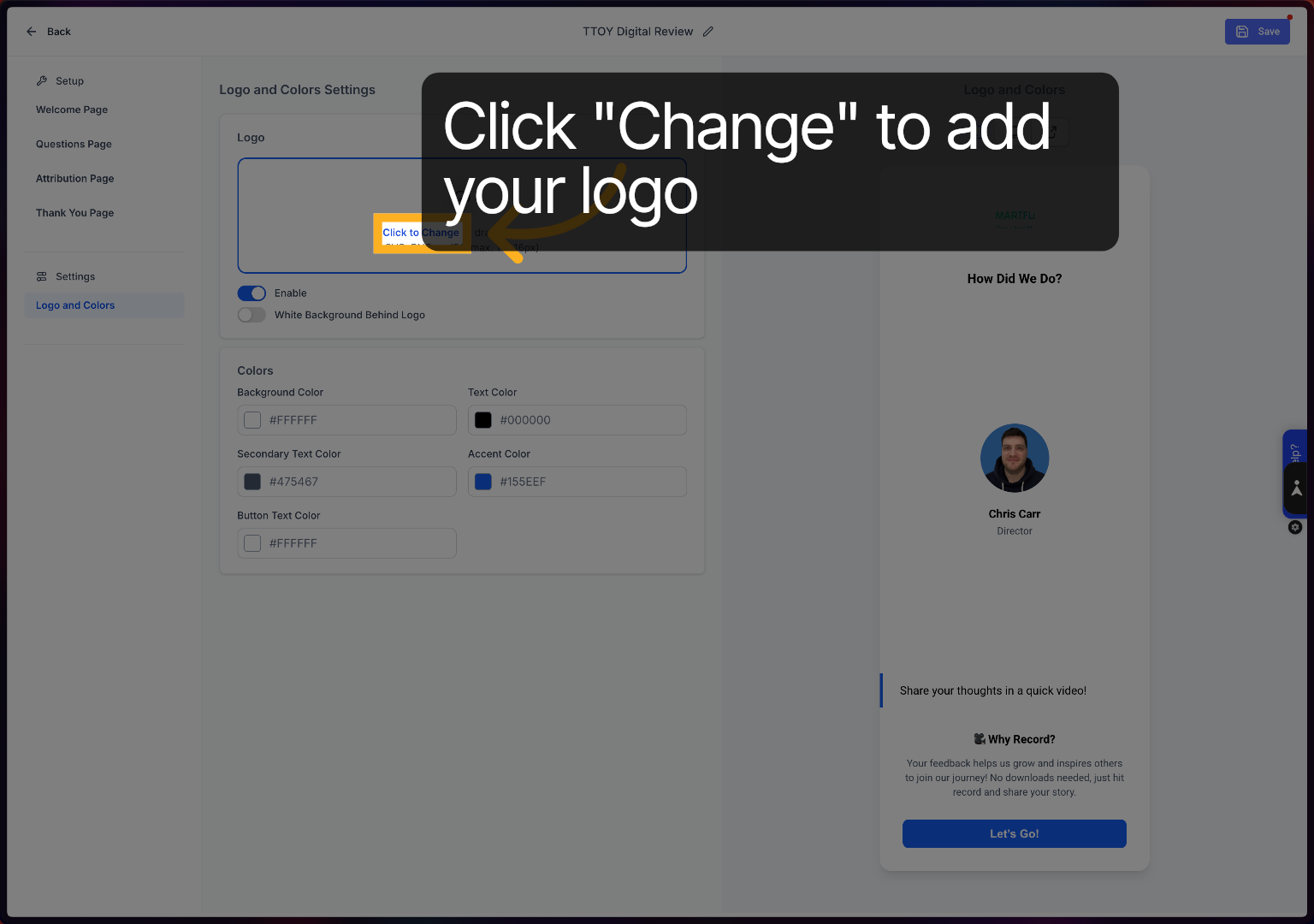
Click Change to upload your logo.
Click to change the colour
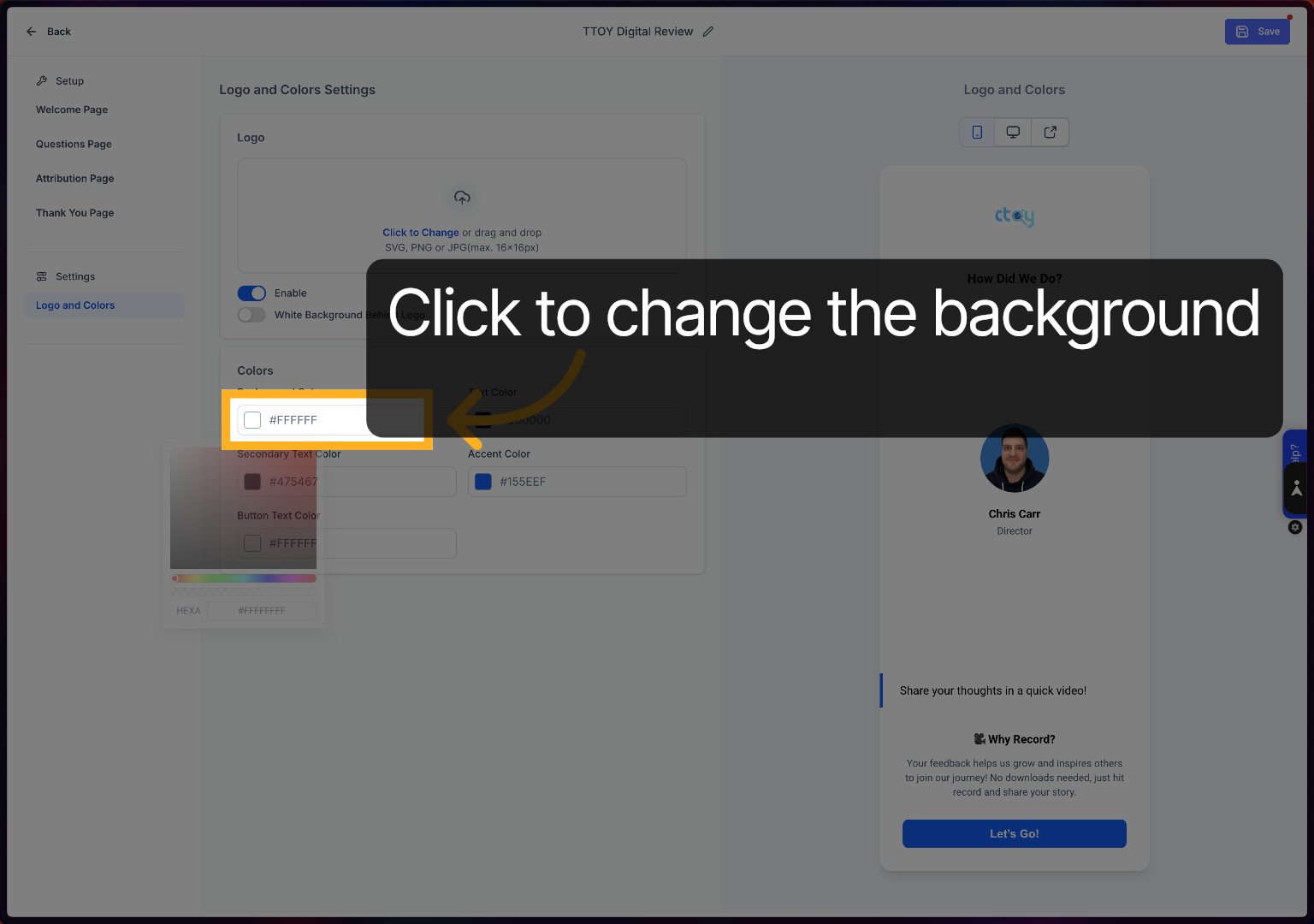
Click here to fine-tune the selected colour settings for your template.
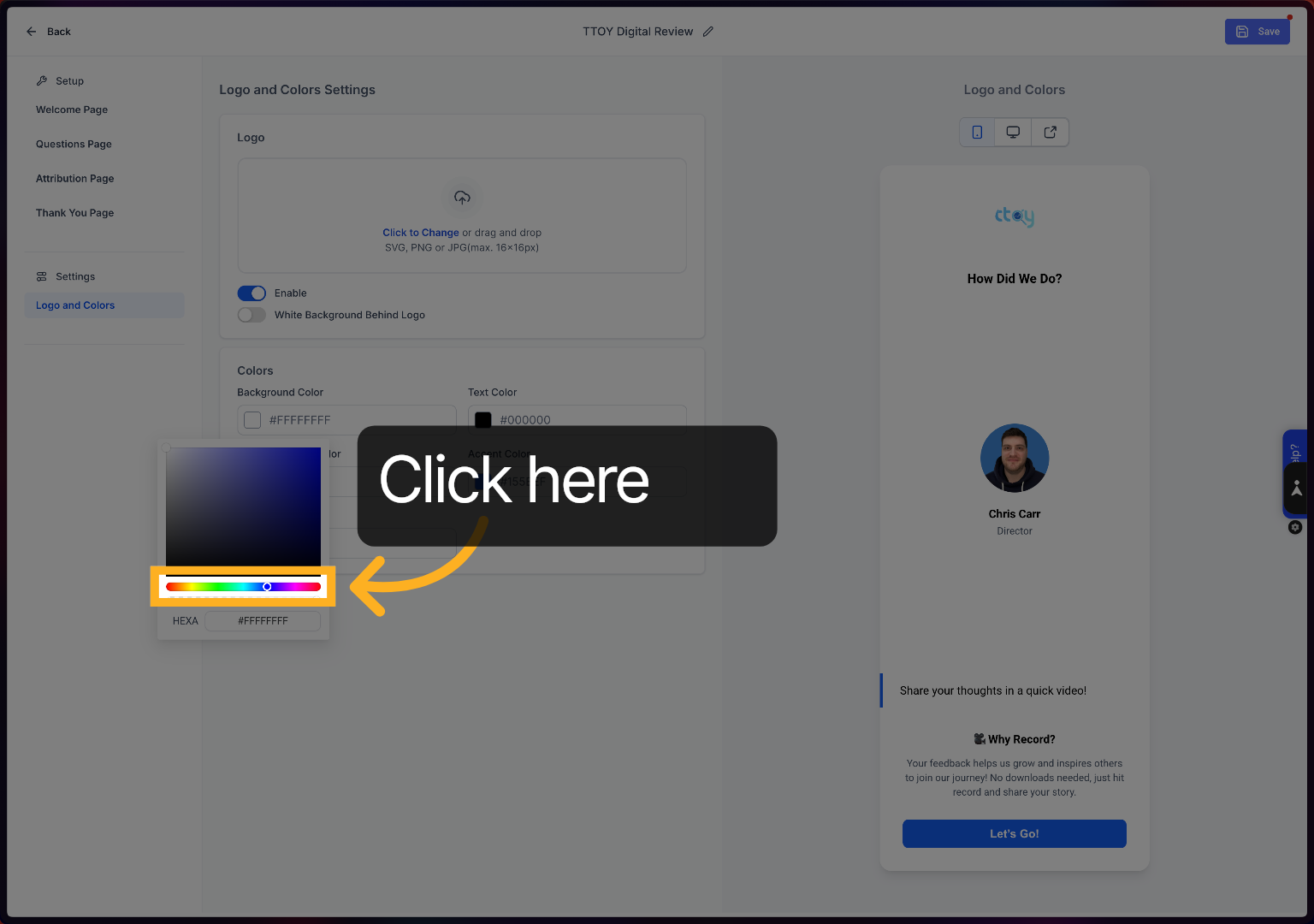
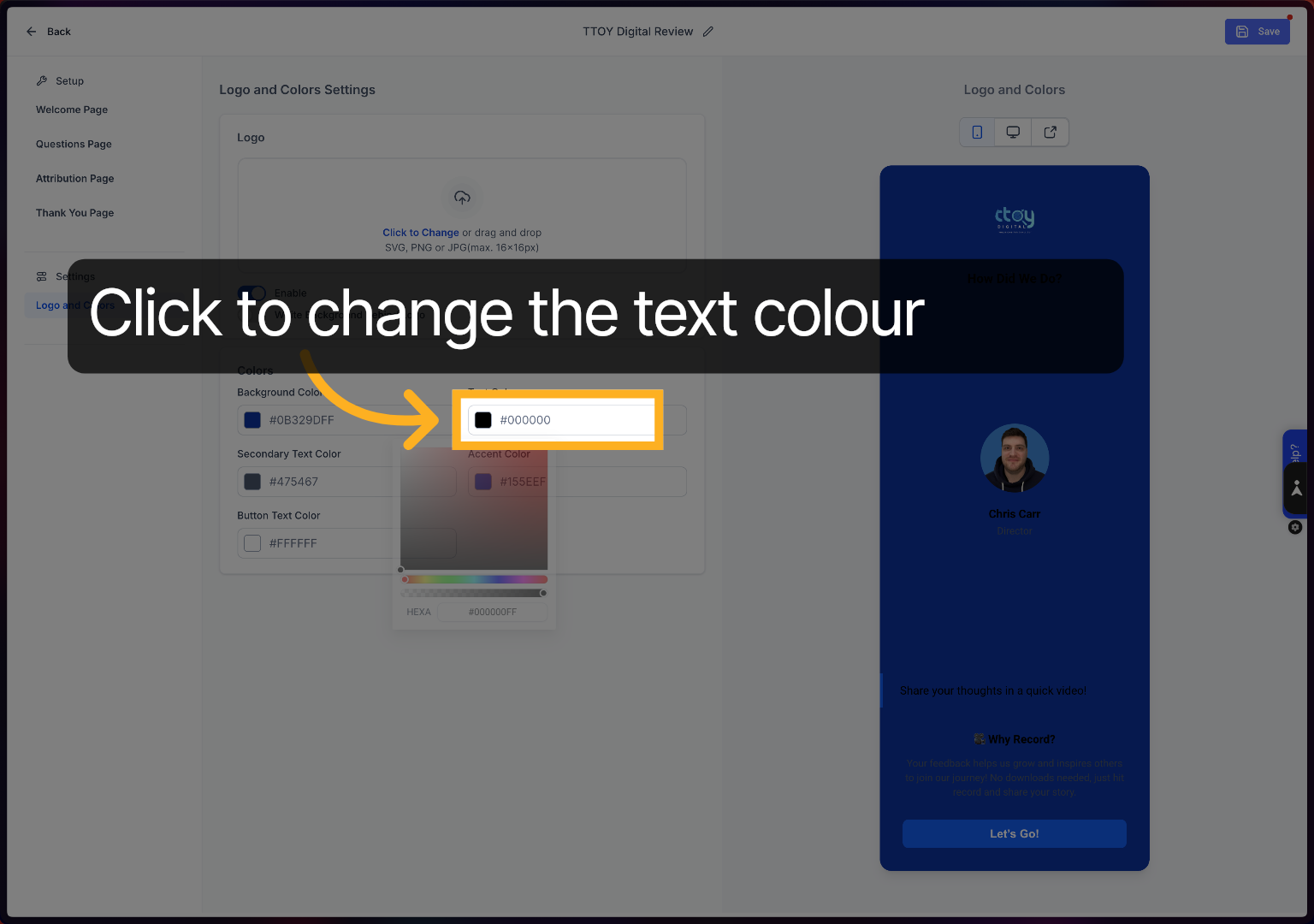
Click to change the main text colour
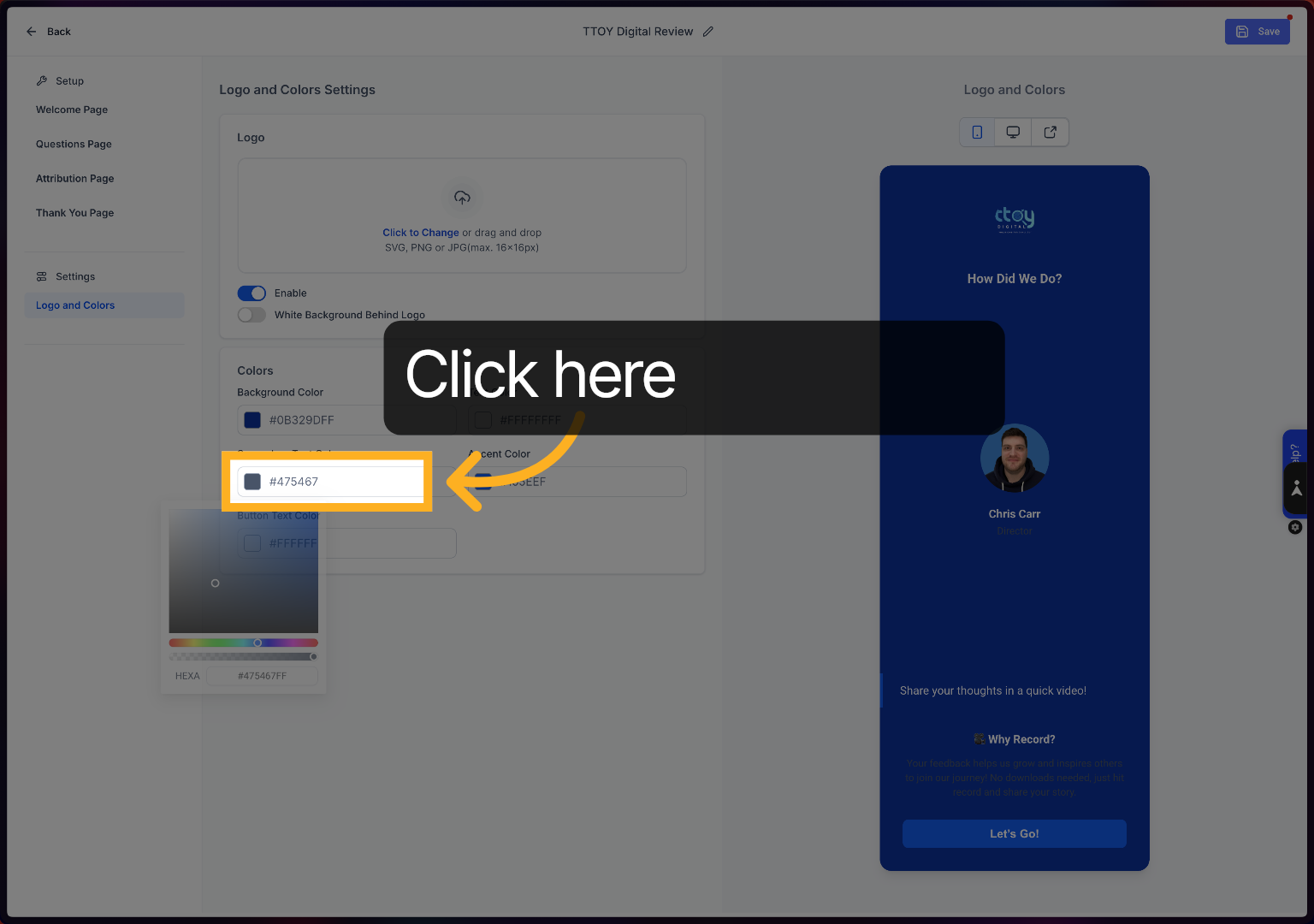
Click to change your secondary text colour.
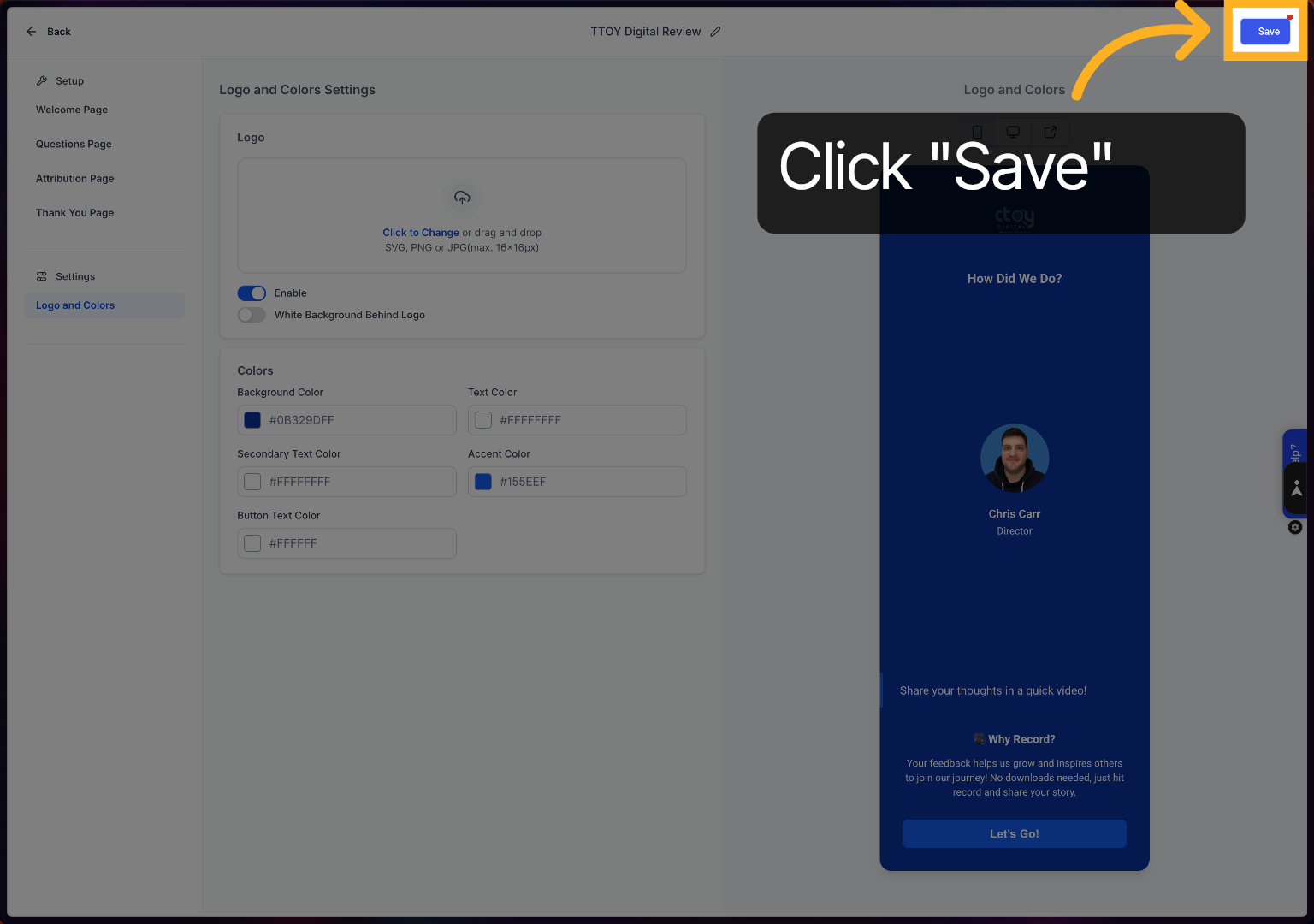
Click Save to store all your template changes and customisations.
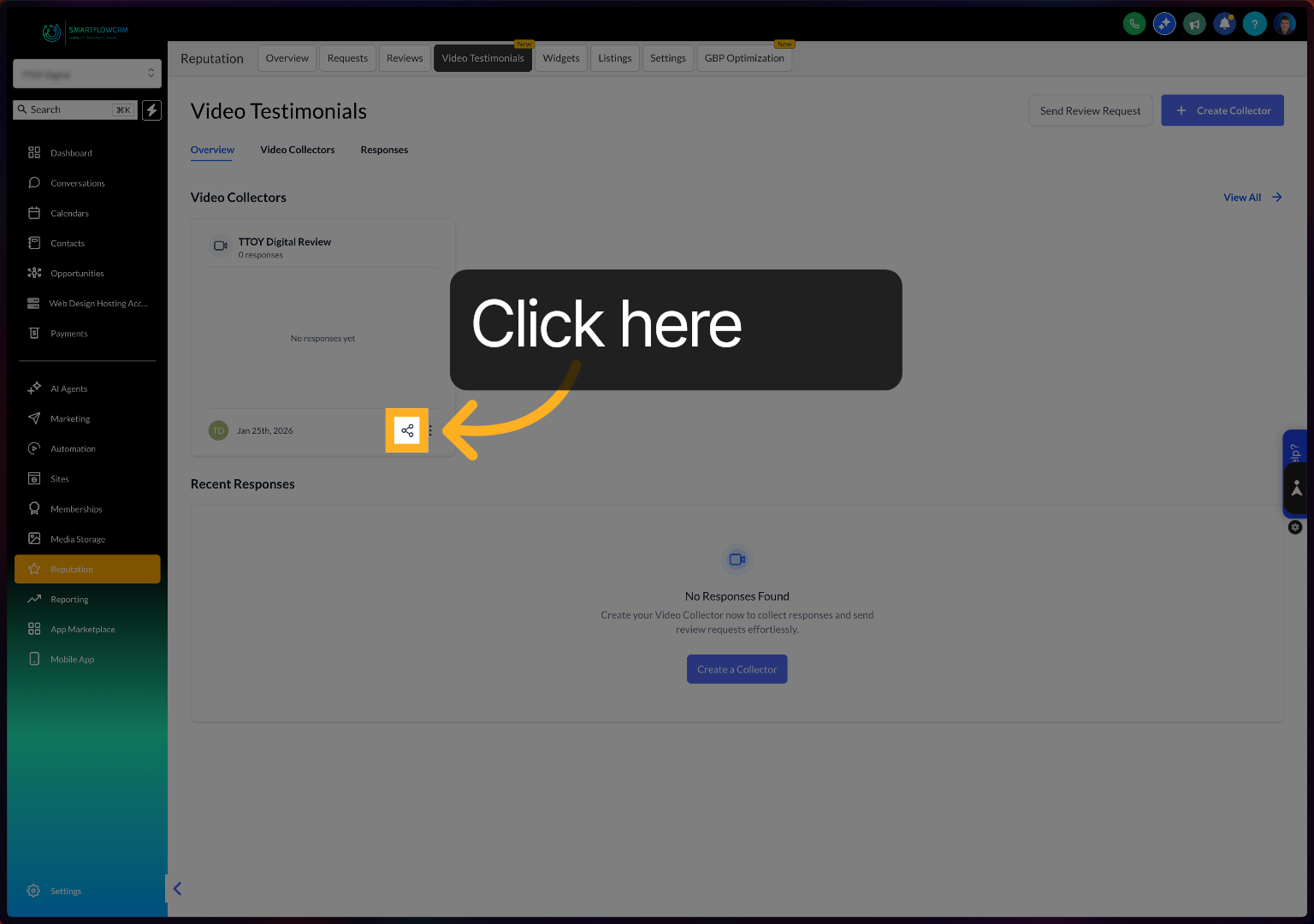
Click here to send a review request
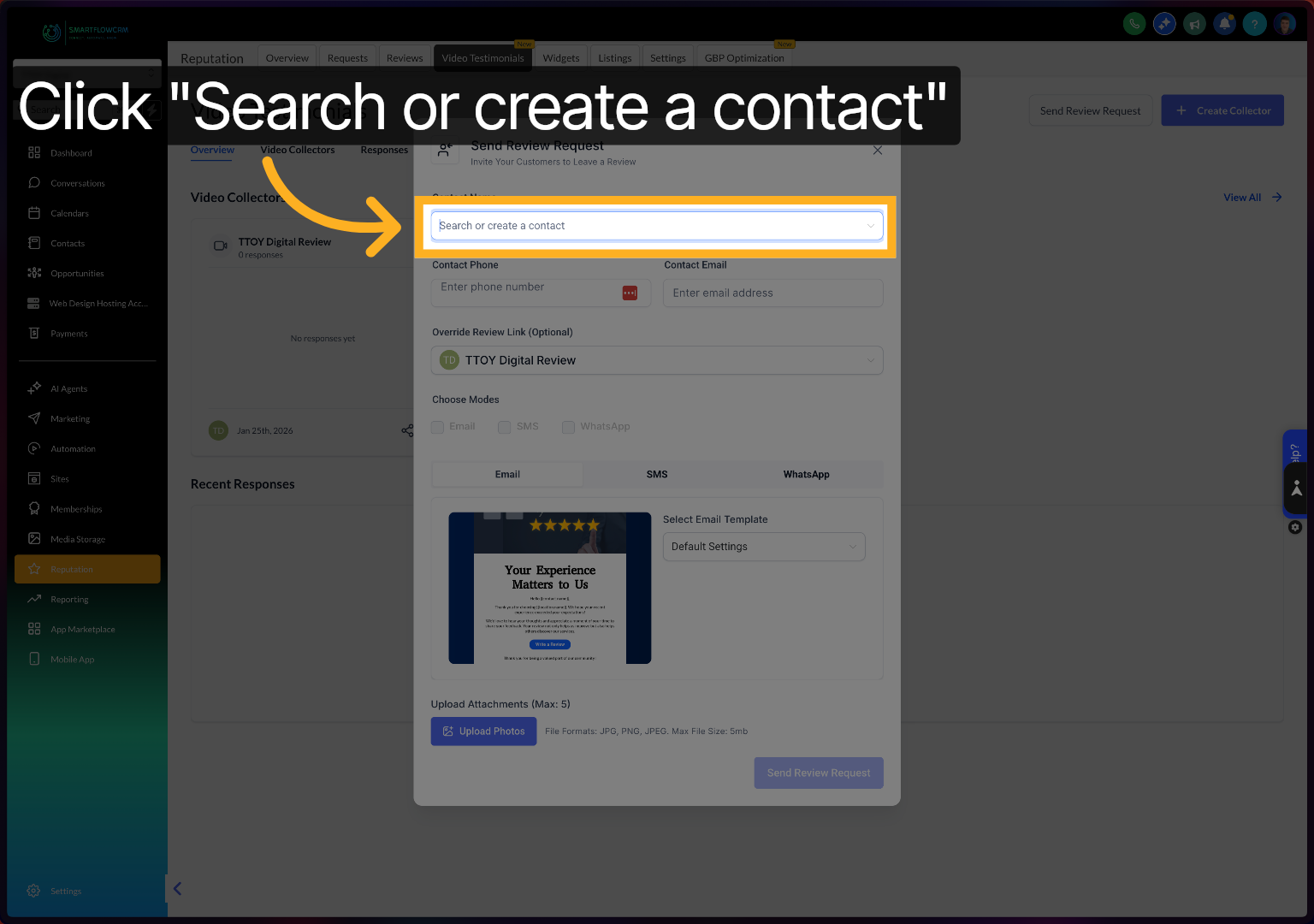
Click Search or create a contact to select the recipient for your review request.
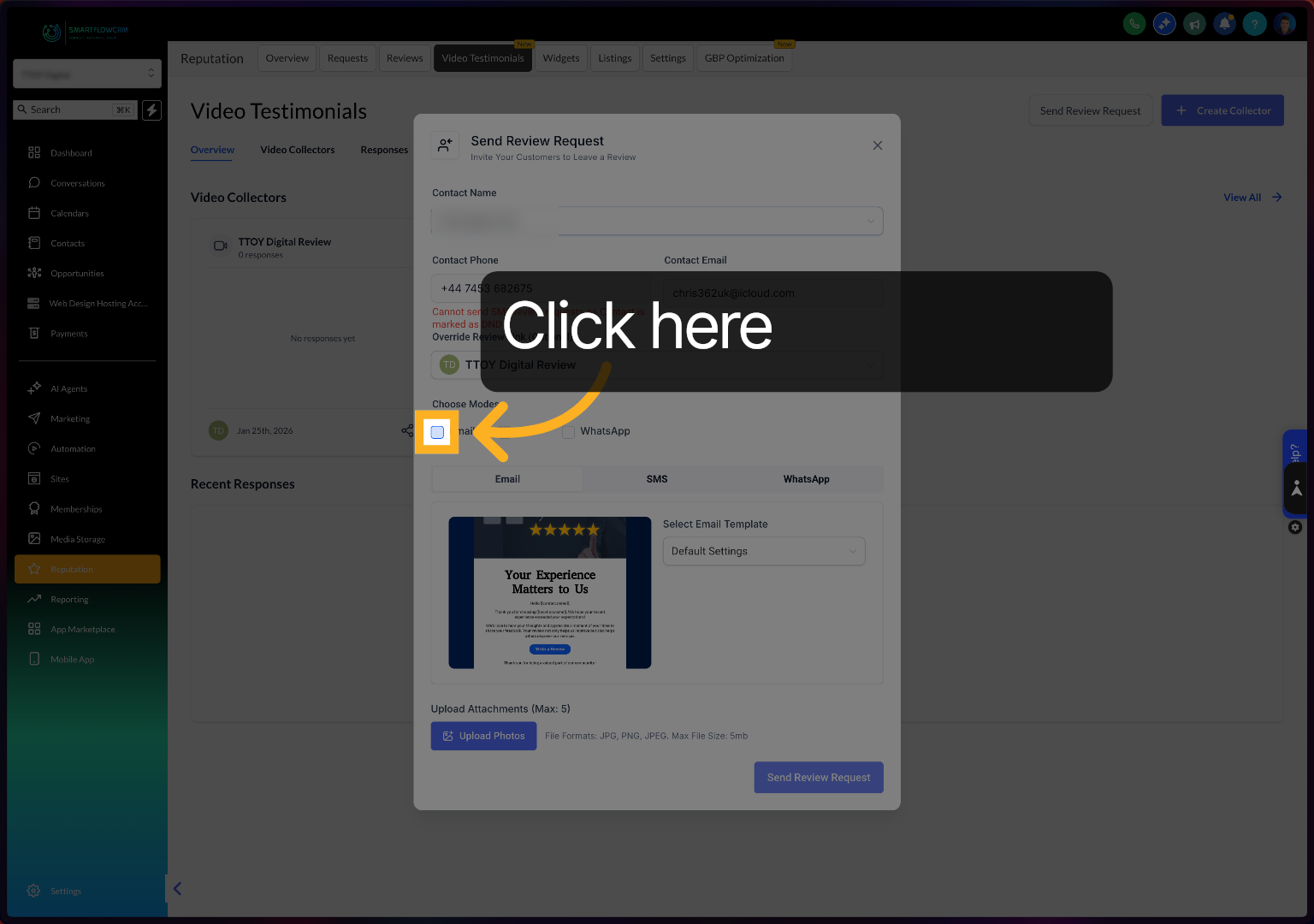
Click here to send by email
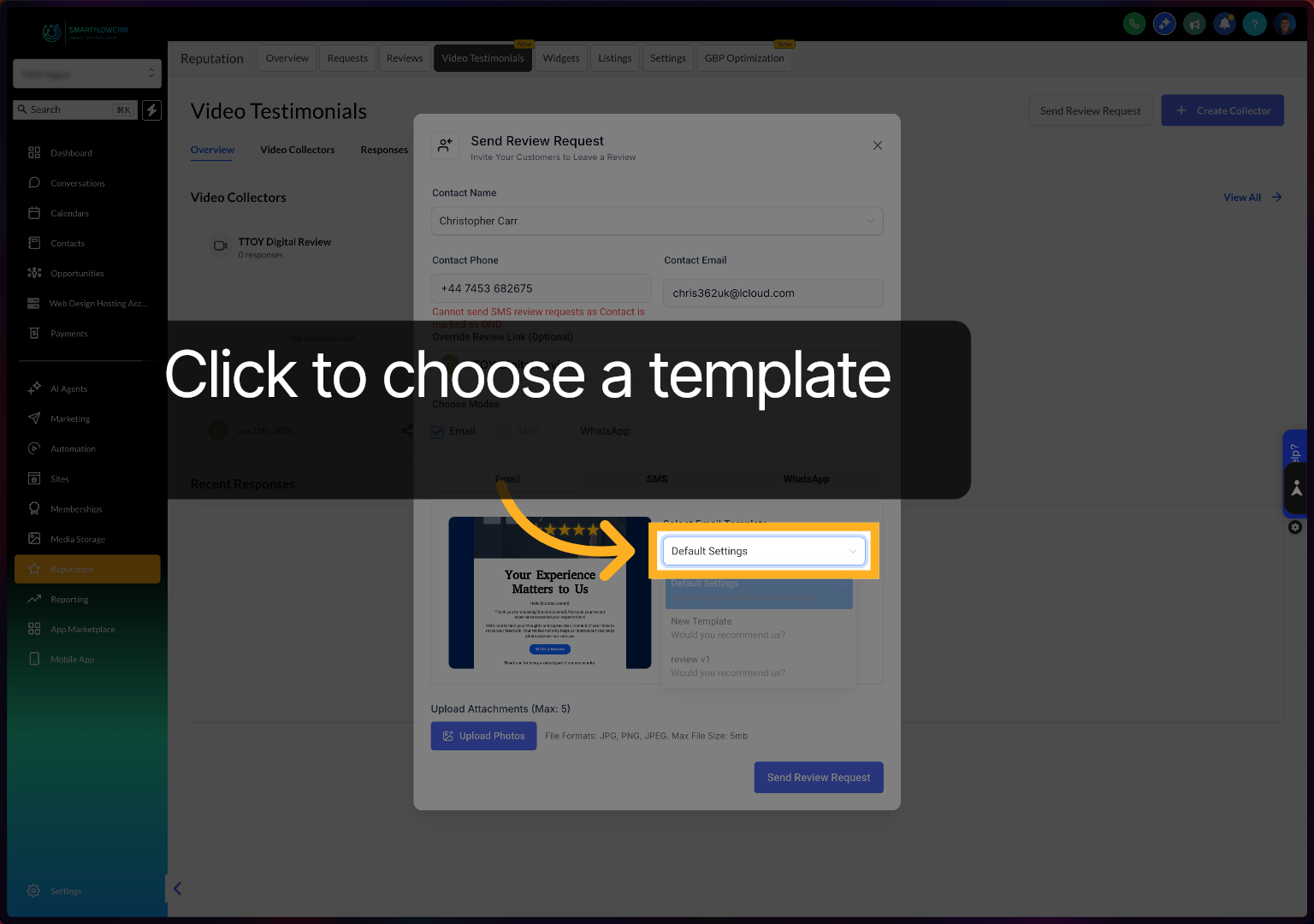
Click to choose your email template
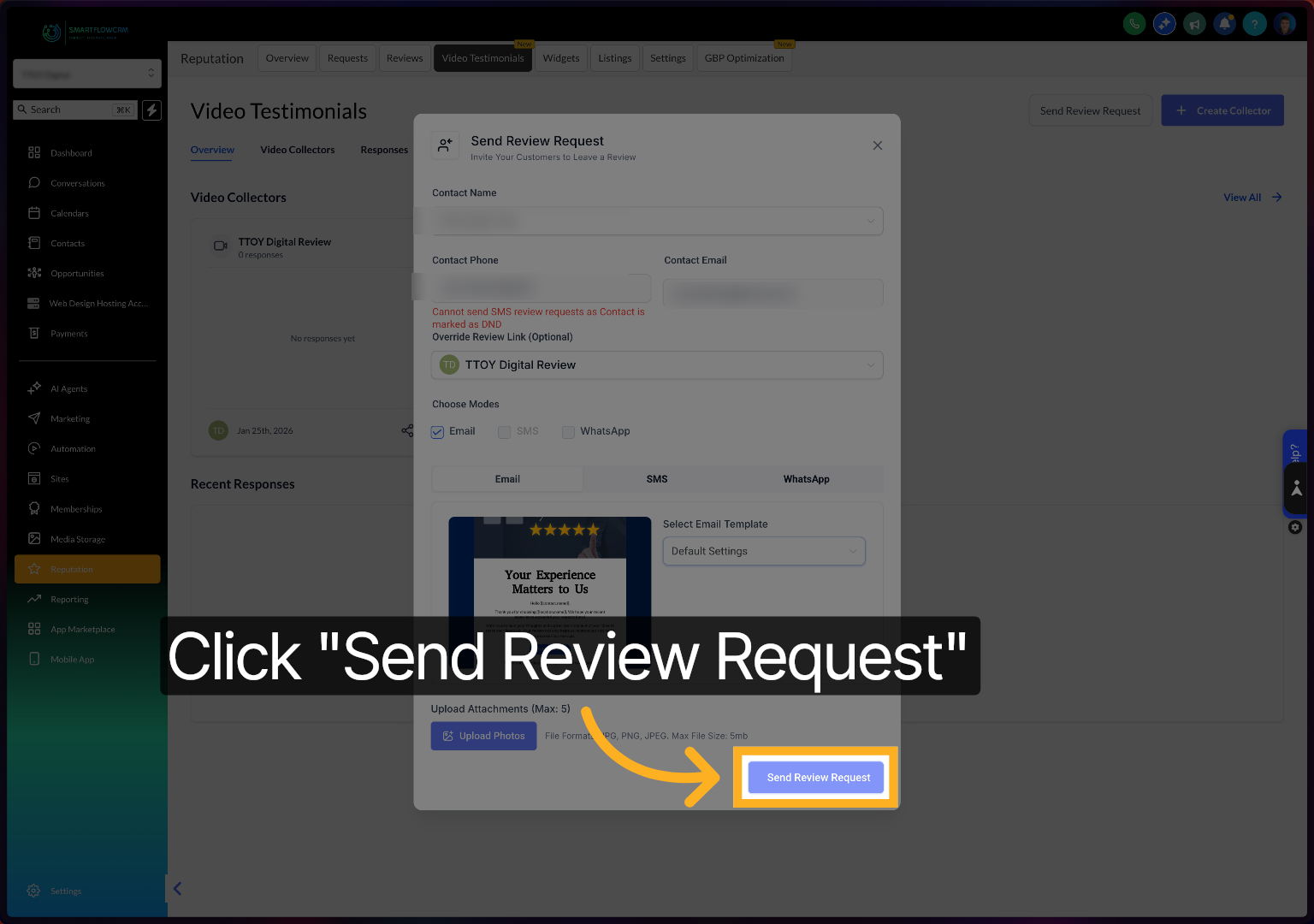
Click Send Review Request to deliver the video review capture invitation to your selected contact.
You have successfully created and customised a video review capture screen, including setting up templates, questions, colours, and sending review requests. Next, explore how to manage responses and analyse feedback to enhance your review process.