This update enables you to tailor pipeline stages and visualise progress with enhanced funnel charts.
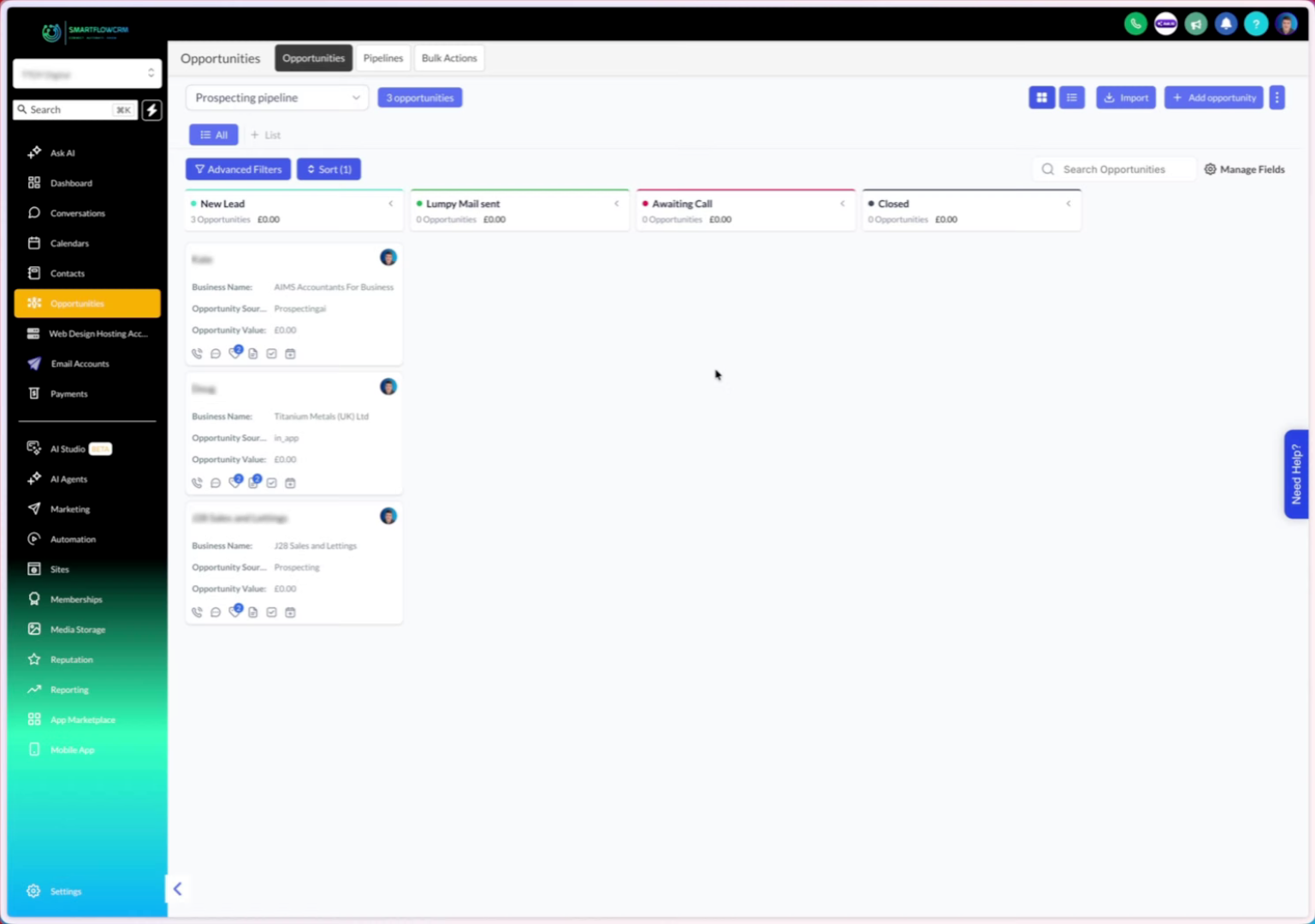
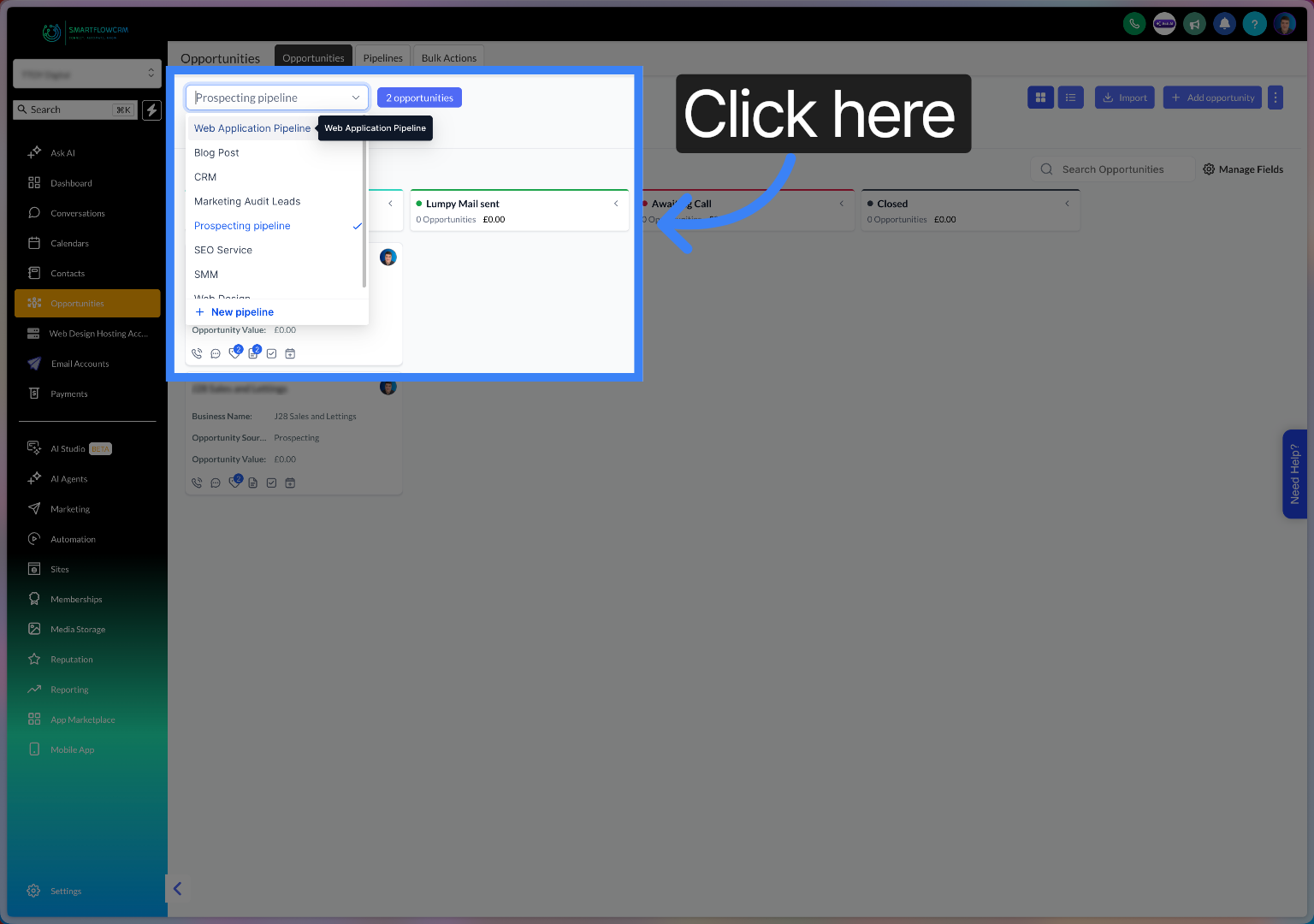
Click the dropdown to open your sales pipeline overview.
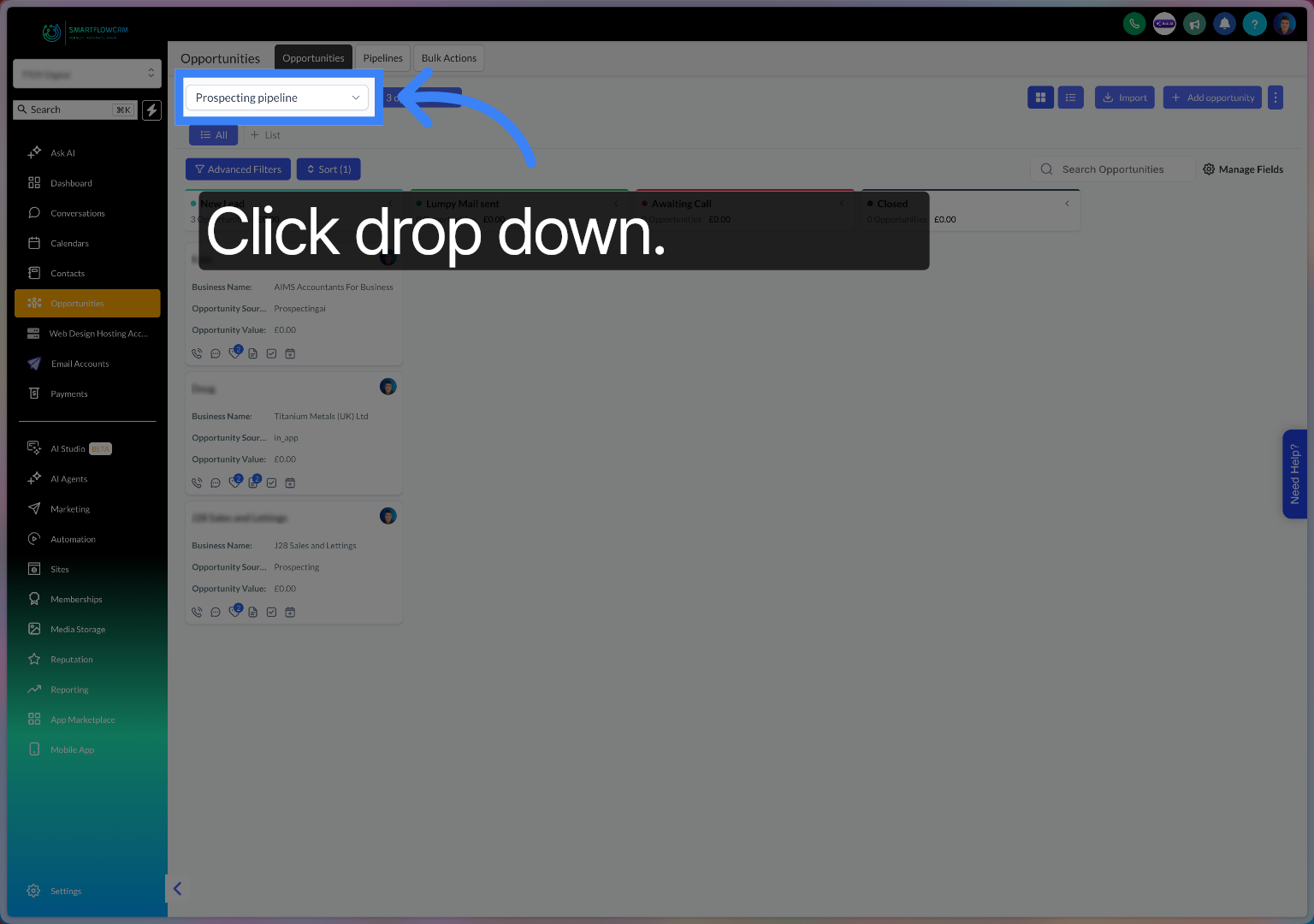
Click the New pipeline button to begin setting up a custom sales pipeline.
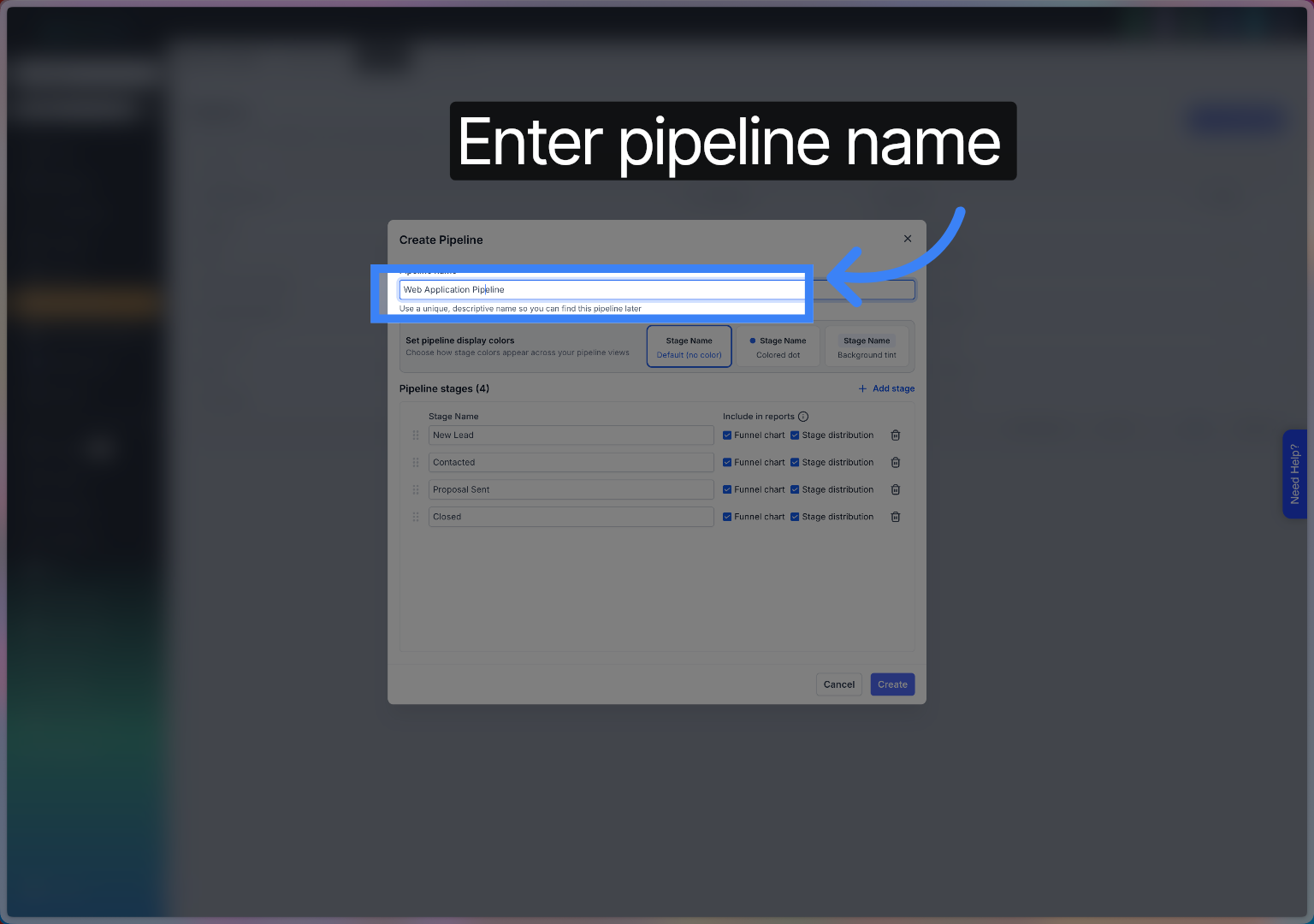
Fill in the pipeline name field with your desired pipeline title.
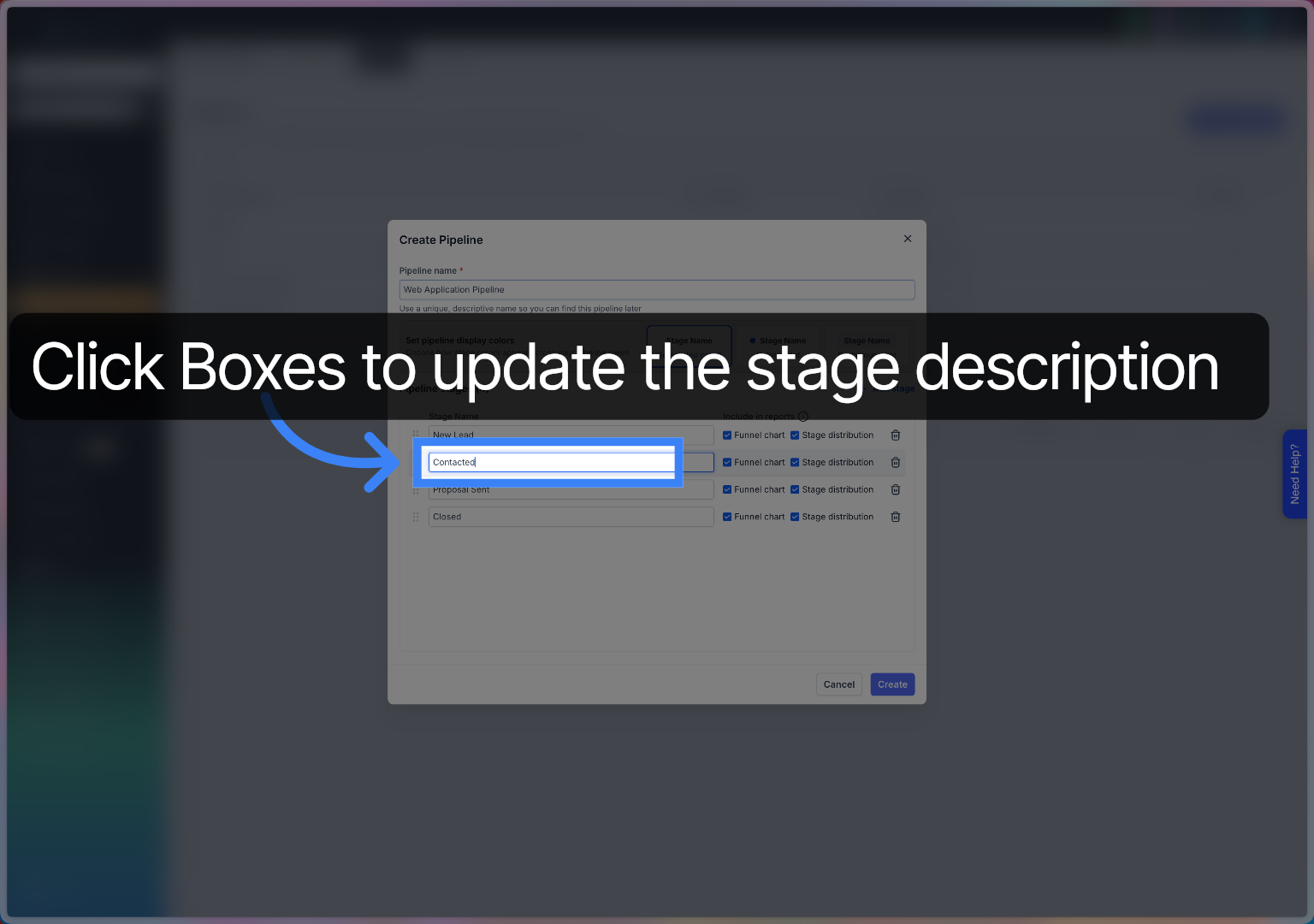
Click the stage to configureupdate the name of the stage
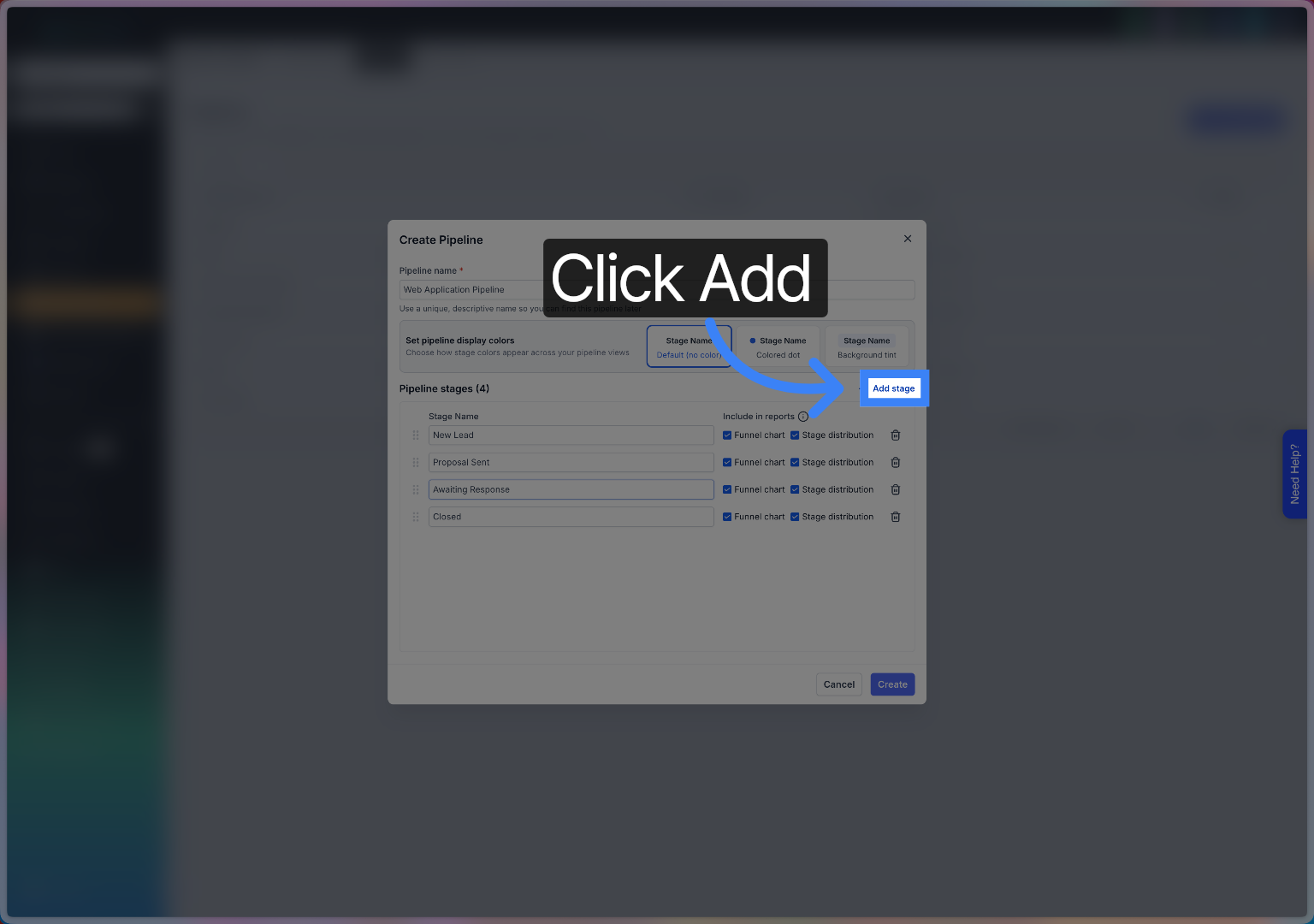
Click the Add button to add a new stage to your pipeline.
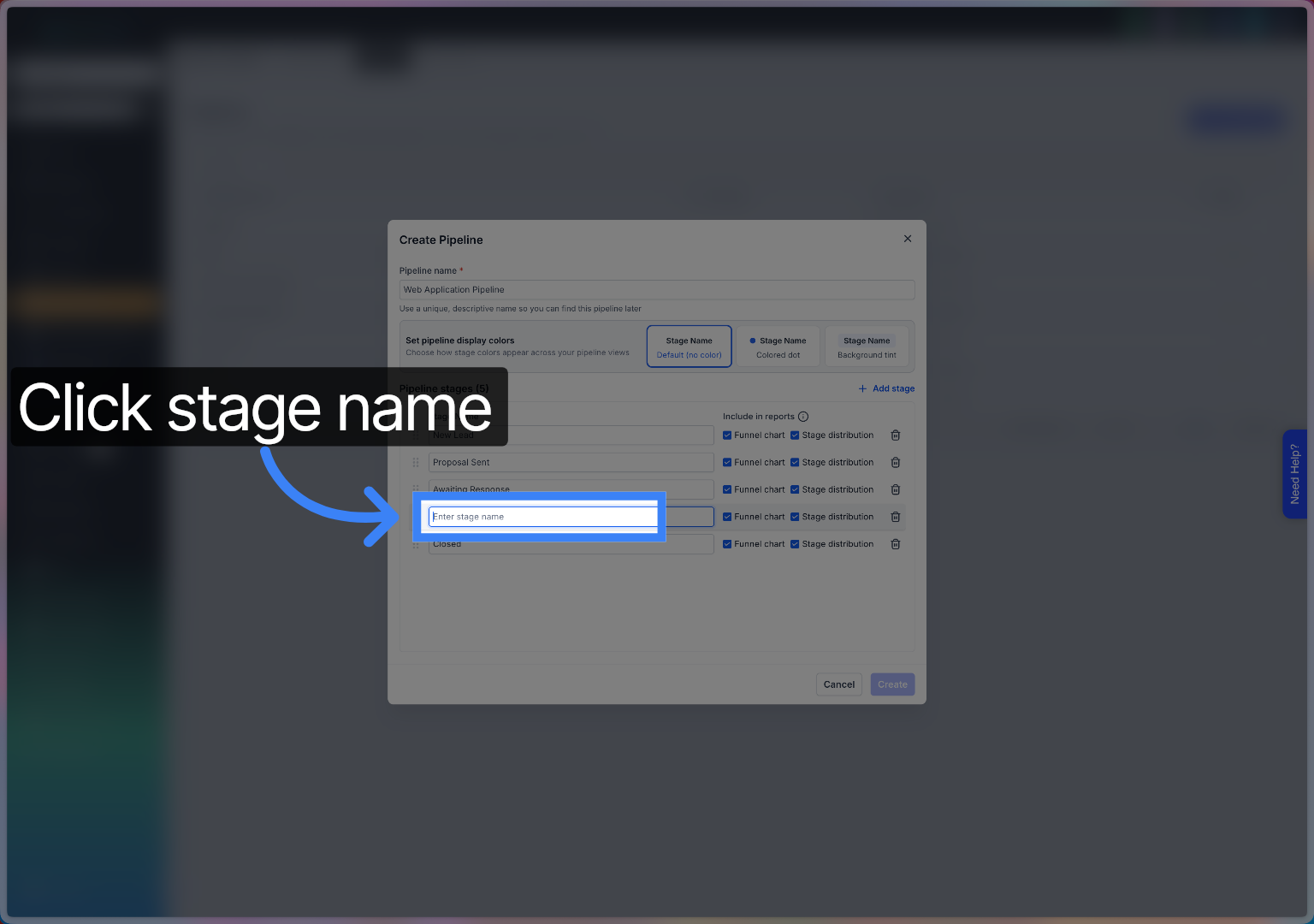
Click here to activate the stage name input field for editing.
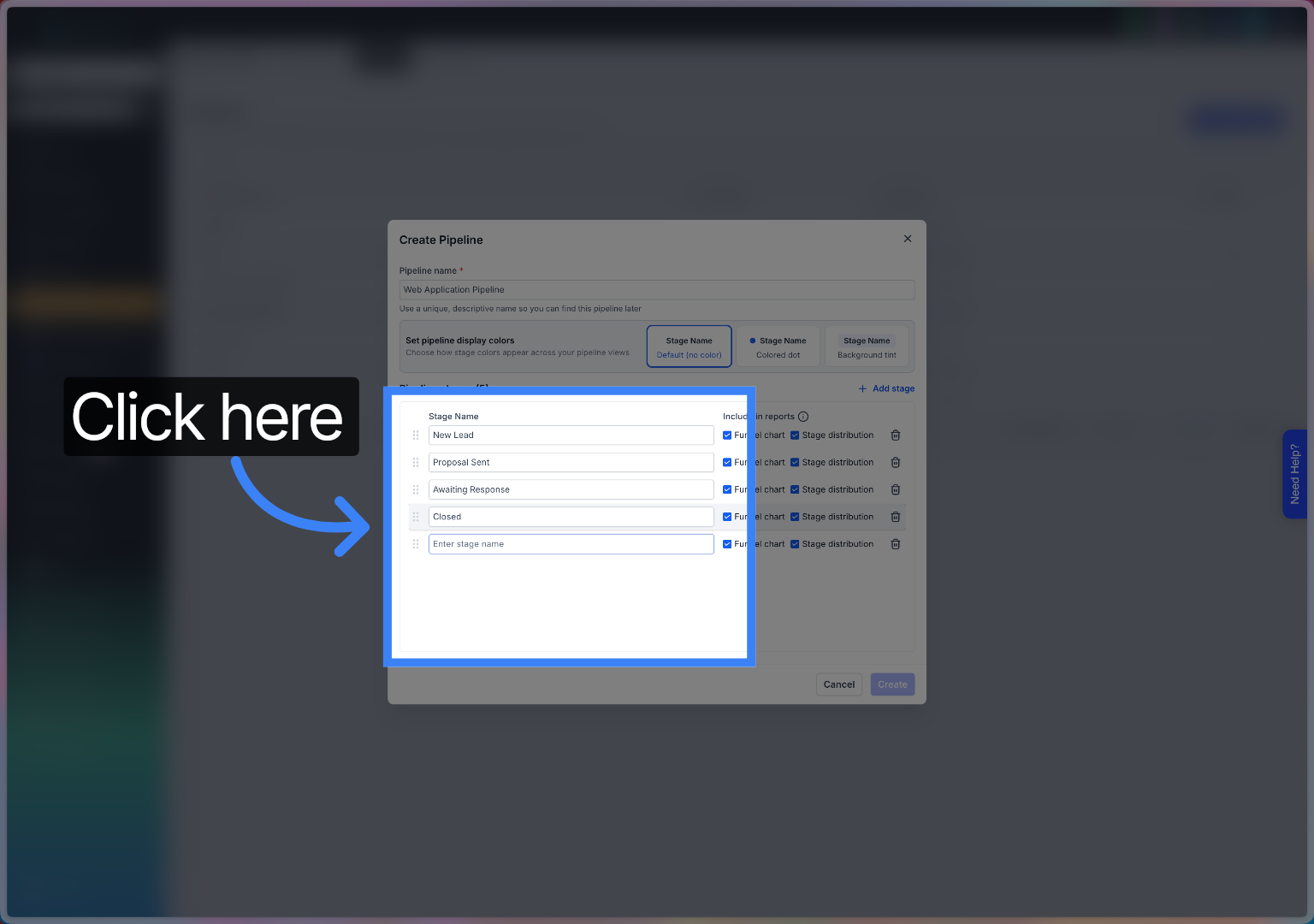
Click the Enter stage name field to input a new stage.
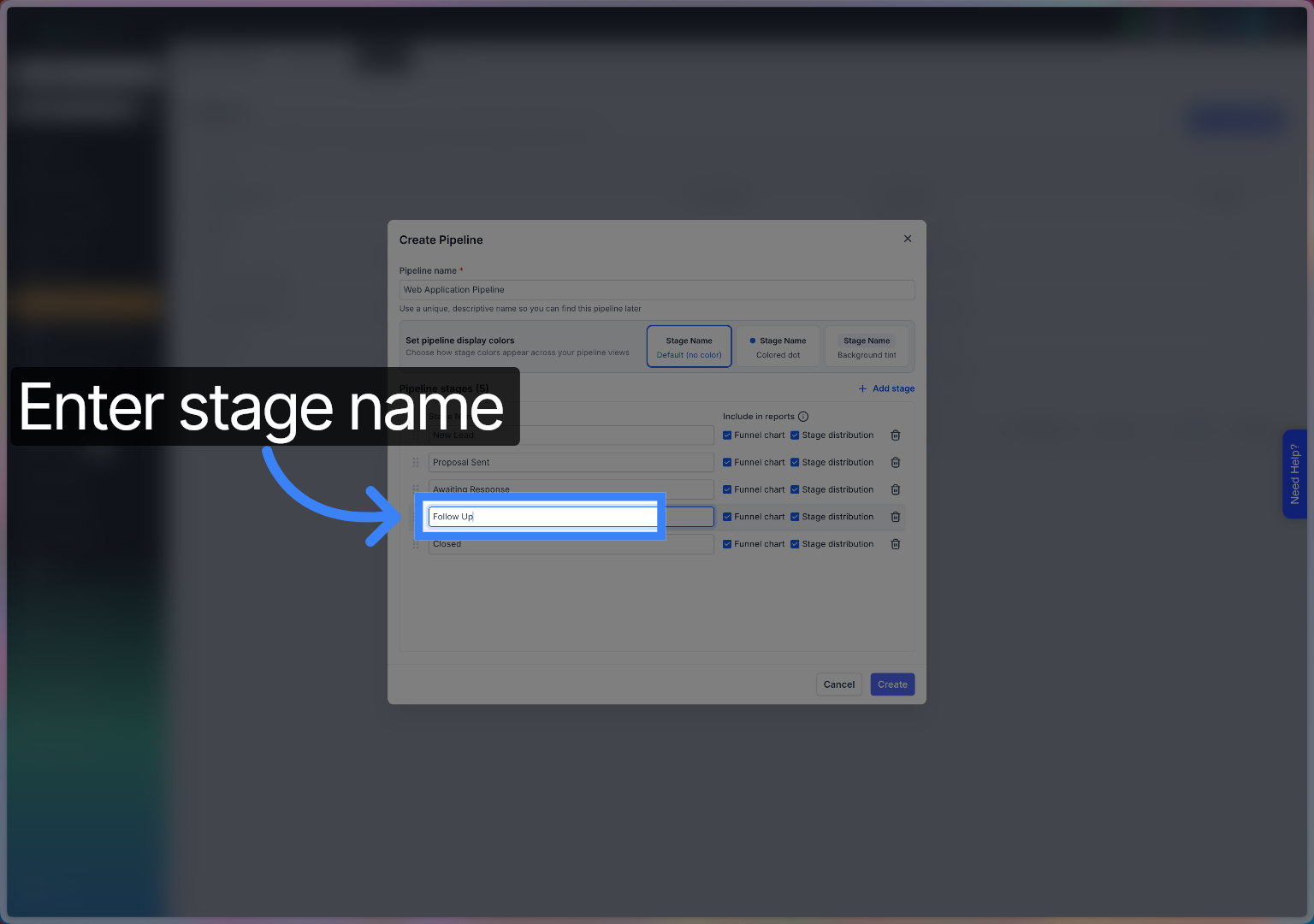
Fill the Follow Up stage name to manage ongoing communications.
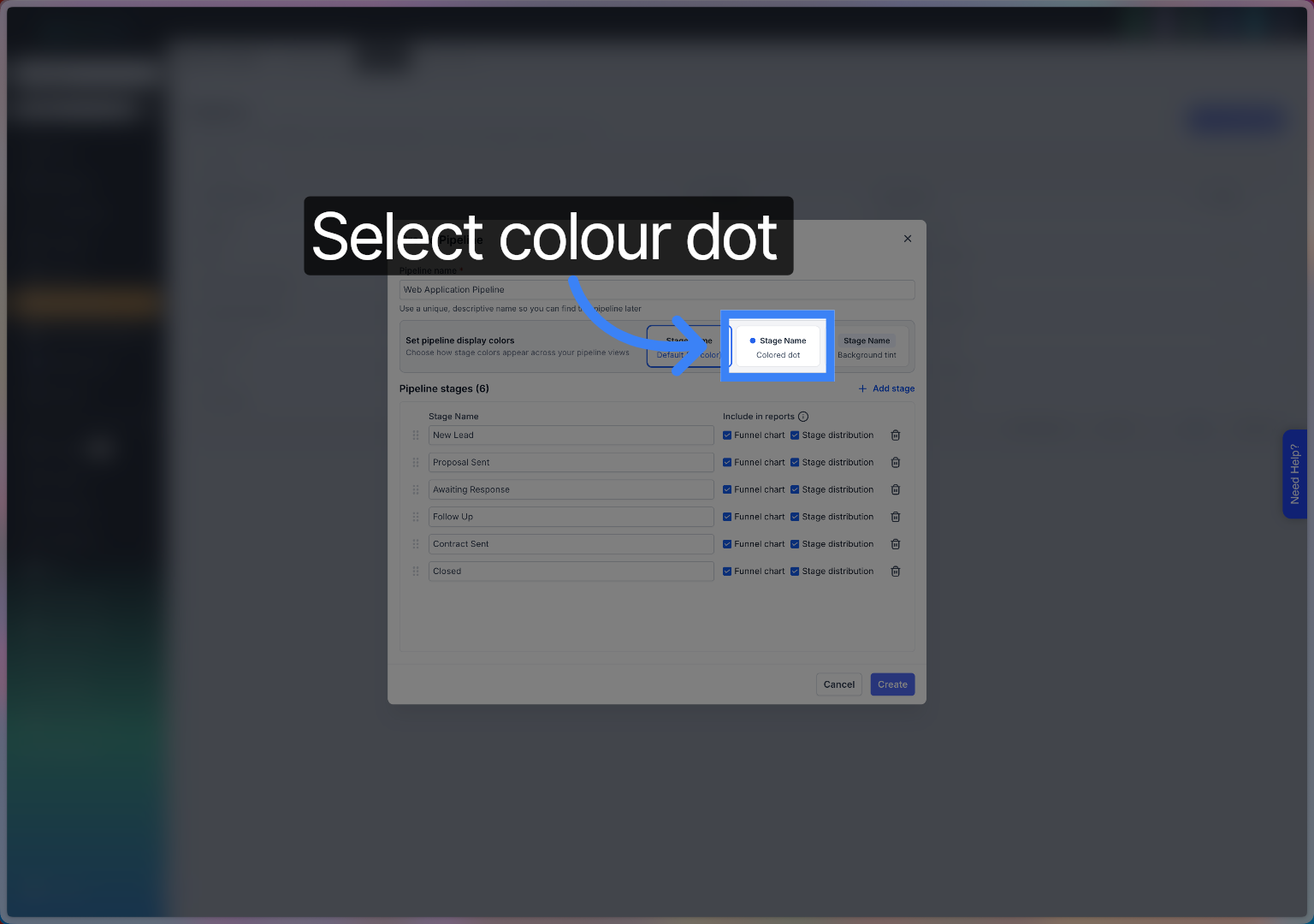
Click the Stage Name coloured dot to assign a colour for visual identification (it puts a coloured bullet next to the stage
Click here to open the colour selection menu for the stage.
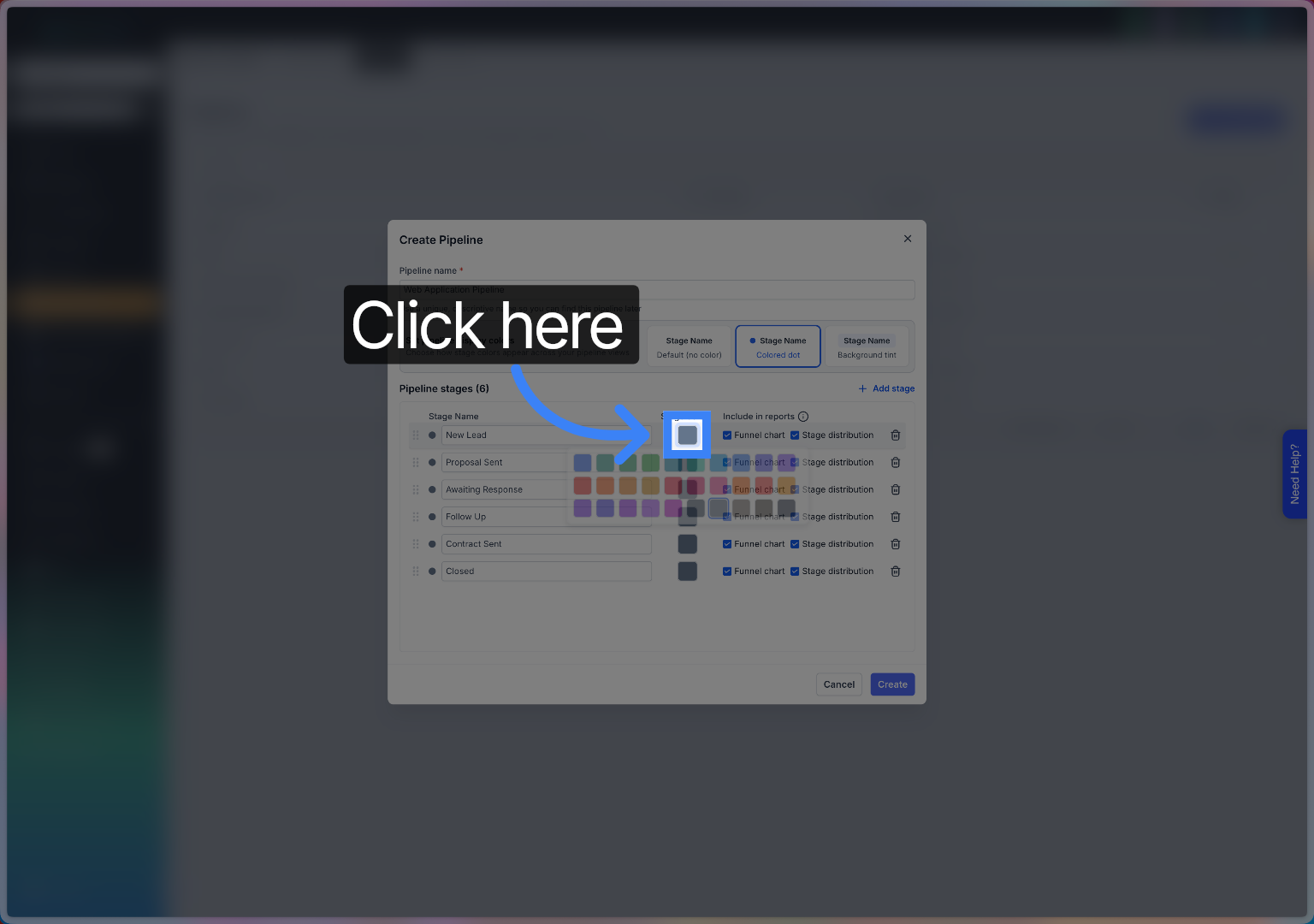
Click here to browse available colour options for the stage indicator.
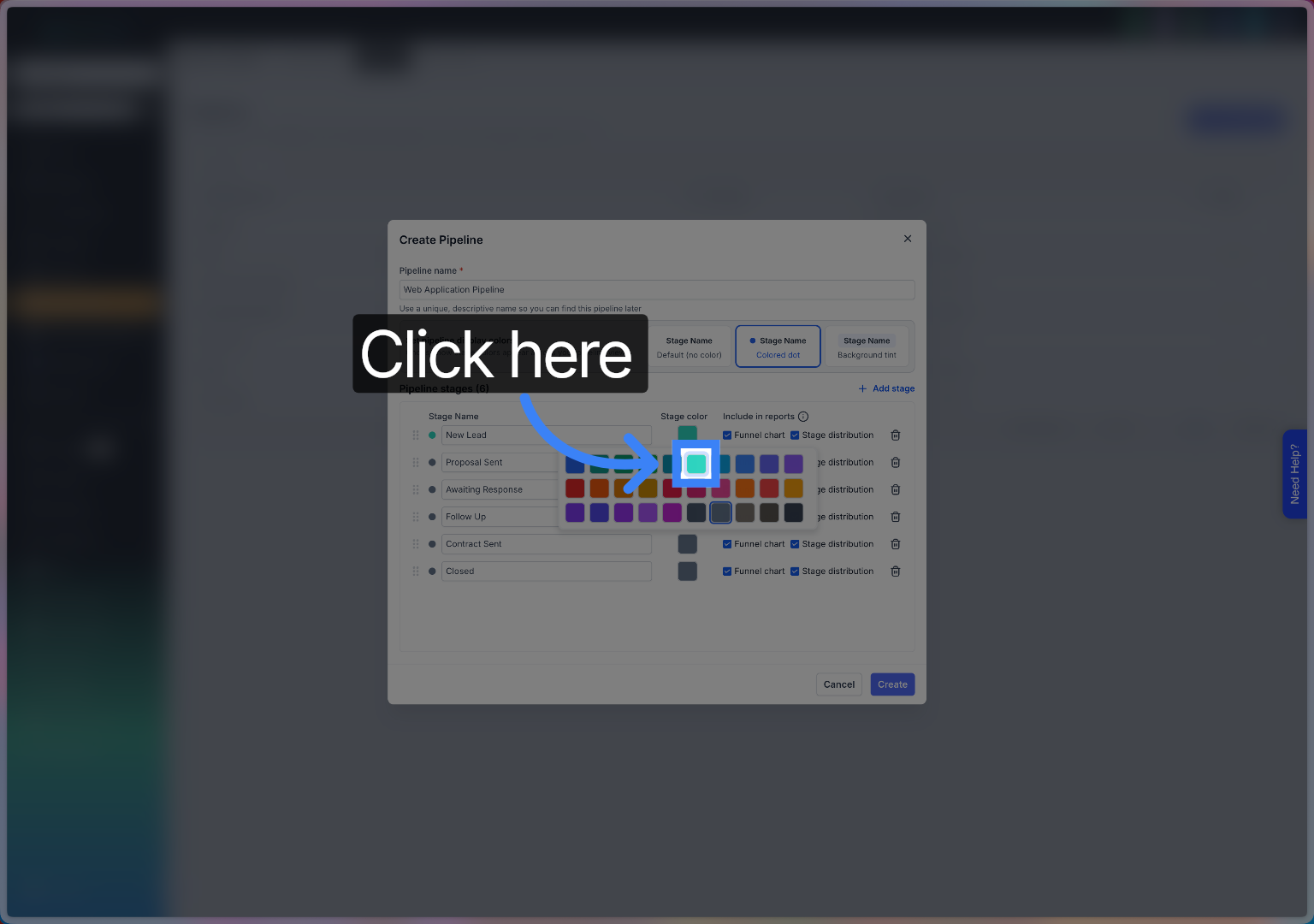
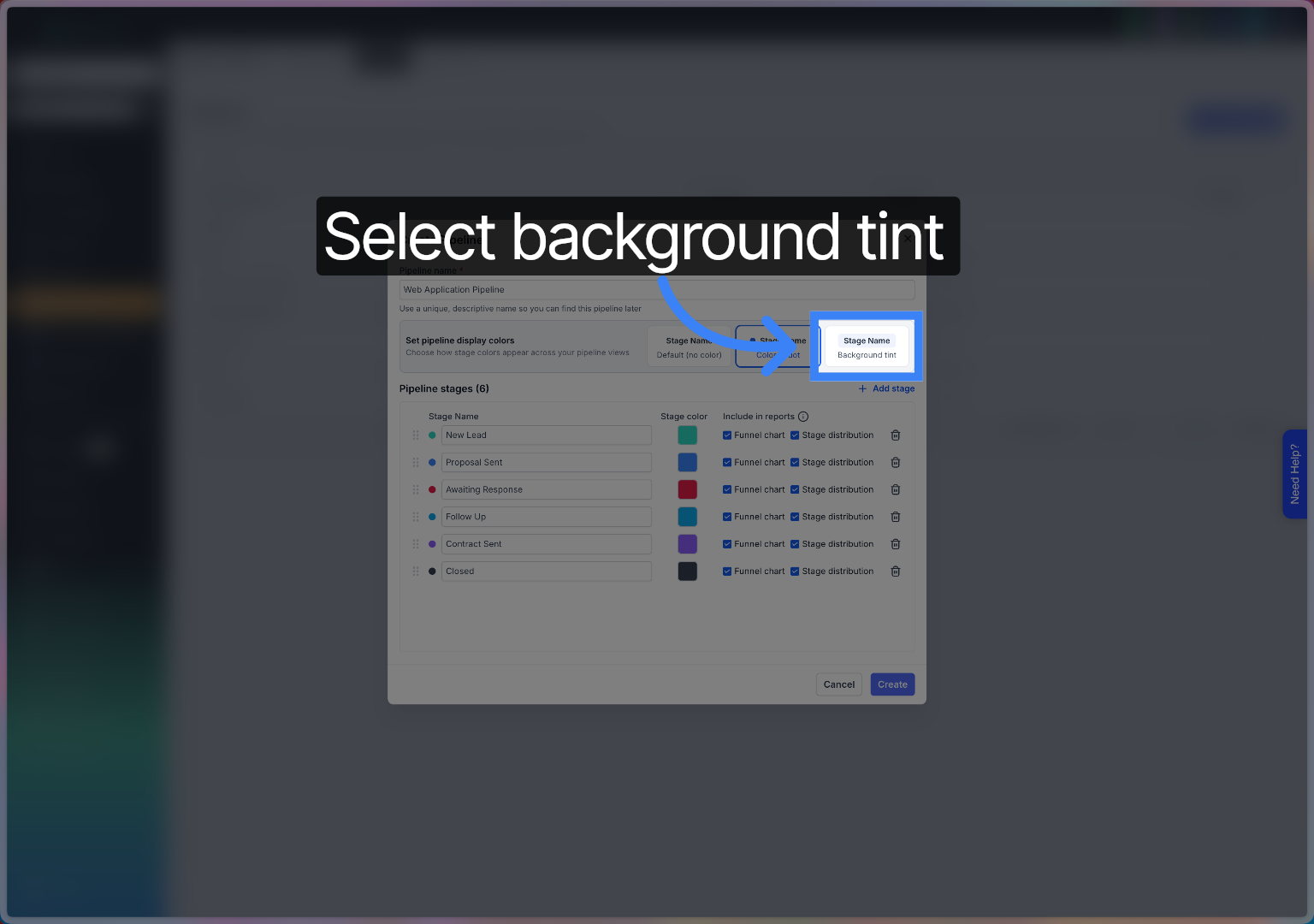
To colour the whole stage cards click the add background tint butto
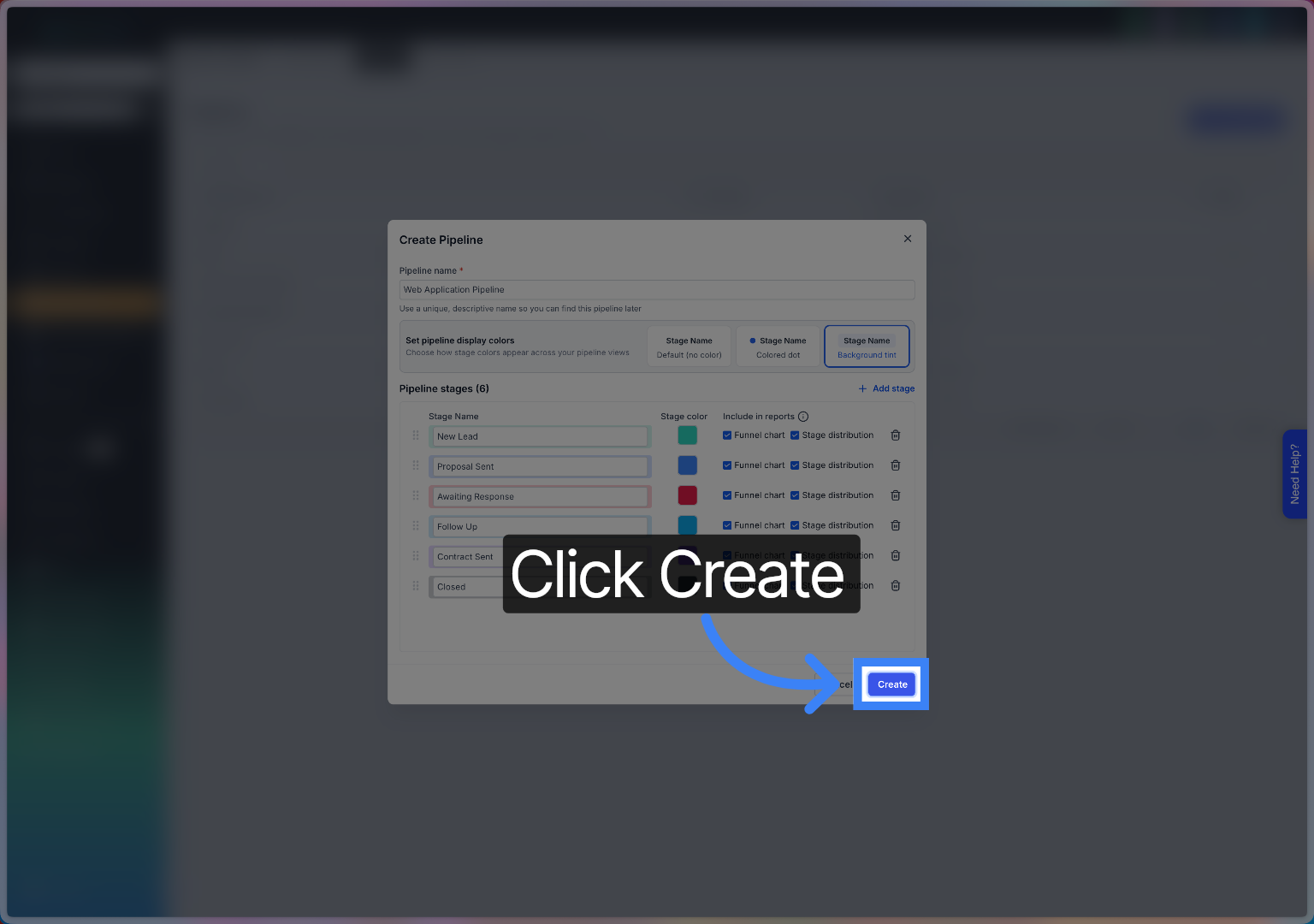
Click the Create button to finalise and save your new pipeline.
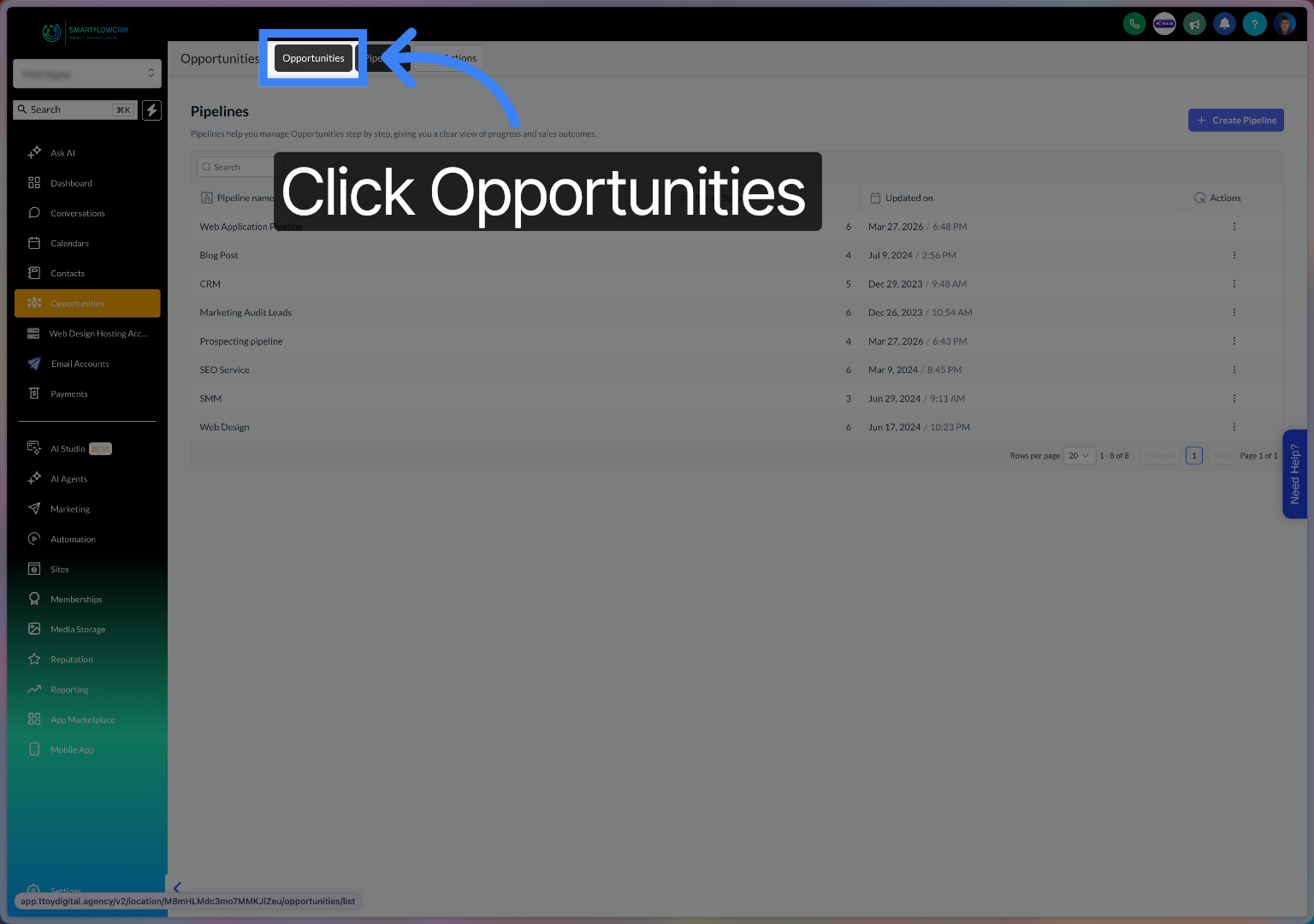
Click the Opportunities tab to view and manage sales opportunities.
Click here to view your new template to return to your sales funnel overview.
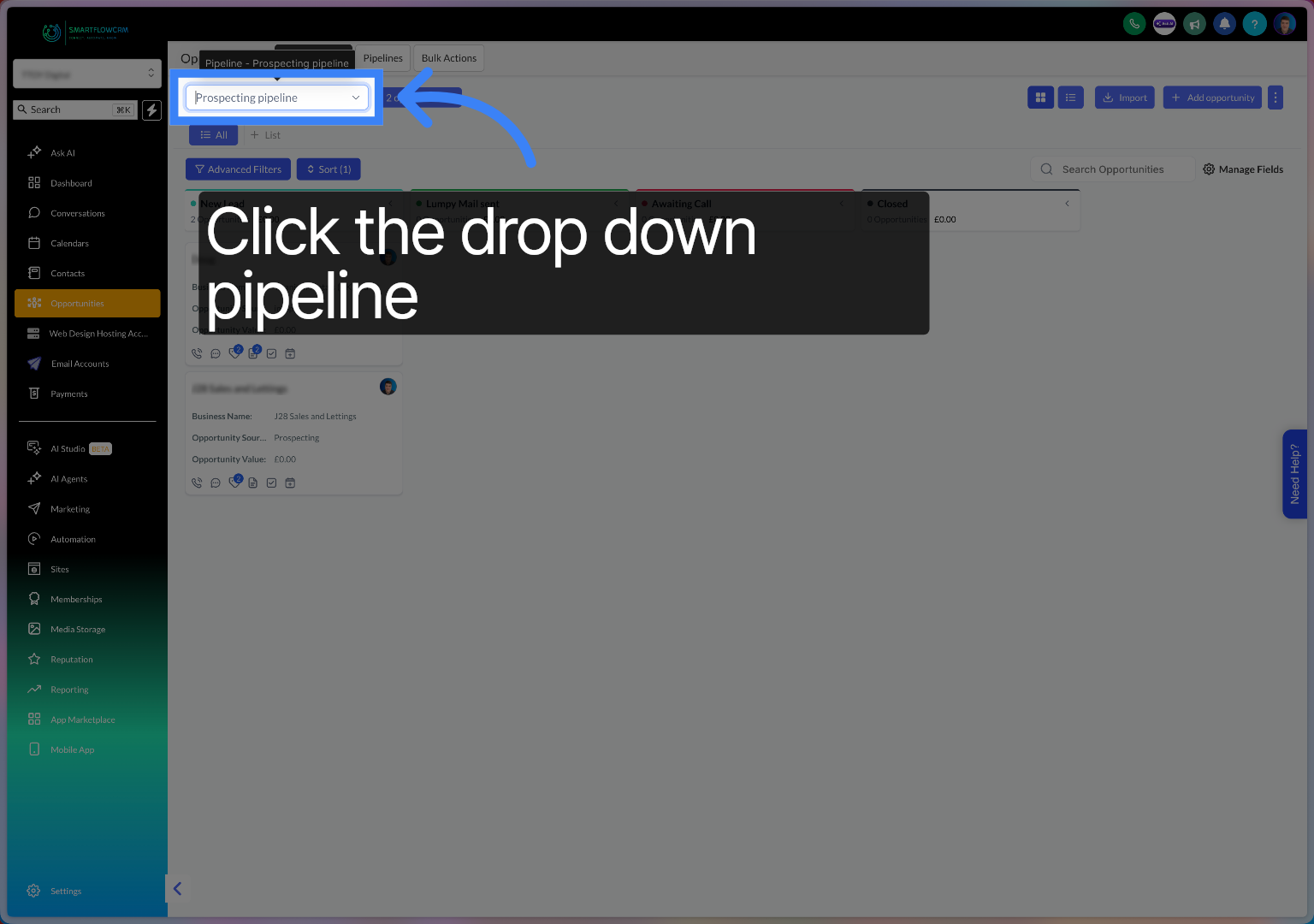
Click here to select an opportunity for further action.
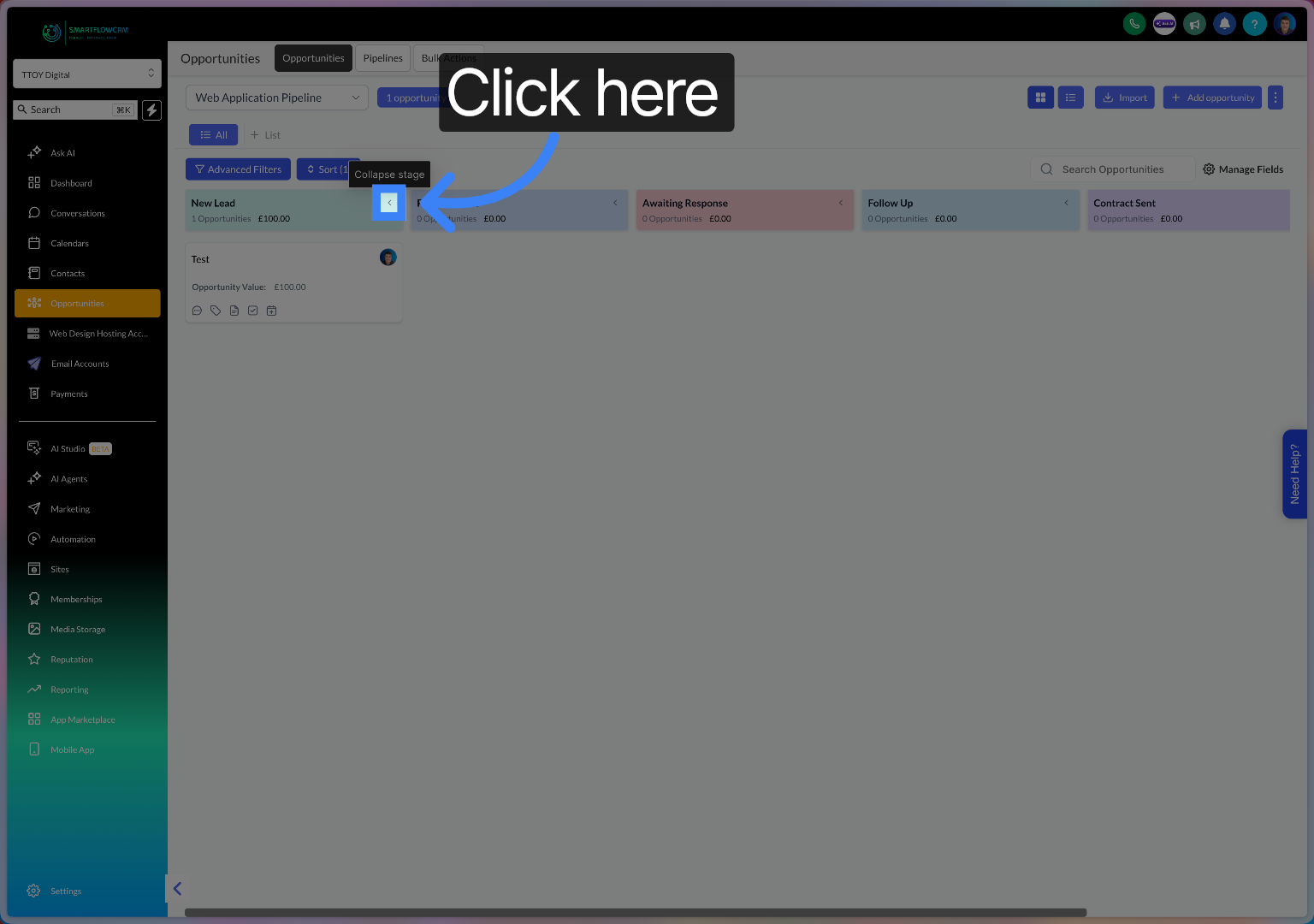
Click here to hide open opportunities in the stage.
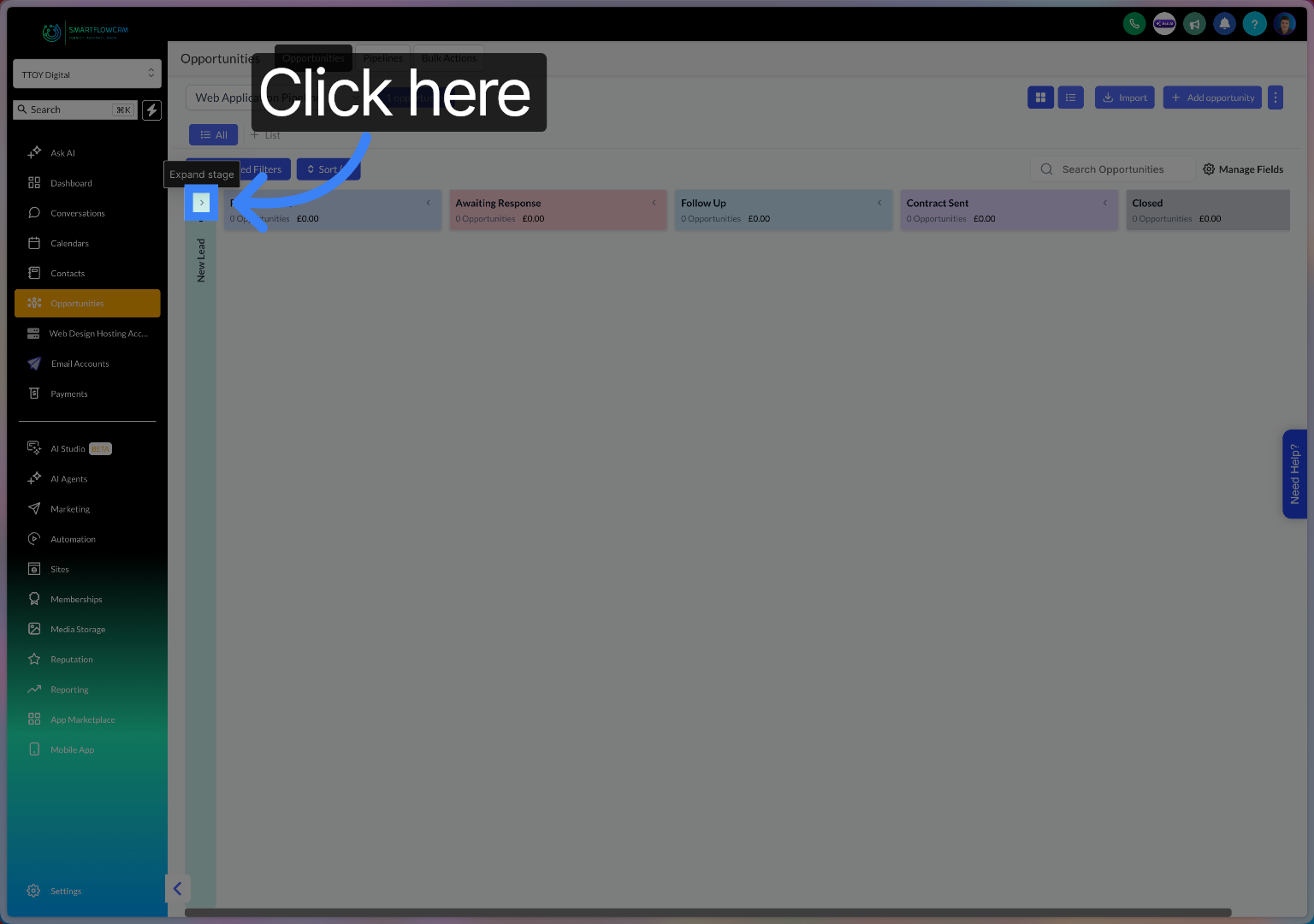
Click here to open your hidden stage.
Now you can create and customise prospecting pipelines with unique stages and visual funnel charts to better track your sales process. Start by setting up your pipeline stages and associating opportunities to improve your sales management efficiency.