The wedding management dashboard provides a comprehensive view of all wedding details. This guide walks you through accessing and navigating the various sections to manage your event effectively.
From the main Weddings list, locate the wedding you want to manage and click the Manage button. This opens the detailed wedding dashboard where you can view all event information.
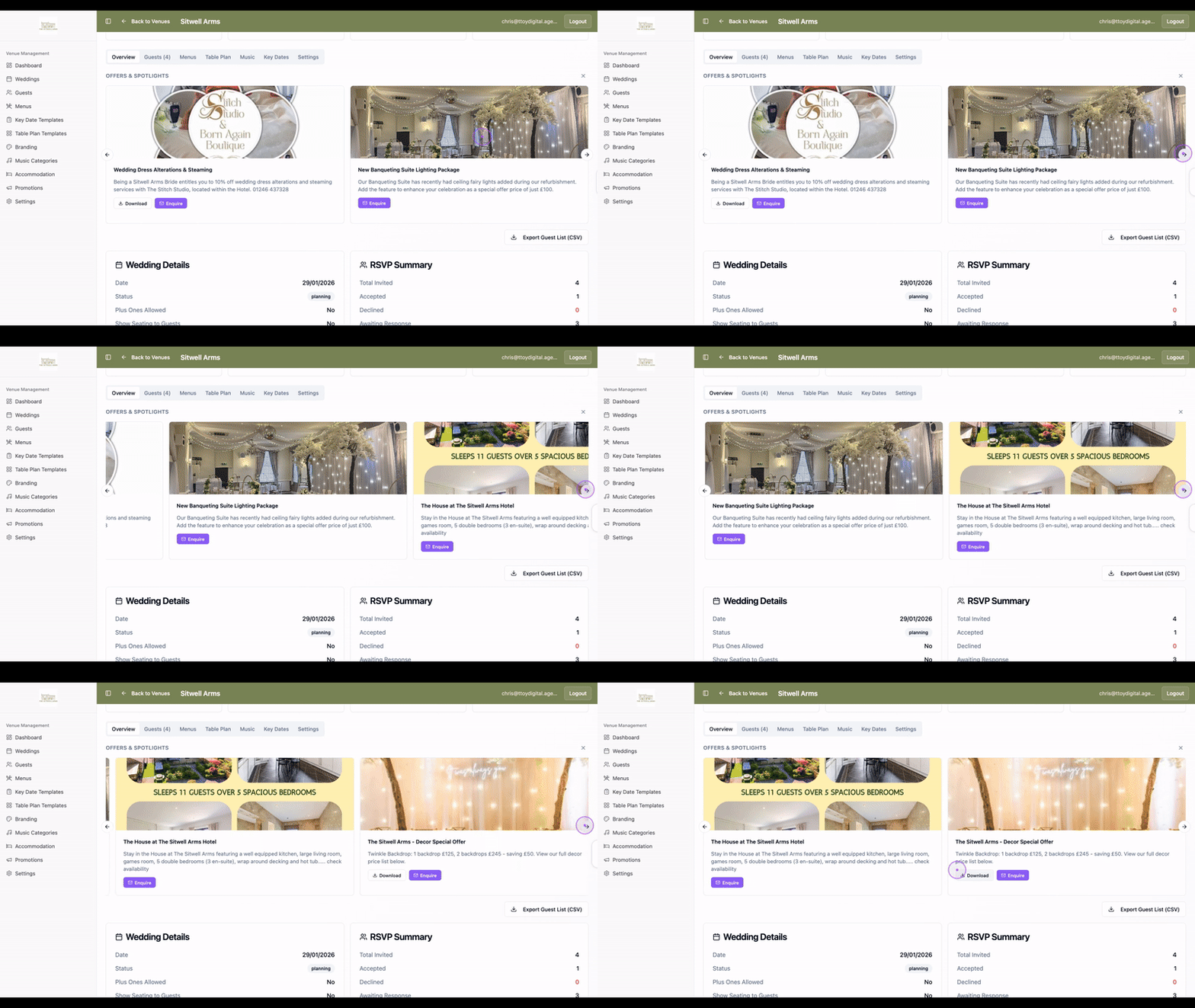
On the Overview tab, you can view the Offers & Spotlights carousel to see available upgrades and services. Click the Next slide button to browse through the available options.
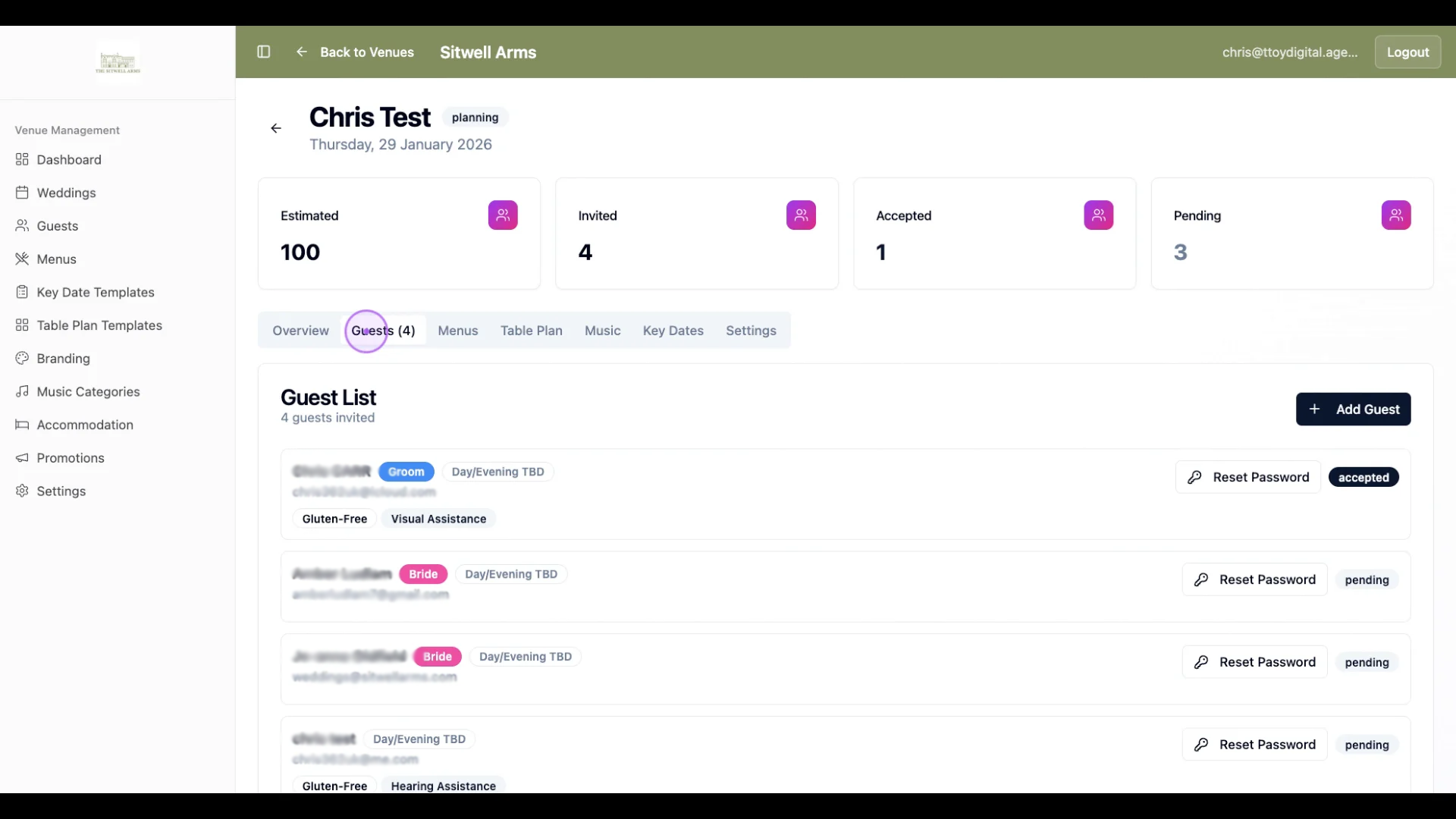
Click the Guests tab to see your complete guest list, including invited guests, their RSVP status, dietary requirements, and contact details. The summary cards at the top display counts for estimated, invited, accepted, and pending guests.
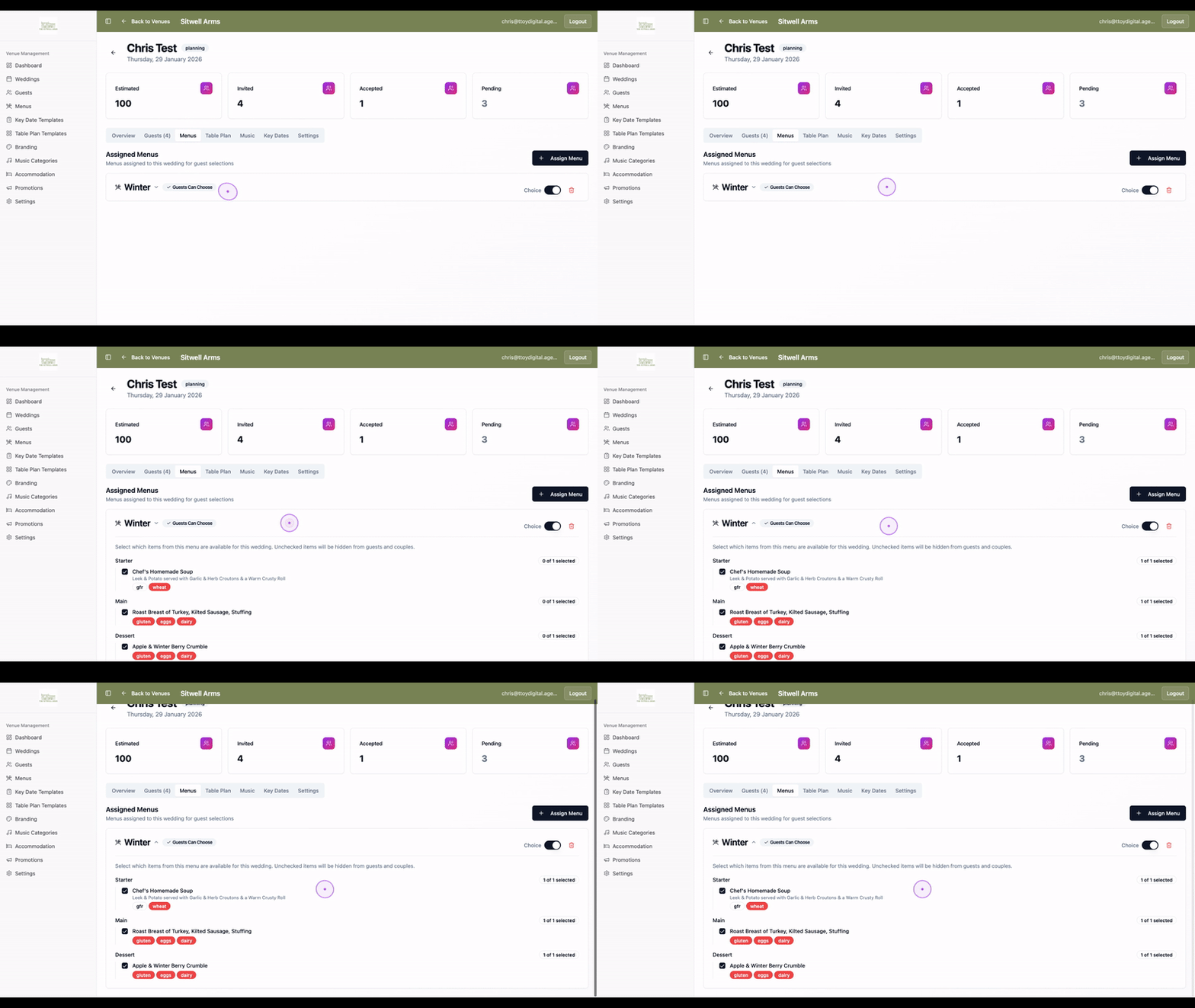
Navigate to the Menus tab to view menus assigned to this wedding. Click on a menu name (such as Winter) to expand it and see available meal options, dietary tags, and guest selection settings.
Access the Music tab to view the list of songs selected for the ceremony and reception.
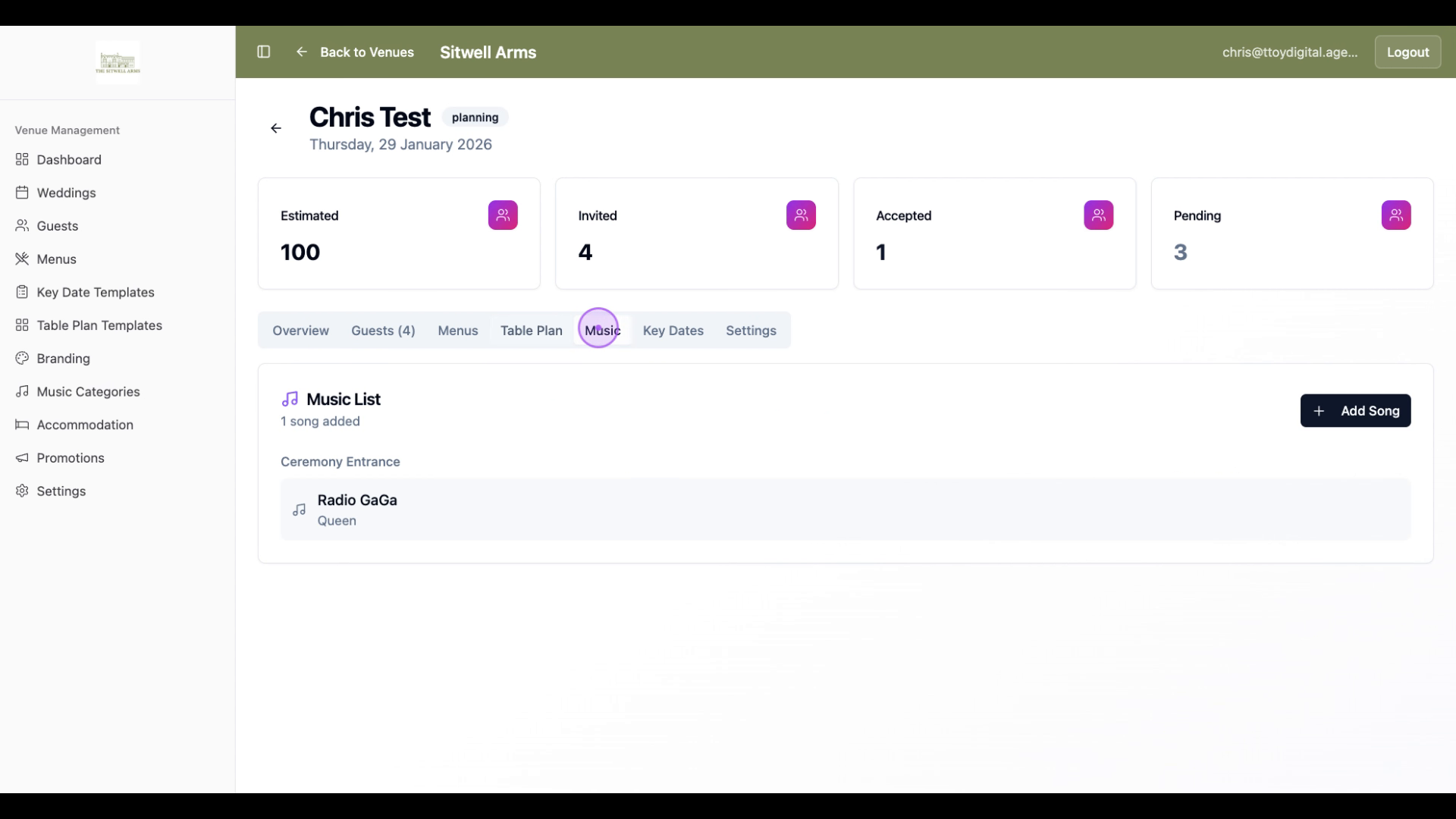
Use this section to view your venue's specific key dates and important milestones.
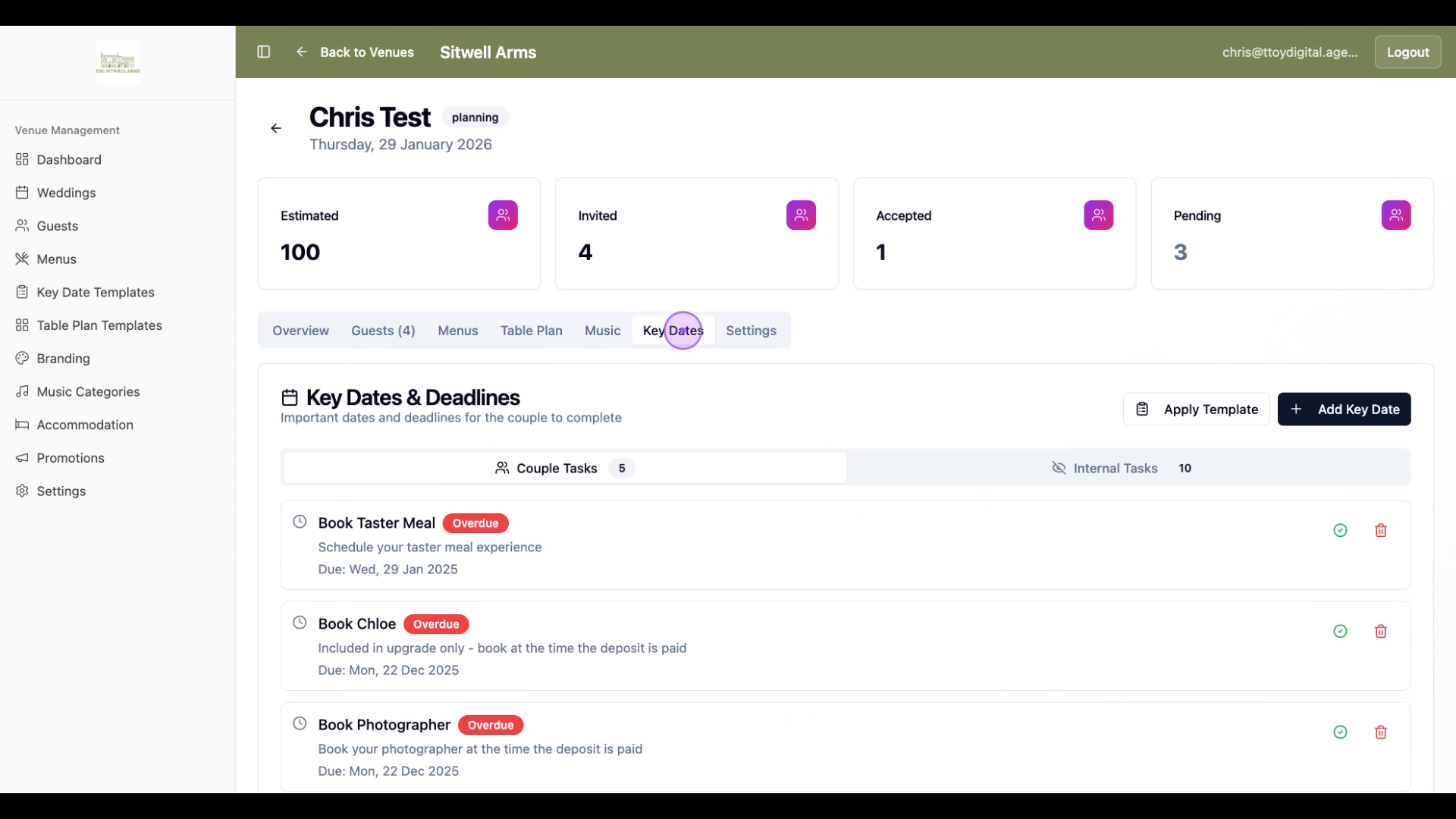
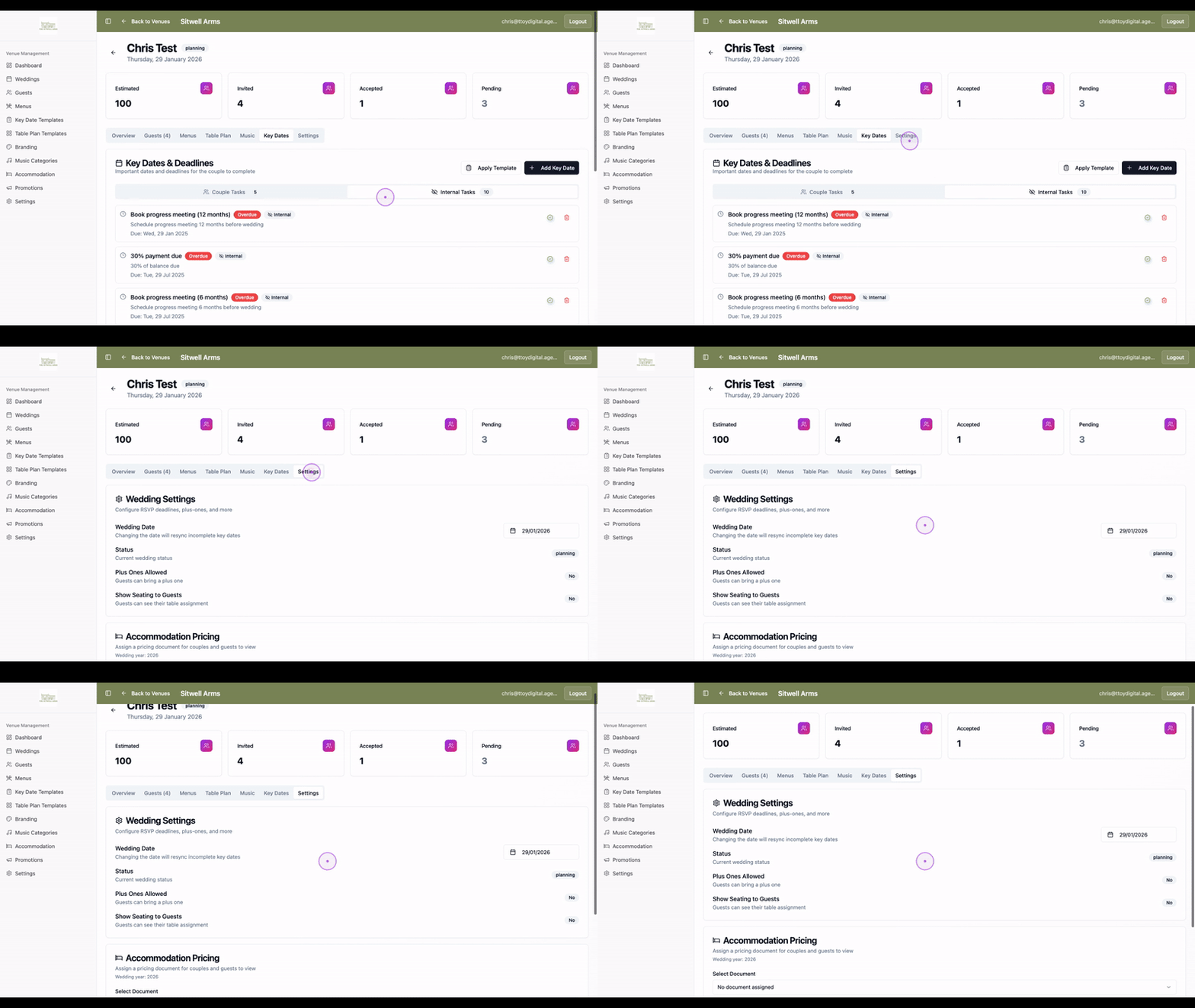
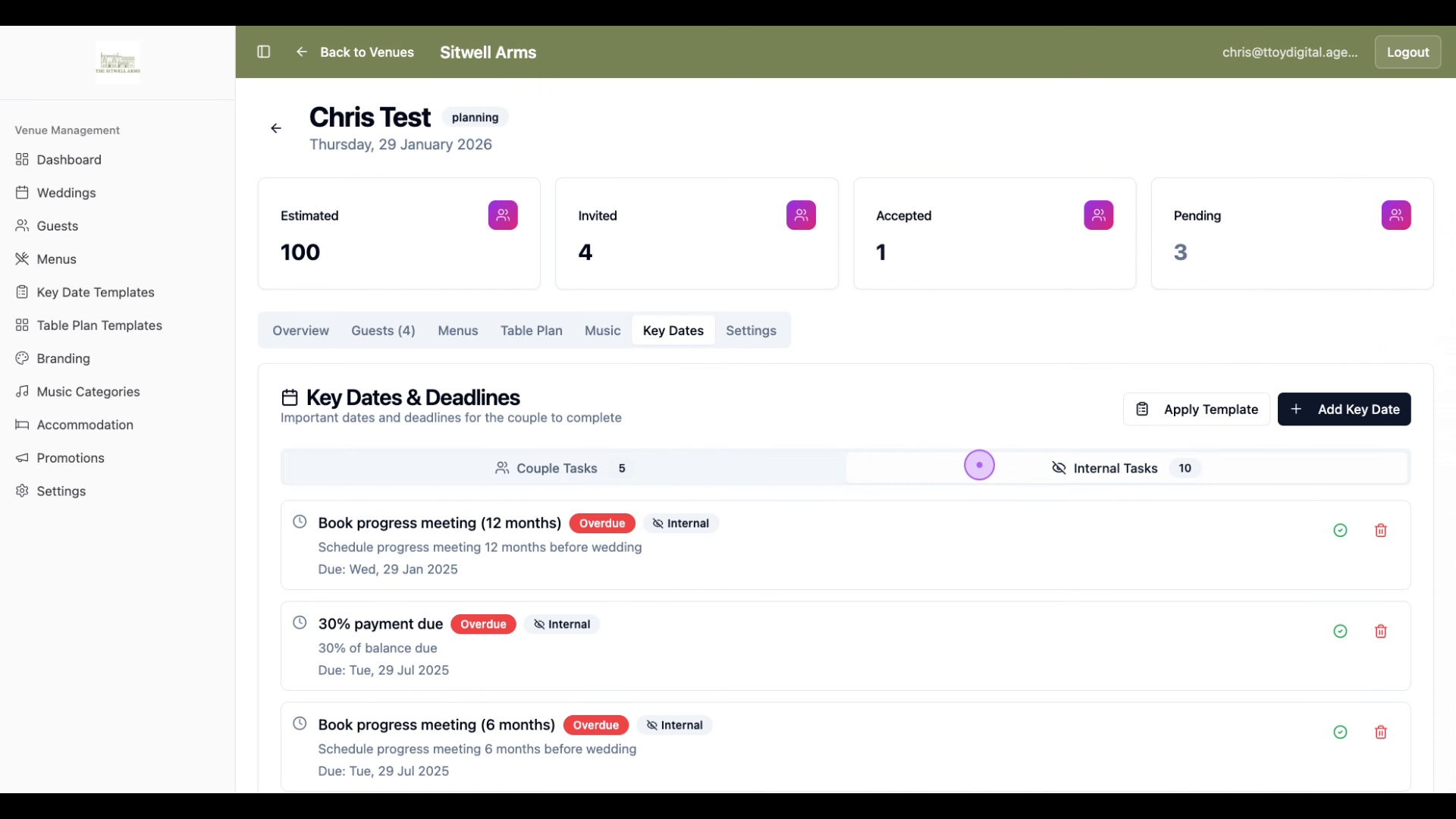
Click the Key Dates tab to view important deadlines. You can toggle between Couple Tasks and Internal Tasks to track overdue items and upcoming deadlines for your event.
Click the Settings tab to configure RSVP deadlines, plus-one allowances, seating visibility, accommodation pricing, and other wedding-specific settings.