Follow these steps to add a new wedding event to your venue and set up login accounts for the couple to manage their wedding details.
Click the + Add Wedding button in the top right corner to open the wedding creation modal.
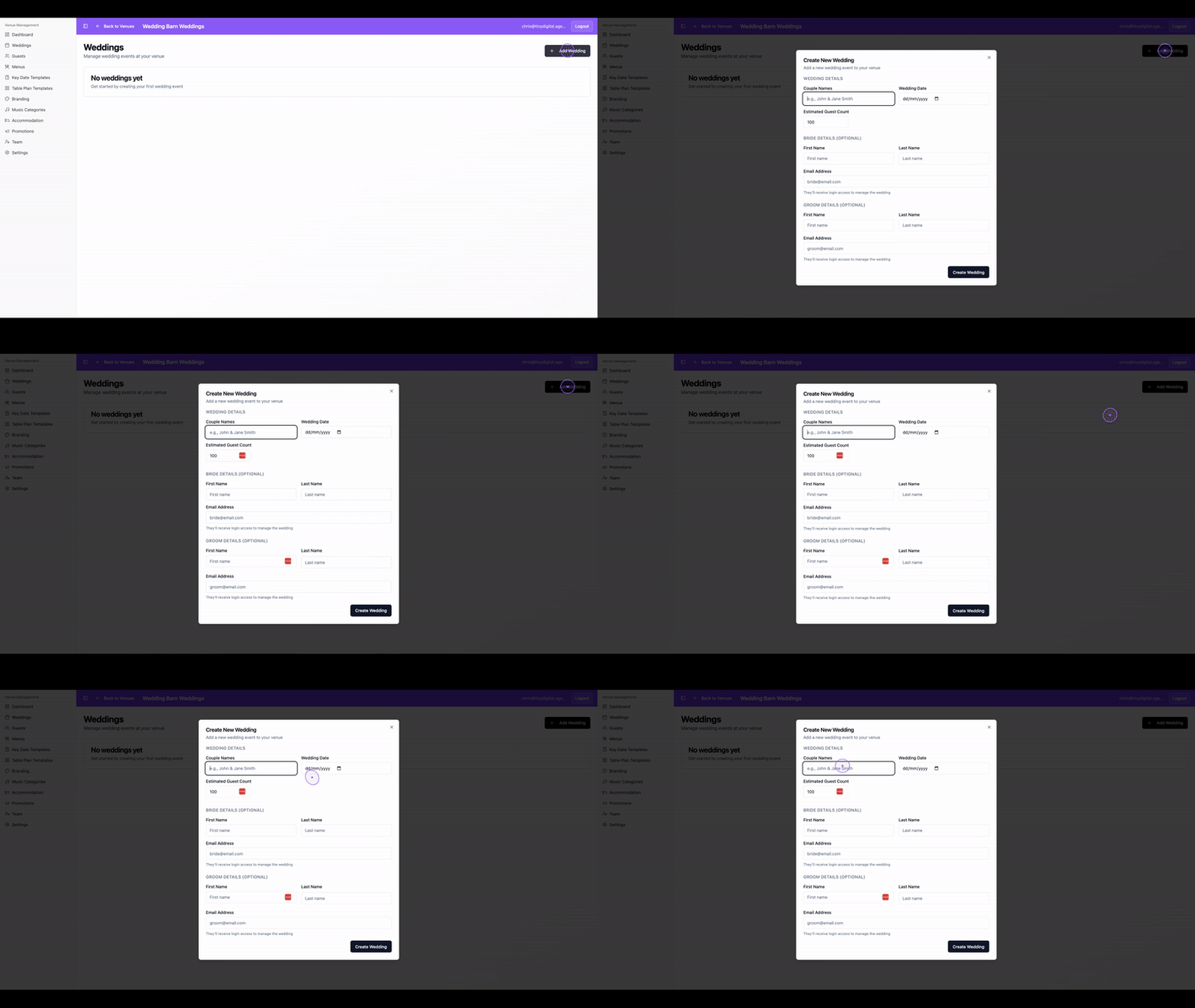
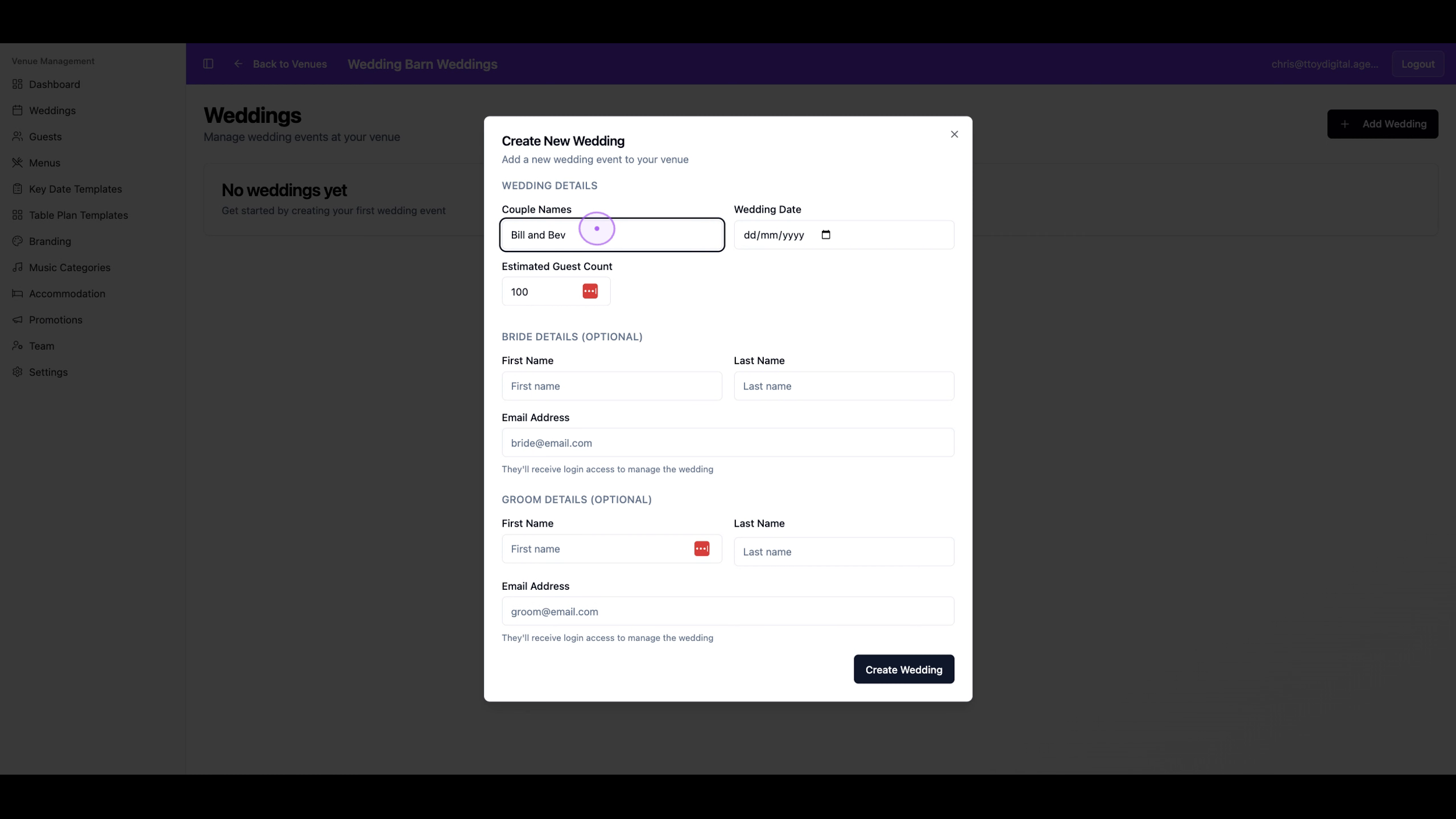
Type the couple's names in the Couple Names field (for example, 'Bill and Bev').
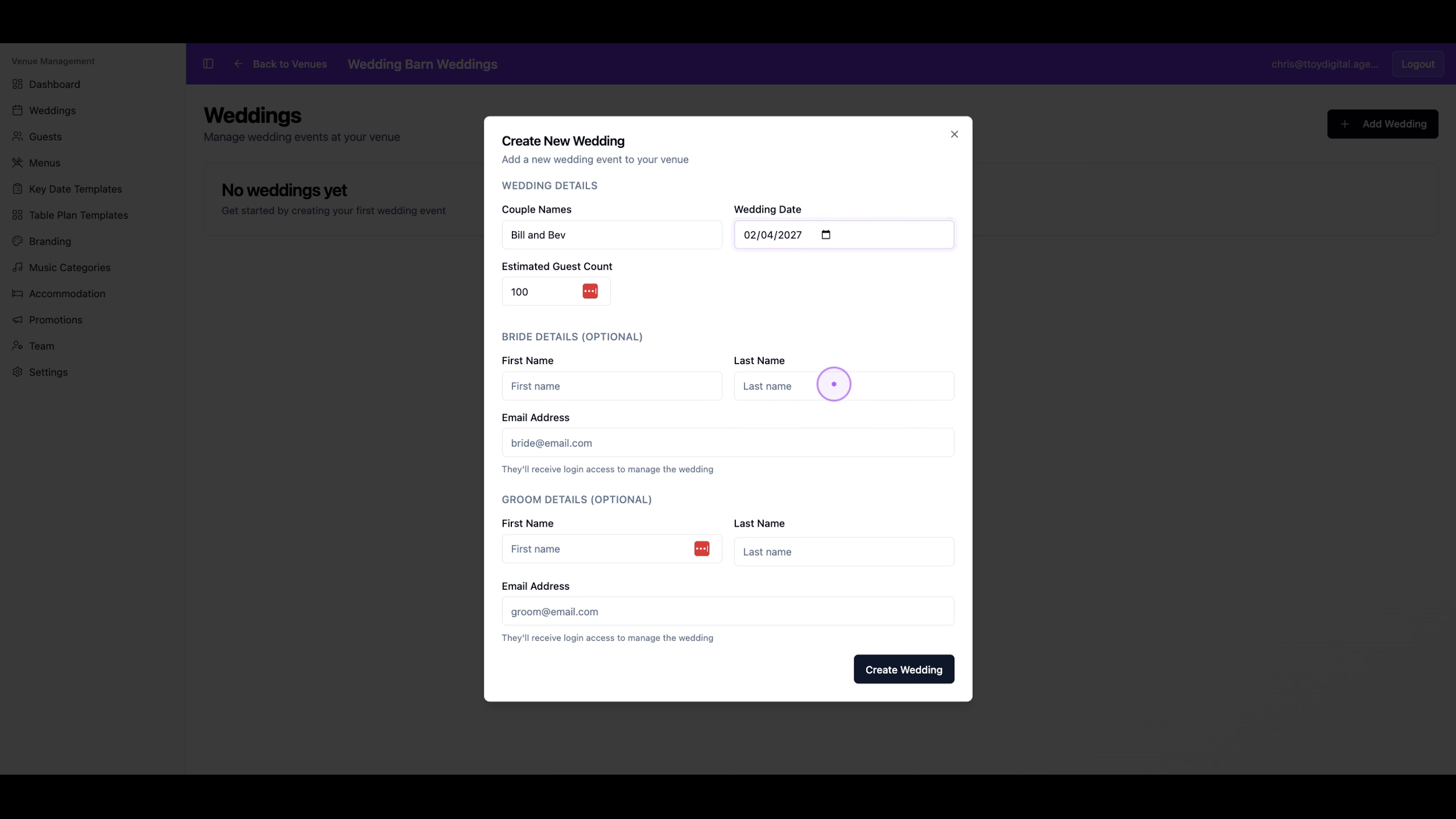
Click the date picker and select the wedding date. You can also adjust the Estimated Guest Count if needed.
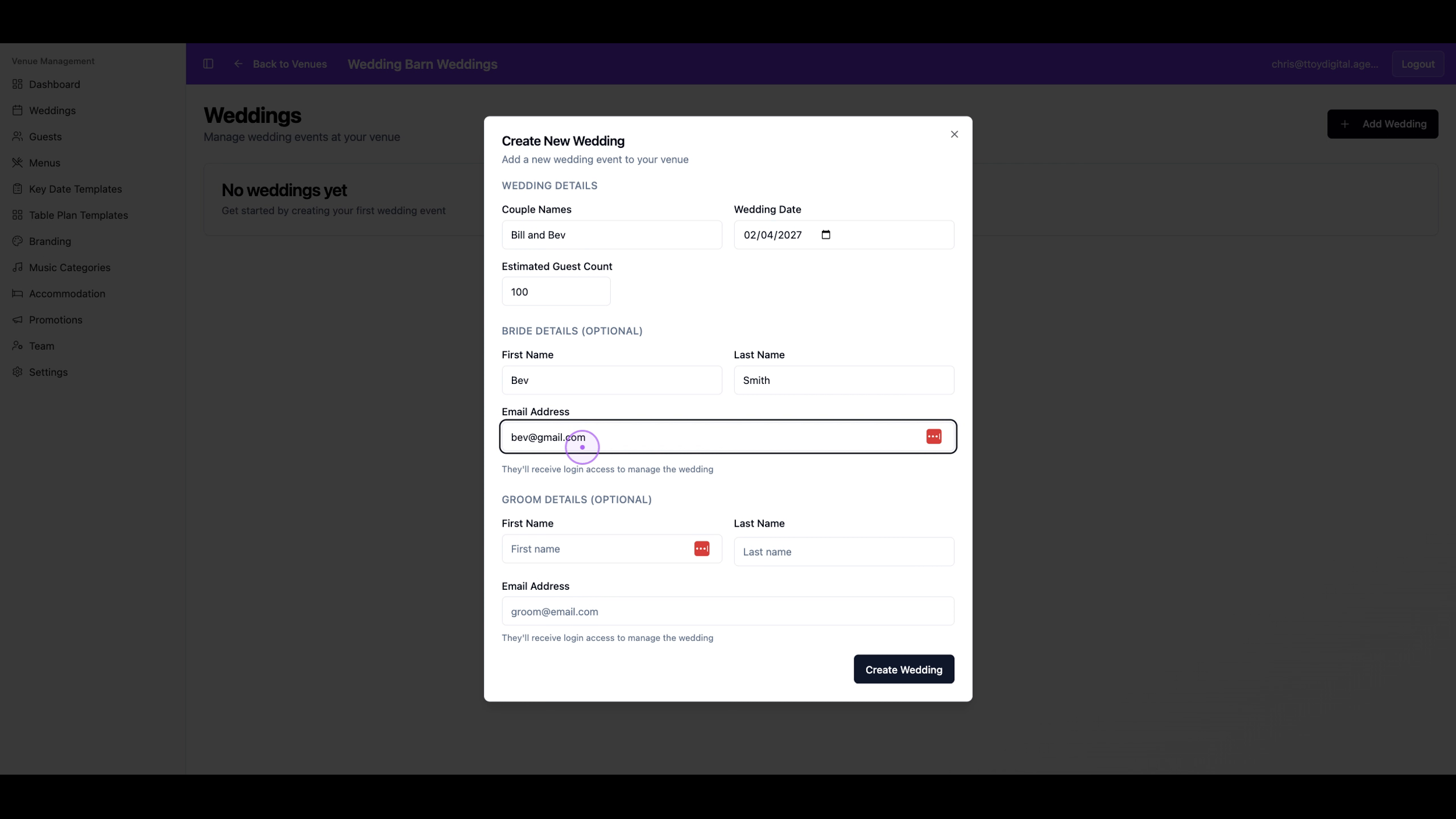
Fill in the bride's first name, last name, and email address. This email will be used for her login access.
Fill in the groom's first name, last name, and email address. This email will be used for his login access.
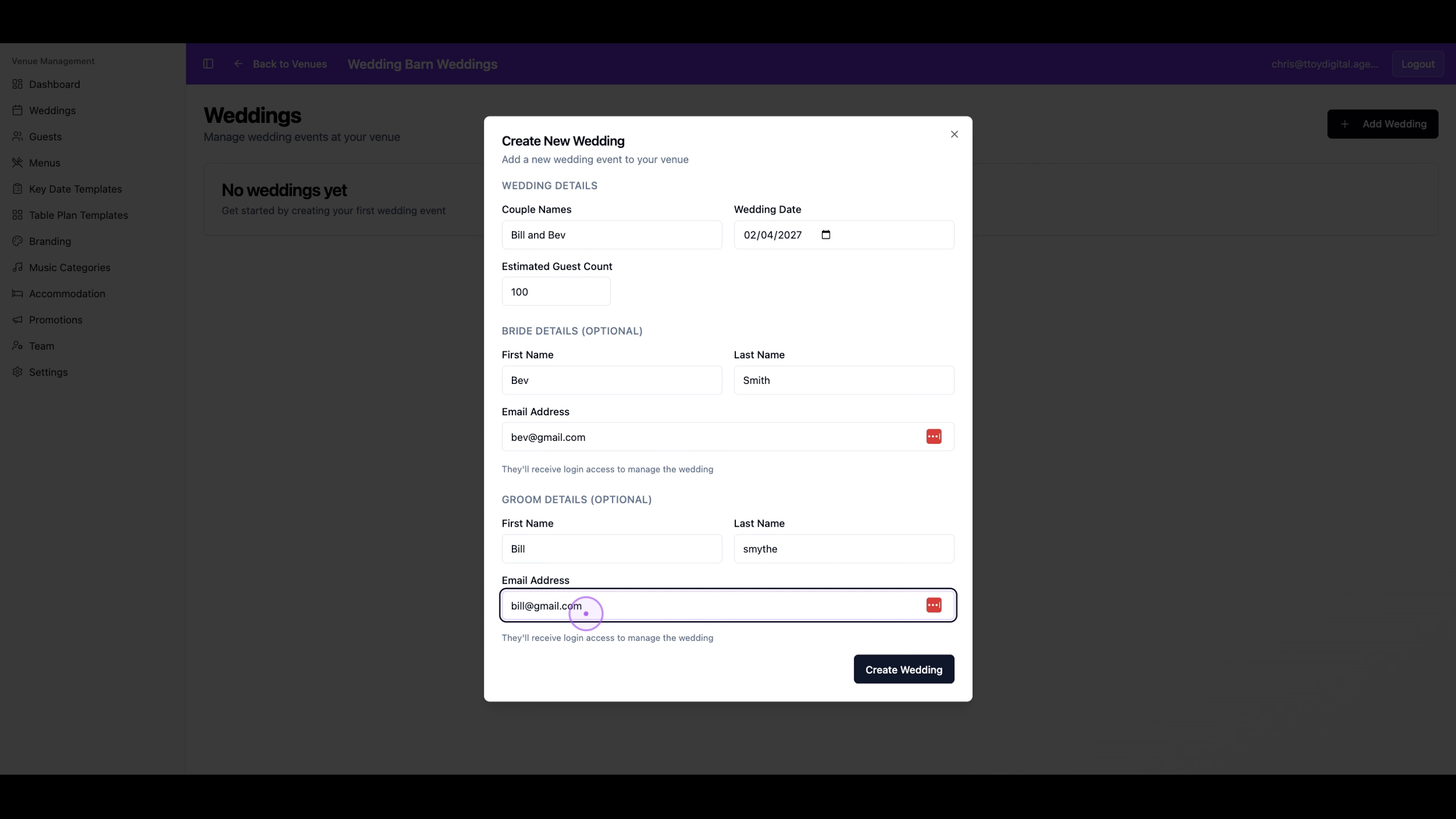
Click the Create Wedding button to finalise the setup and create the couple's accounts.
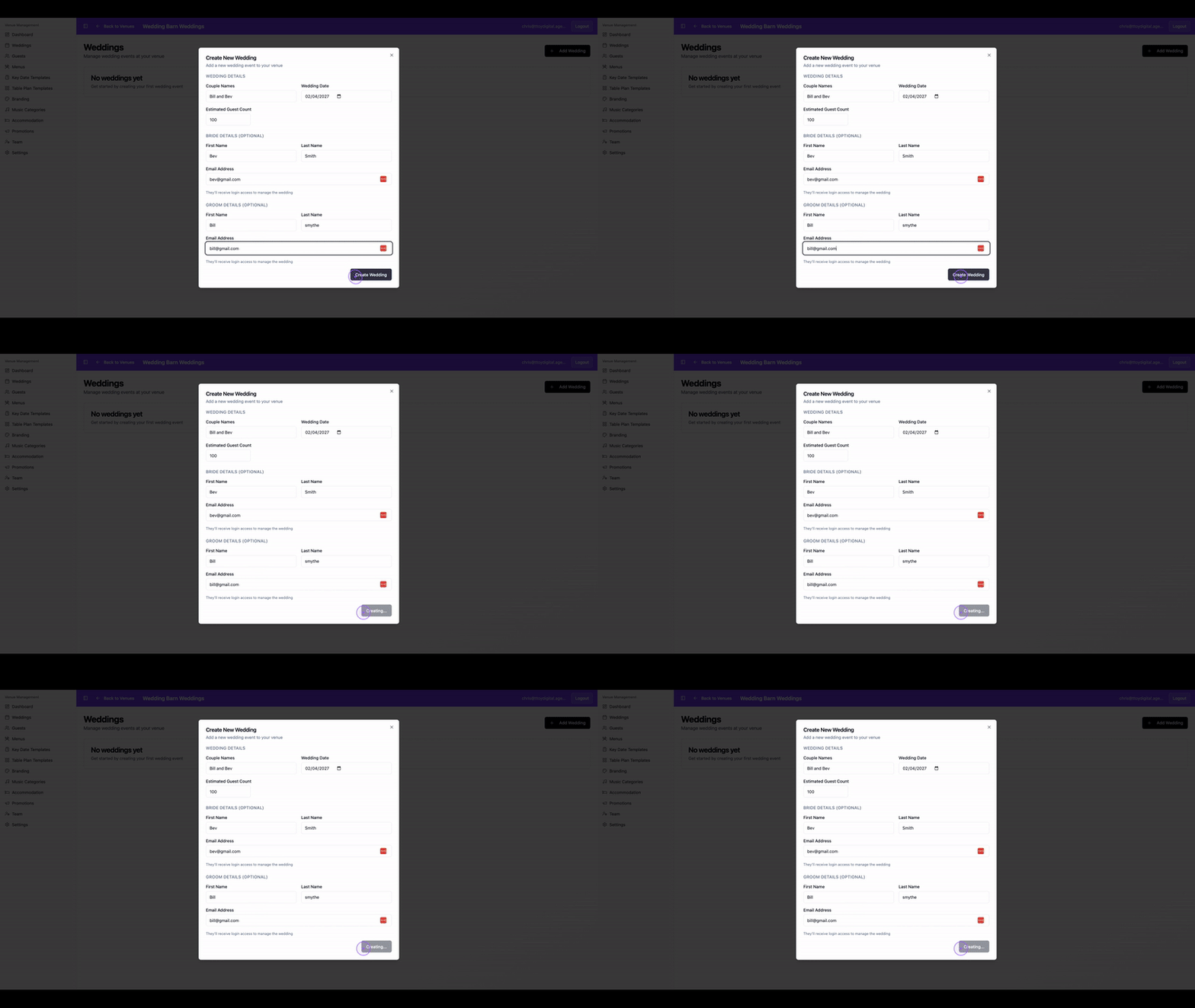
Once created, the couple will receive login access to manage their wedding details, guest list, and meal choices through their own portal.