This guide walks you through creating a branded video testimonial collector in SmartFlow to gather customer feedback.
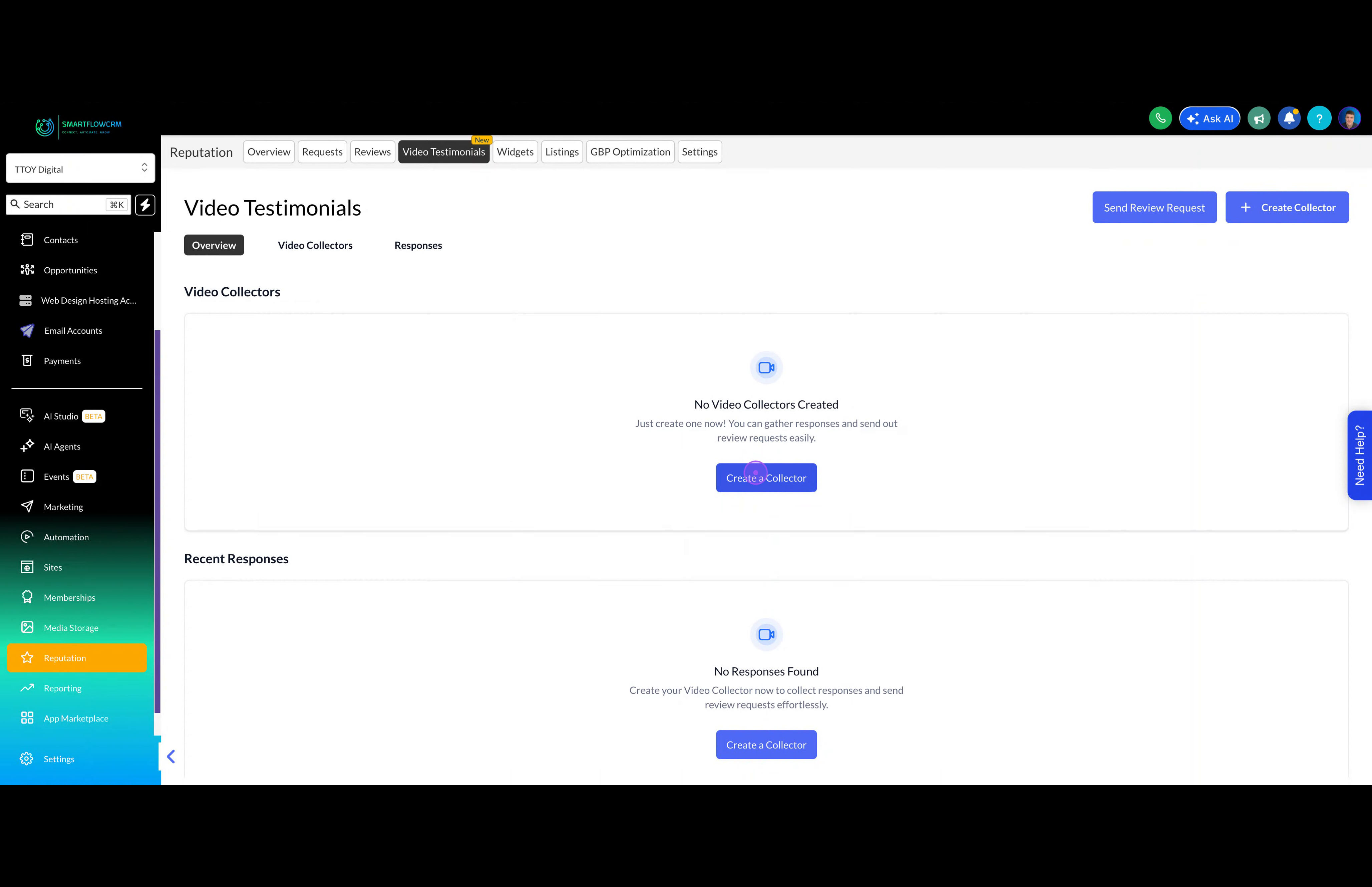
From the Video Testimonials page, click the Create a Collector button to start building your testimonial collection form.
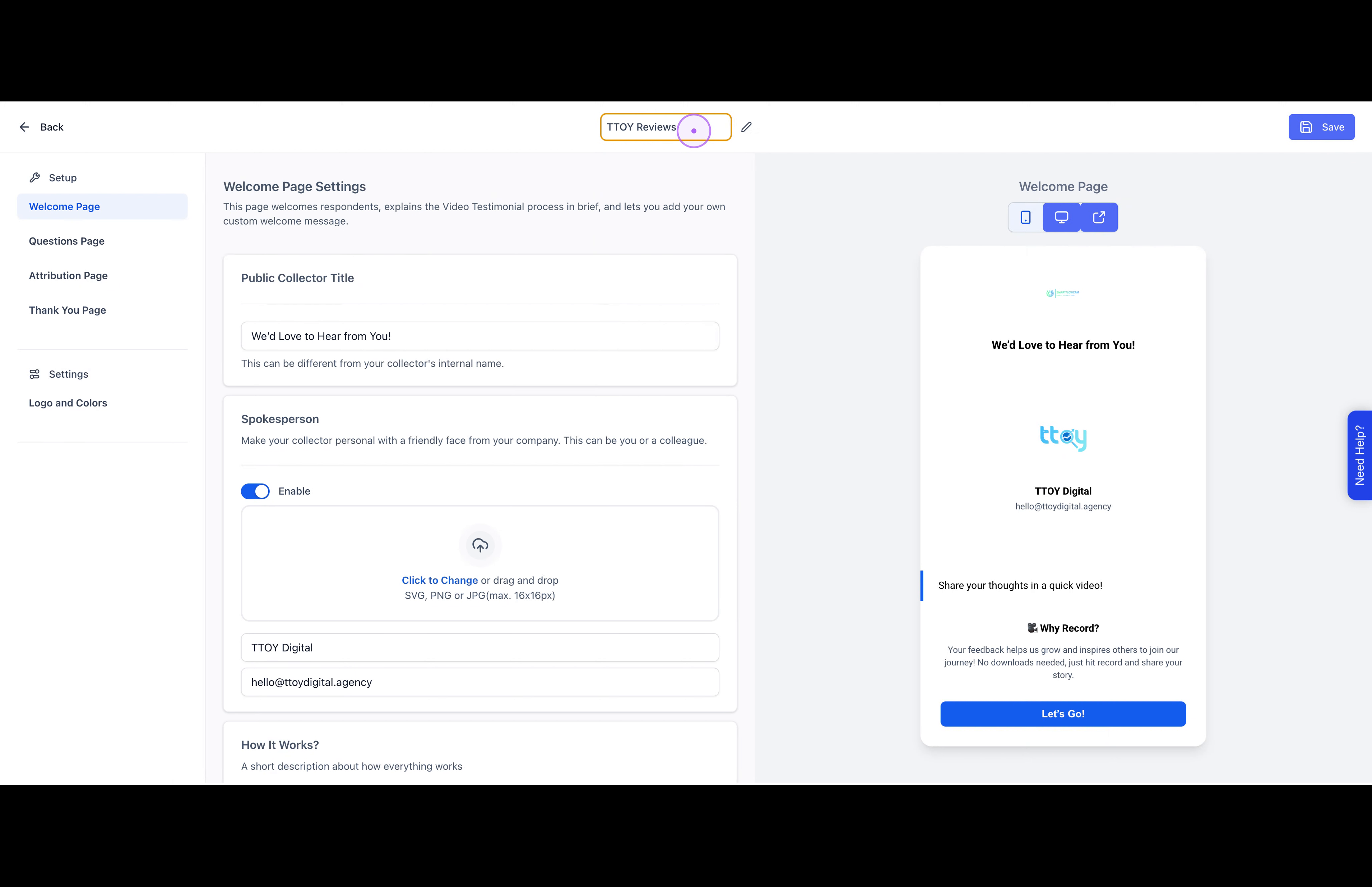
Click on the template name field at the top and enter a descriptive name for your collector, such as 'TTOY Reviews'.
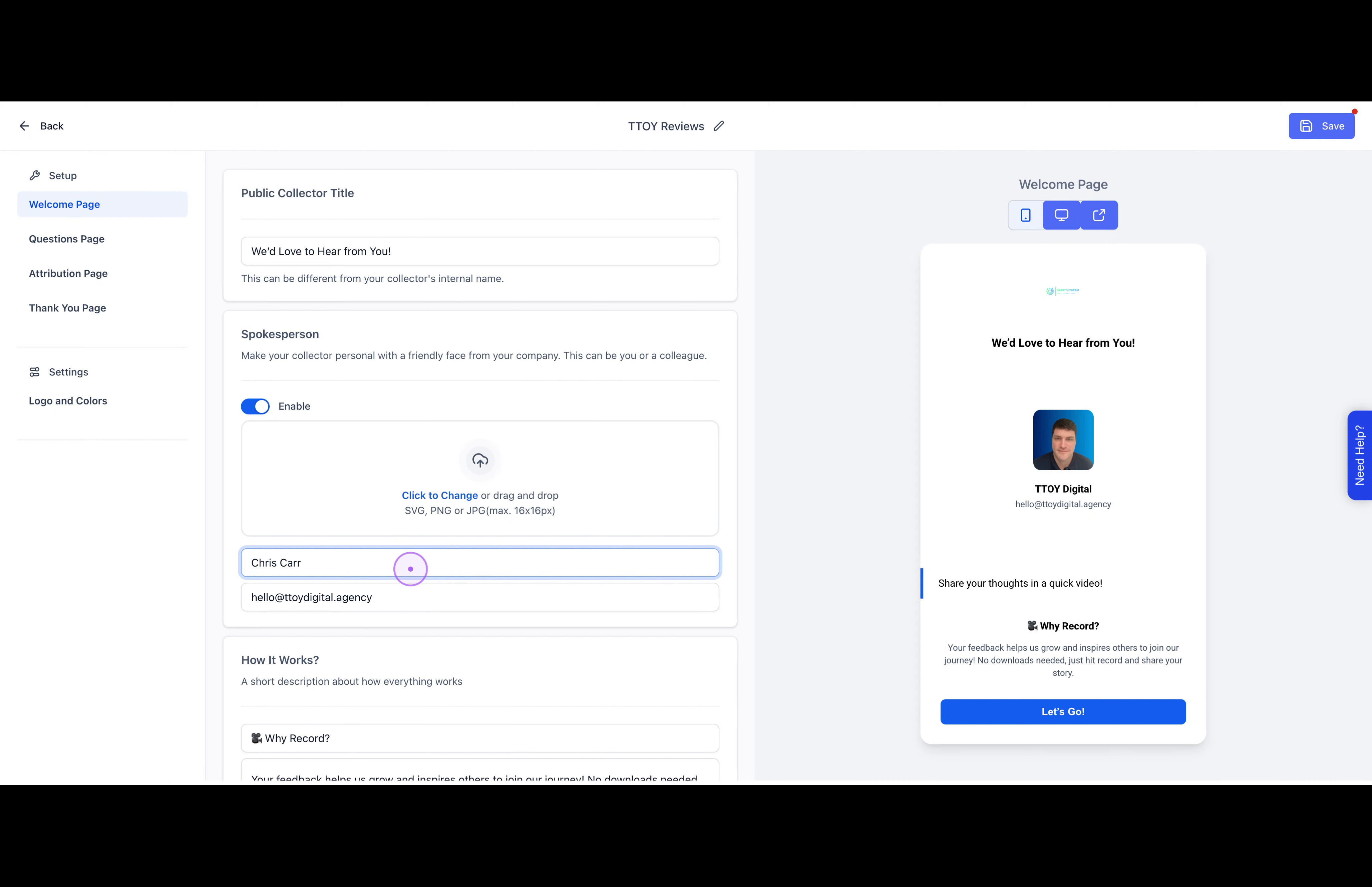
Set up your spokesperson by uploading a profile image and entering the name. Then customize the welcome message to inform respondents about the process.
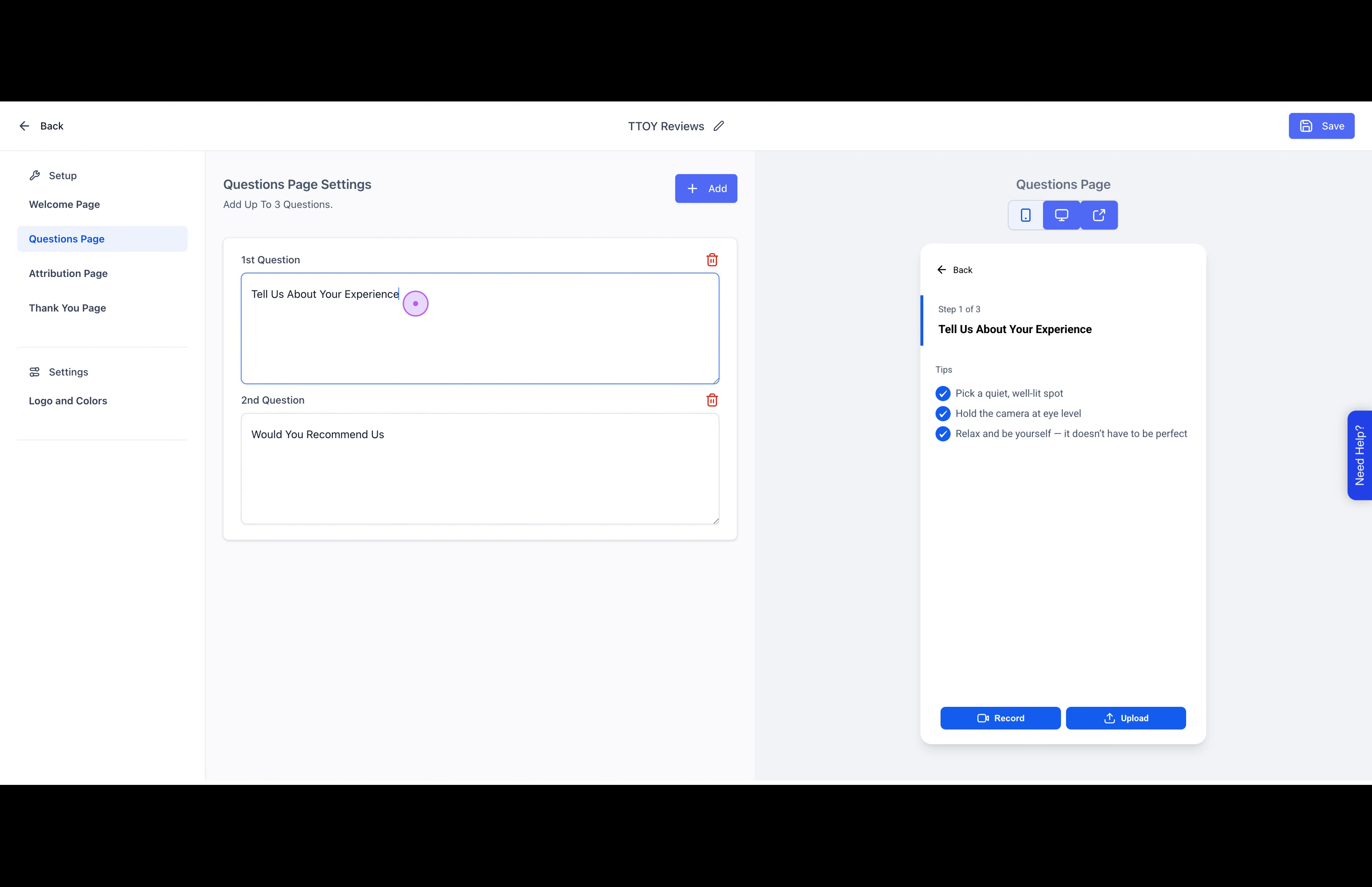
Navigate to the Questions Page tab and edit the questions to ask about the customer's experience and recommendations.
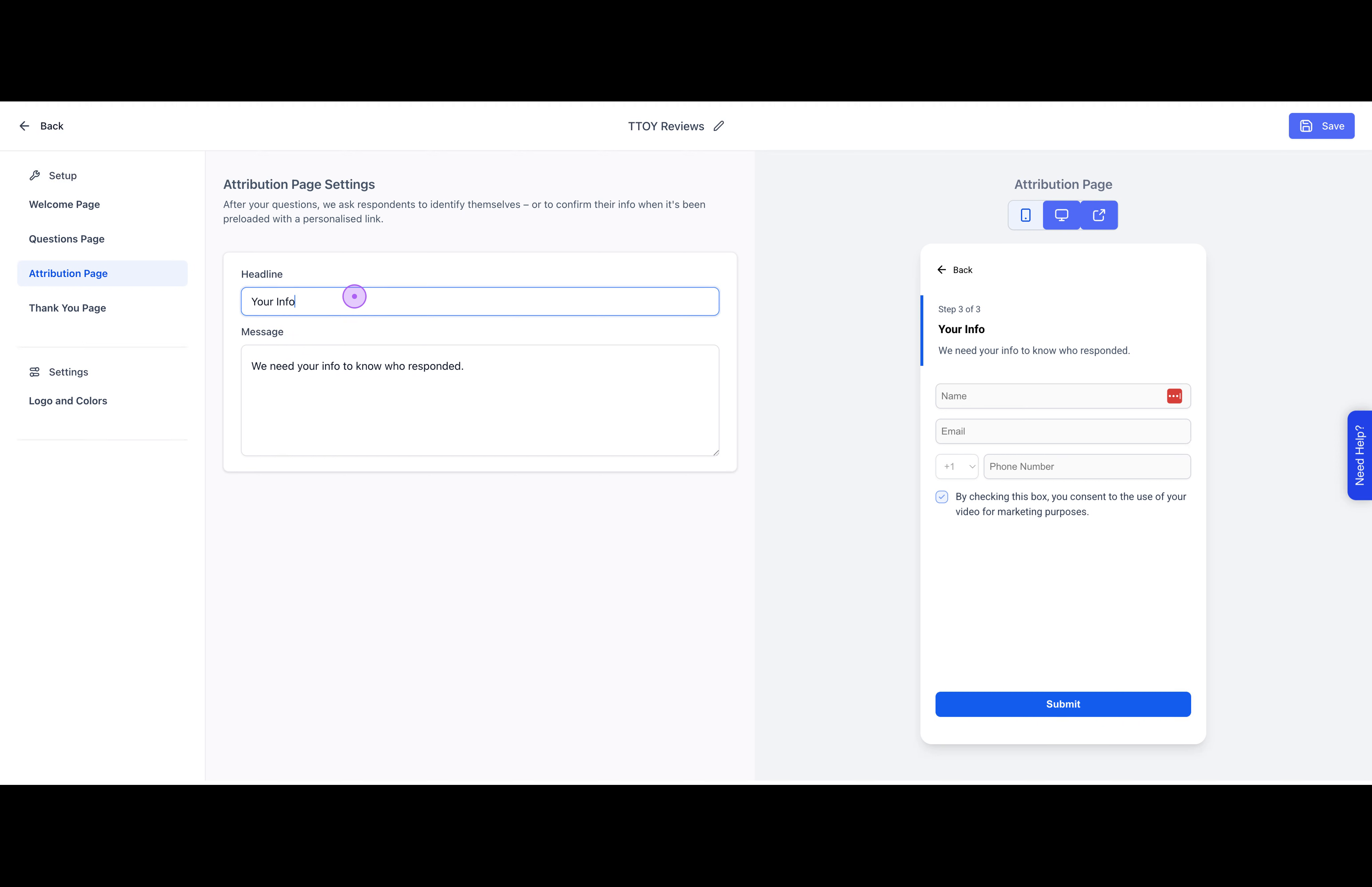
Customize the headline and message on the Attribution Page to explain why you need the respondent's contact information.
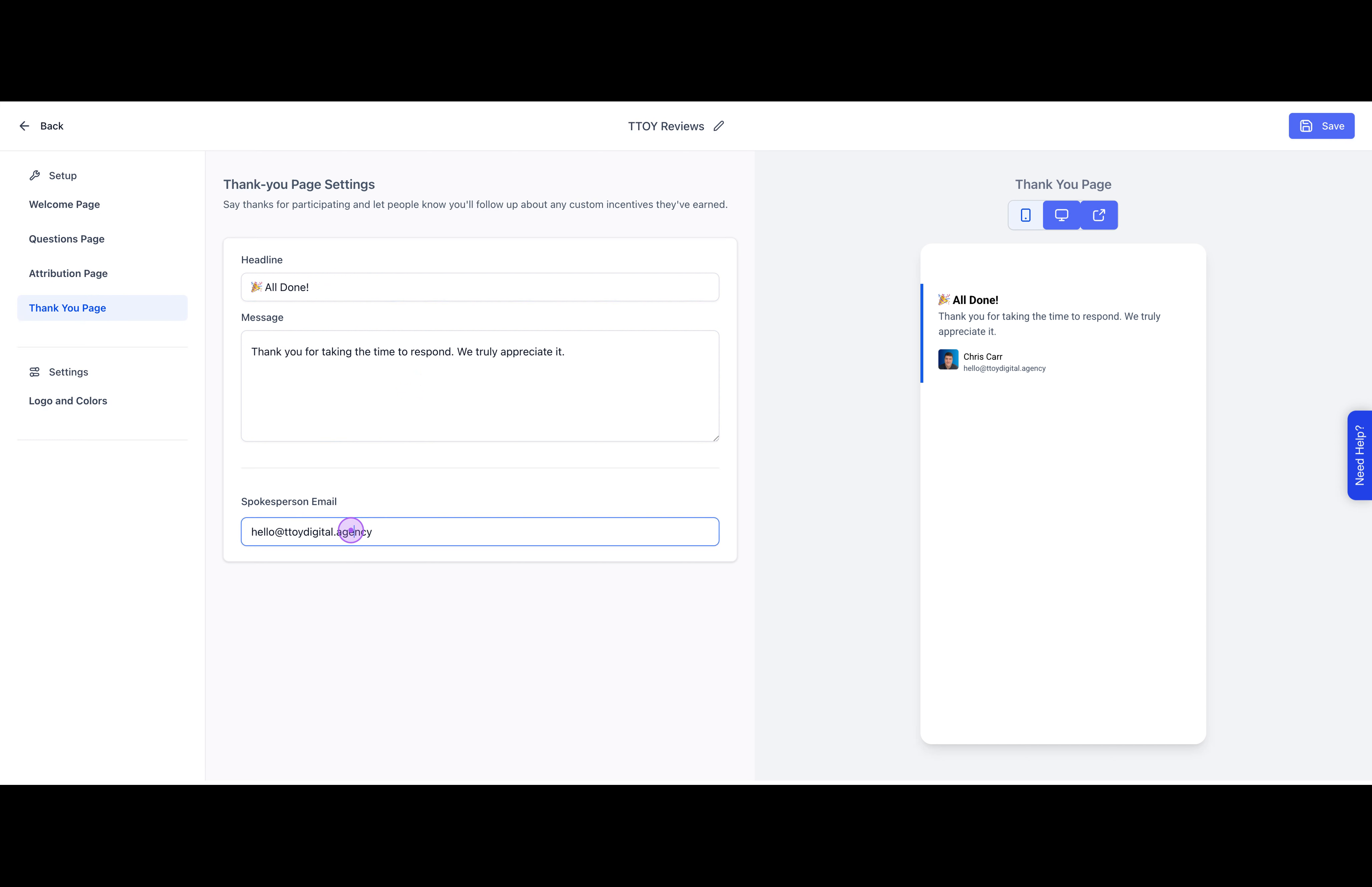
Update the Thank You Page with the appropriate spokesperson email address and a thank you message.
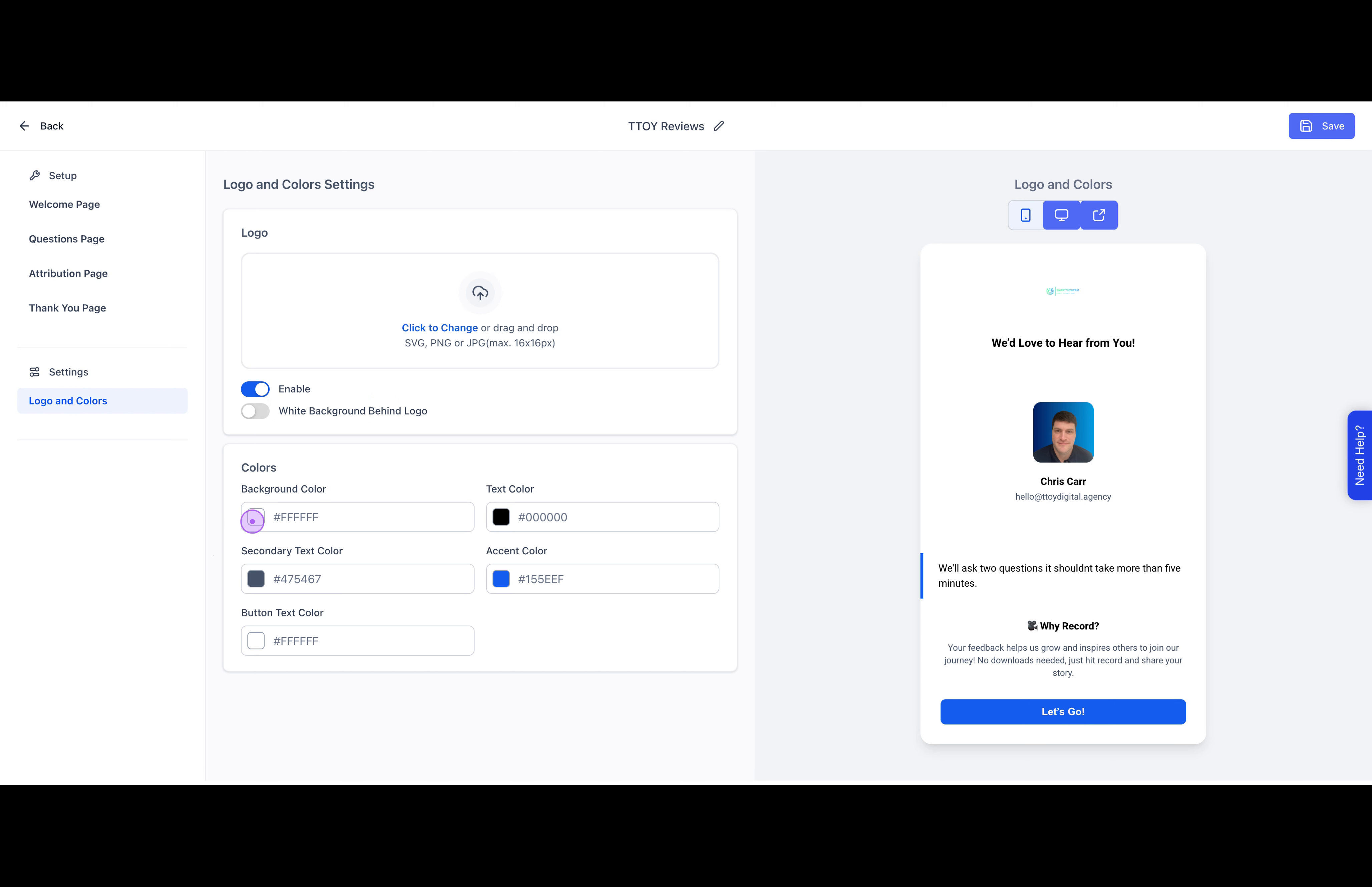
Go to the Logo and Colours section to customise the background colour, text colours, and upload your company logo to match your brand.
Remember to click Save after making changes to each section to ensure your settings are preserved.