This guide walks you through creating multiple ticket tiers and promotional discounts for your event to maximise attendance and revenue.
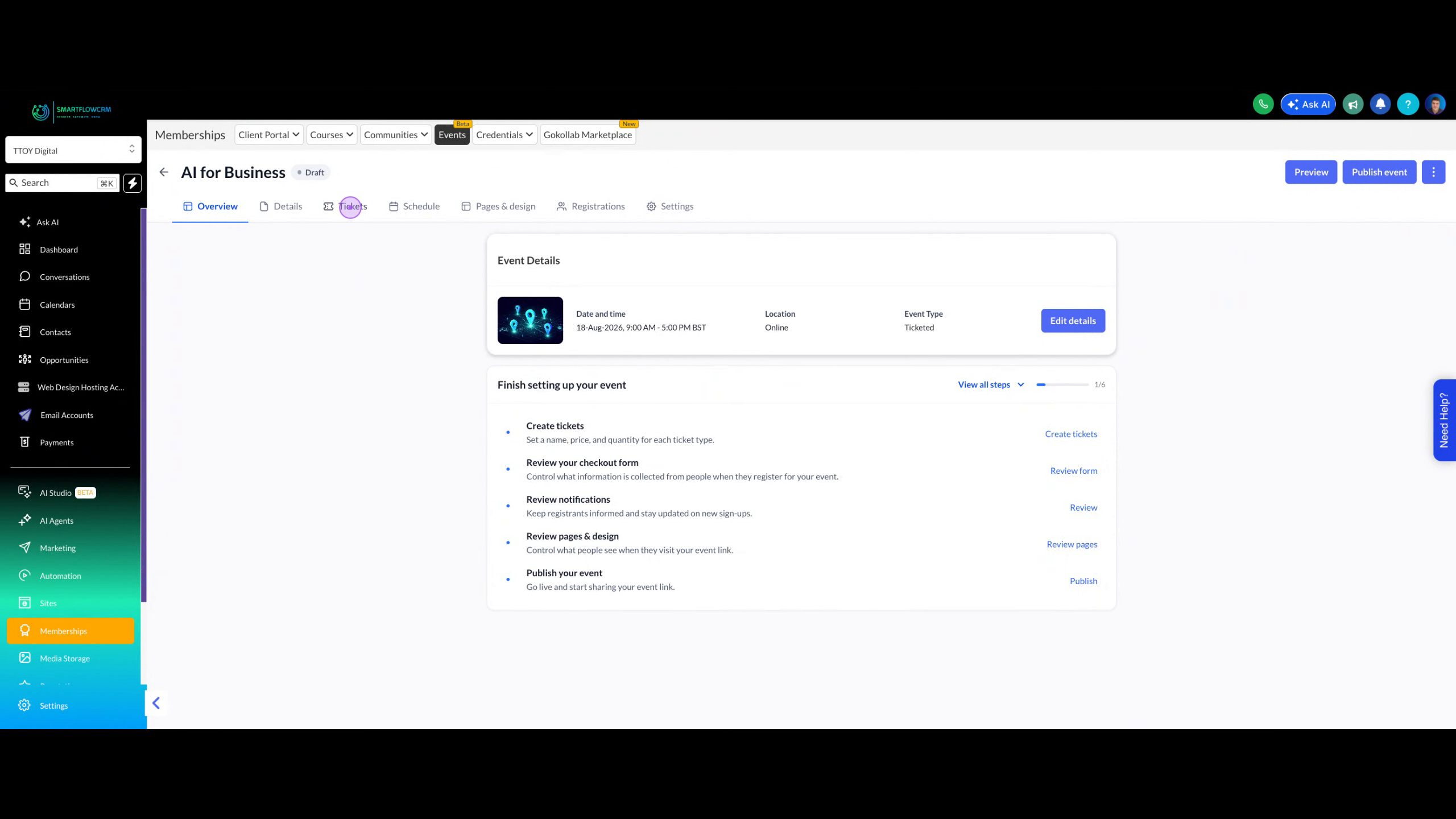
From your event overview page, click on the Tickets tab in the event navigation menu to access the ticket management interface.
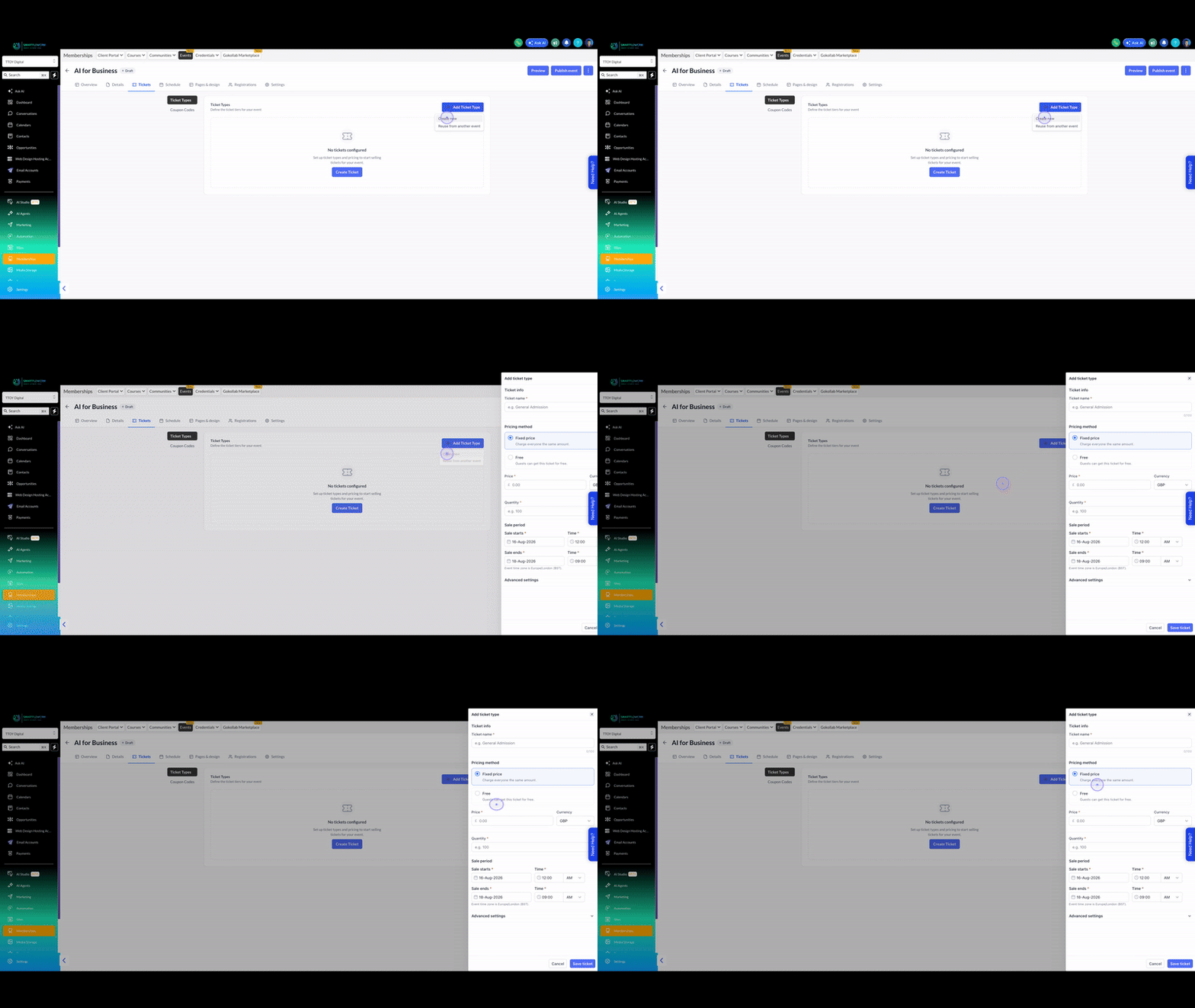
Click the Add Ticket Type button and select Create new from the dropdown to open the ticket creation form.
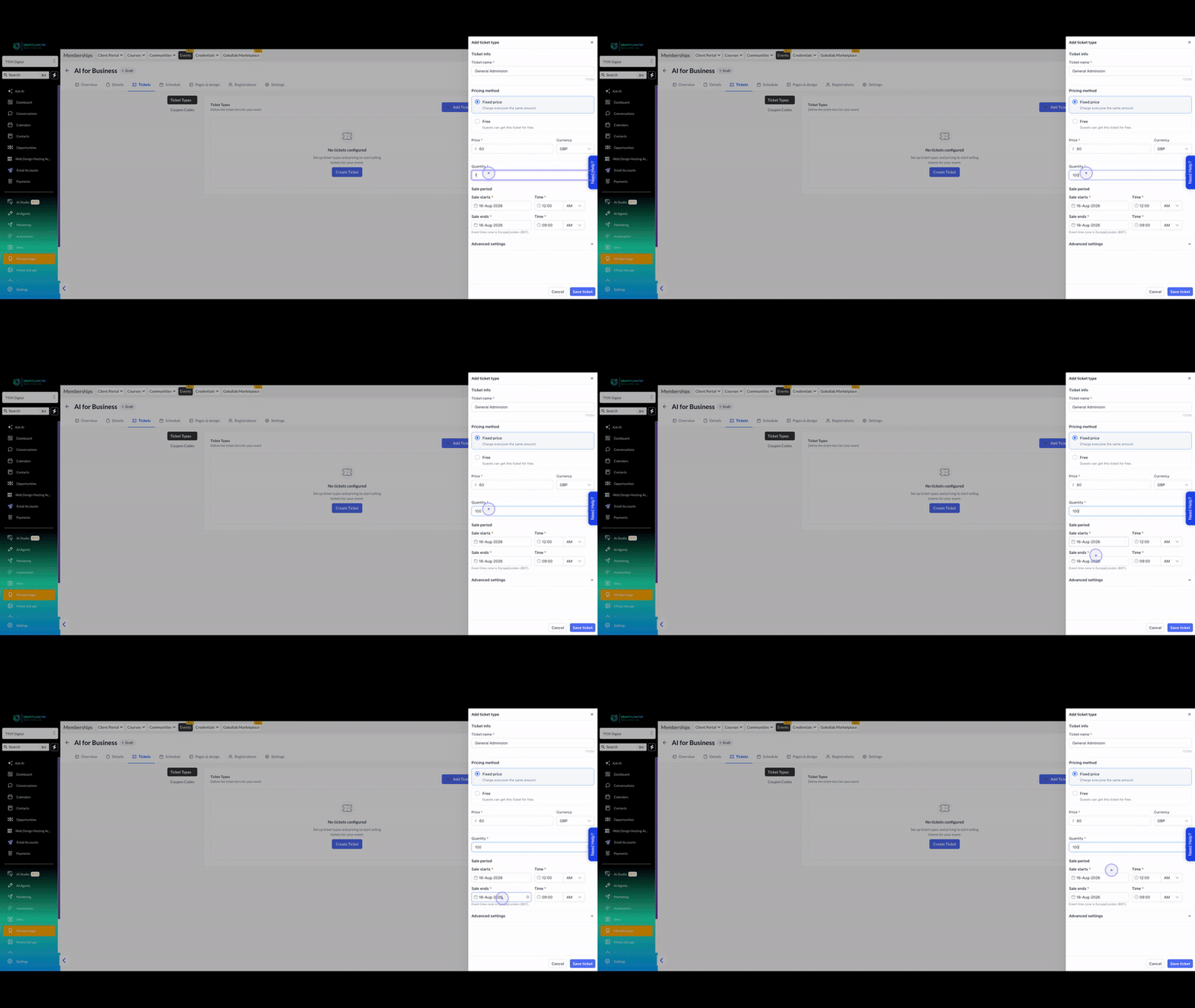
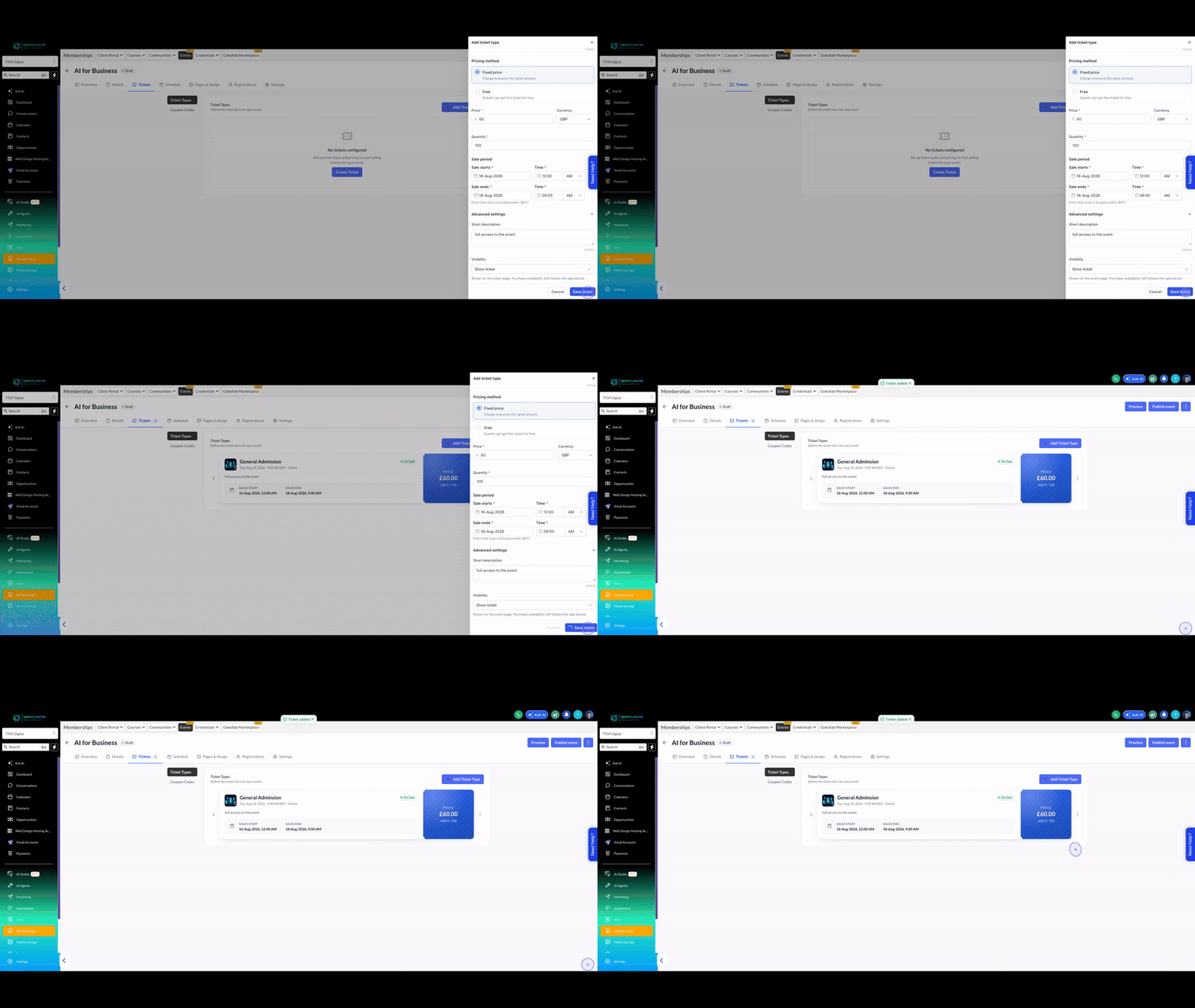
Fill in the ticket name (e.g., General Admission), set the price (e.g., £60), and specify the total quantity available (e.g., 100).
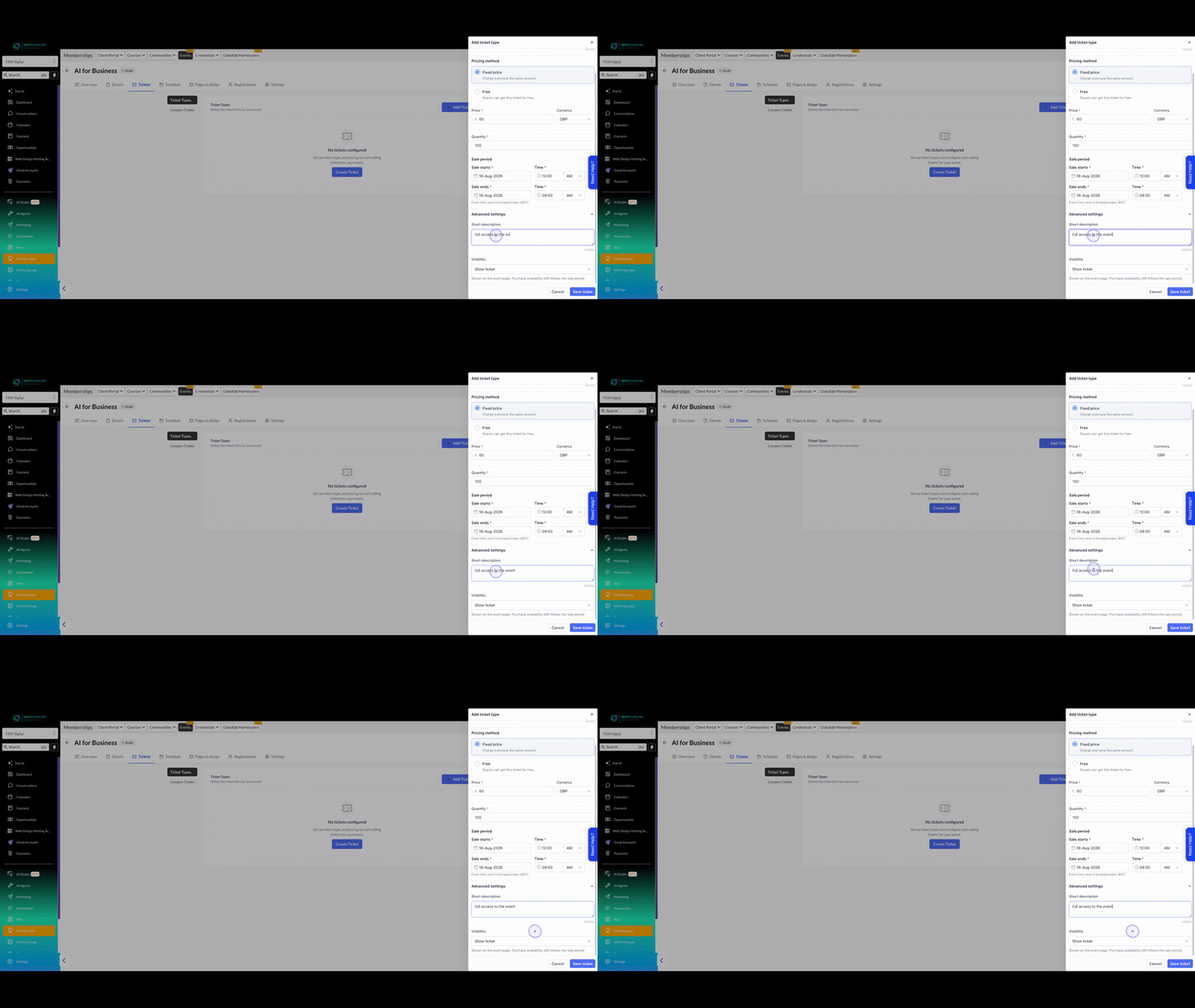
Expand the Advanced settings section, add a short description explaining what's included (e.g., full access to the event), and set the visibility to Show ticket.
Click the Save ticket button to create and publish your first ticket type to the event page.
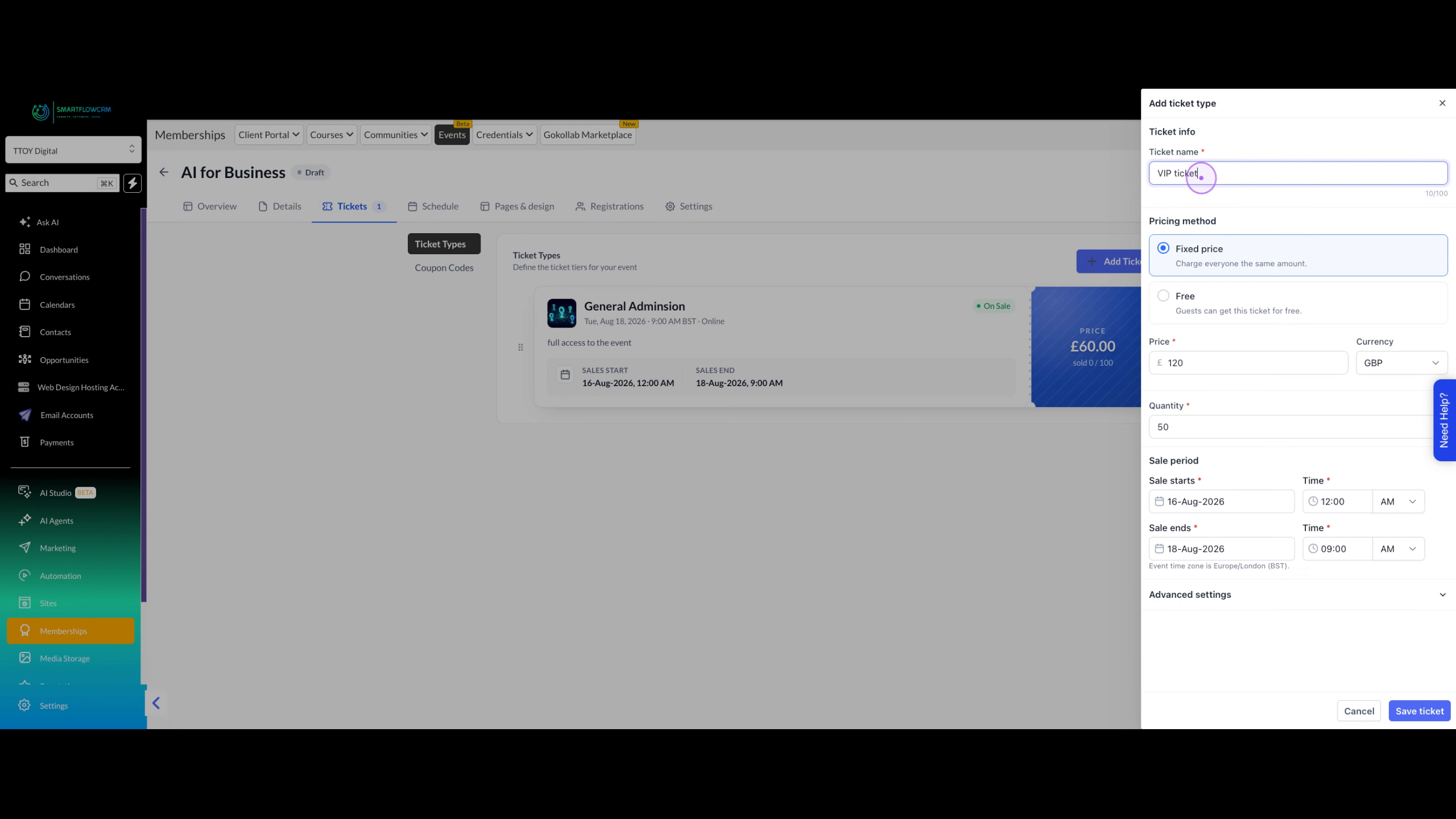
Click Add Ticket Type again to create a premium tier. Enter VIP ticket as the name, set a higher price (e.g., £120), and limit the quantity (e.g., 50) to create exclusivity.
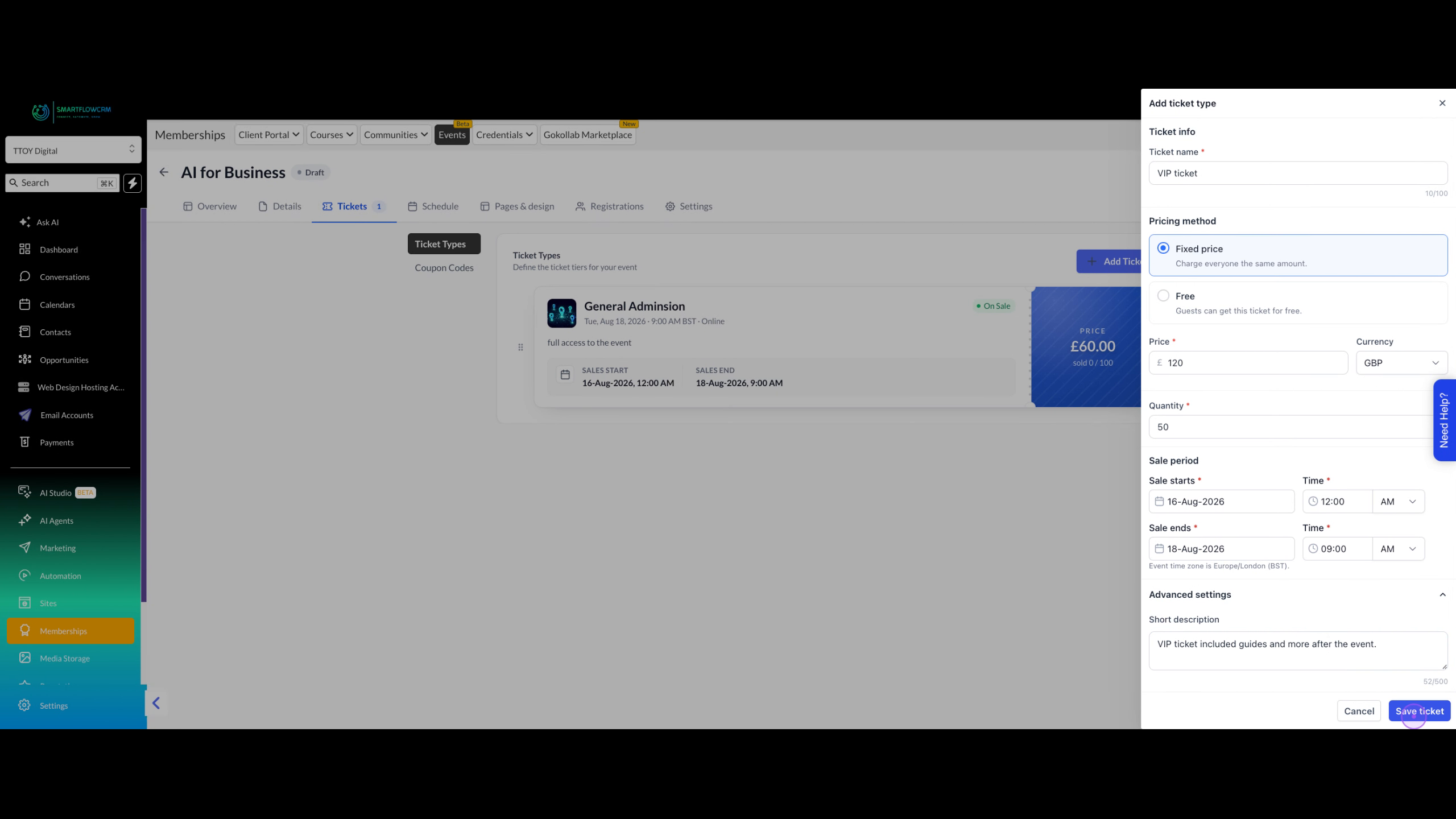
Add a compelling description for the VIP experience (e.g., VIP ticket included guides and more after the event), then click Save ticket.
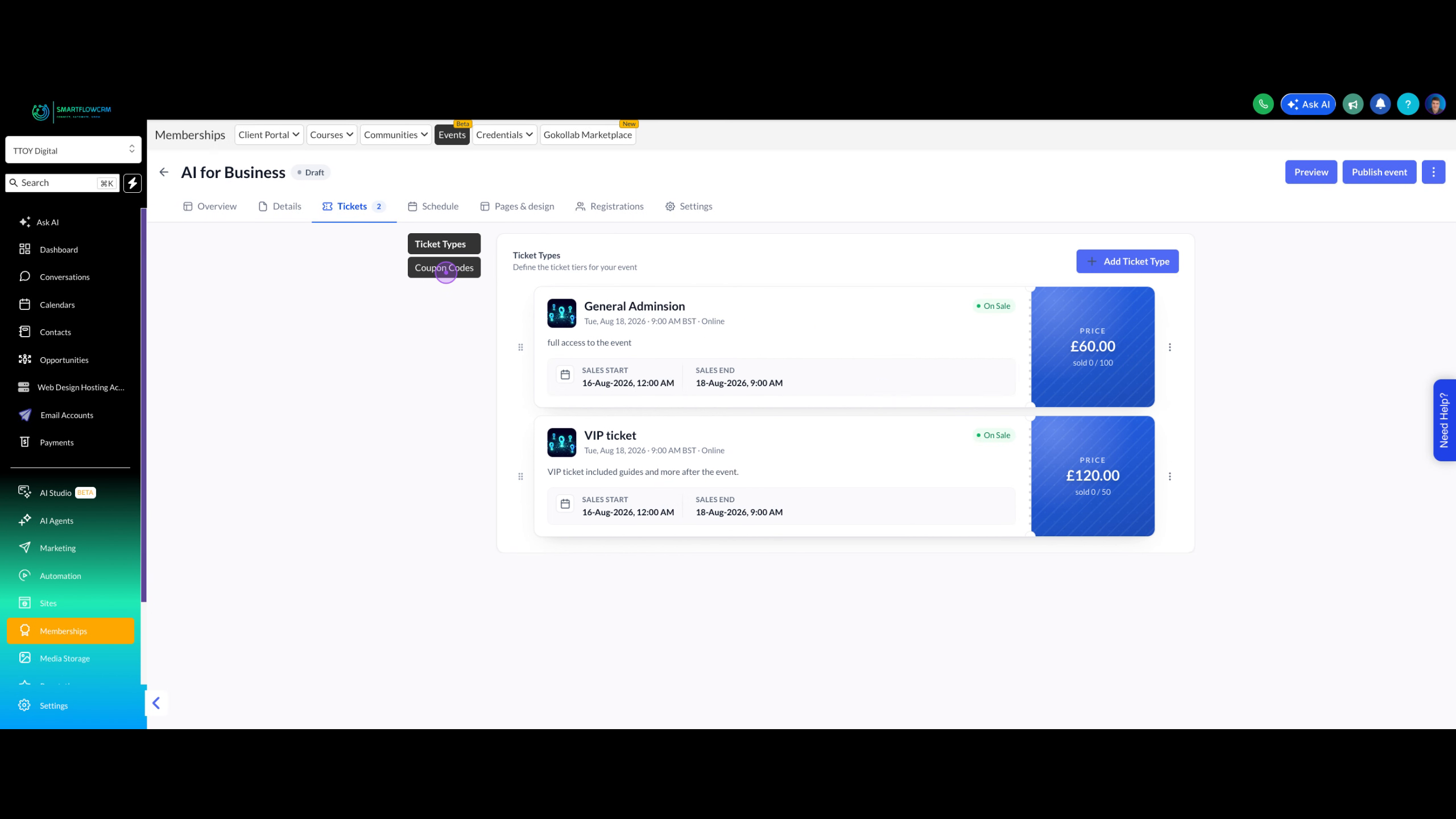
Click on the Coupon Codes tab to switch from ticket management to discount code creation.
Click Add Coupon Code, enter a name (e.g., early bird), generate a unique code, select Percentage coupon as the type, and set the discount amount (e.g., 10%).
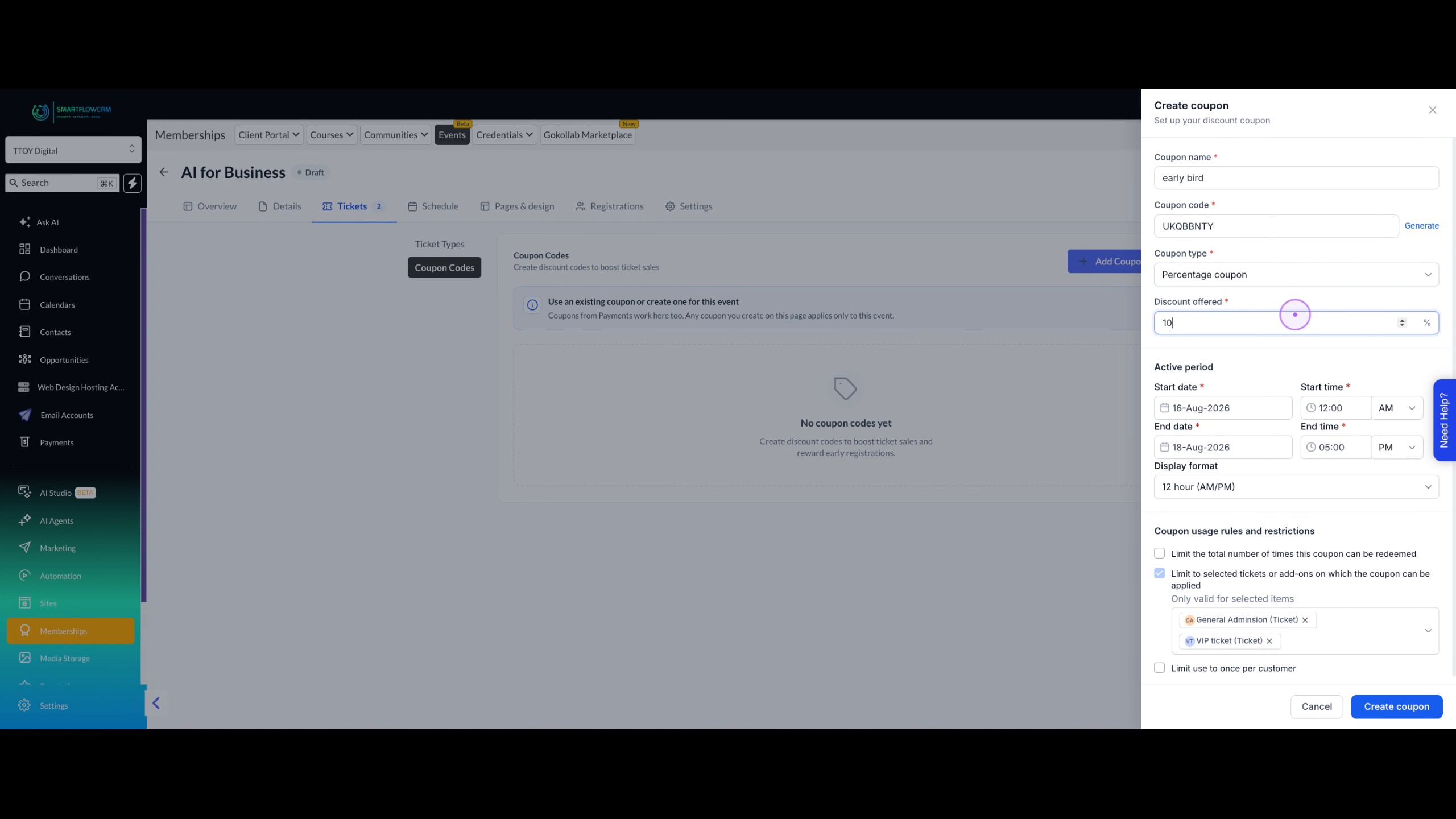
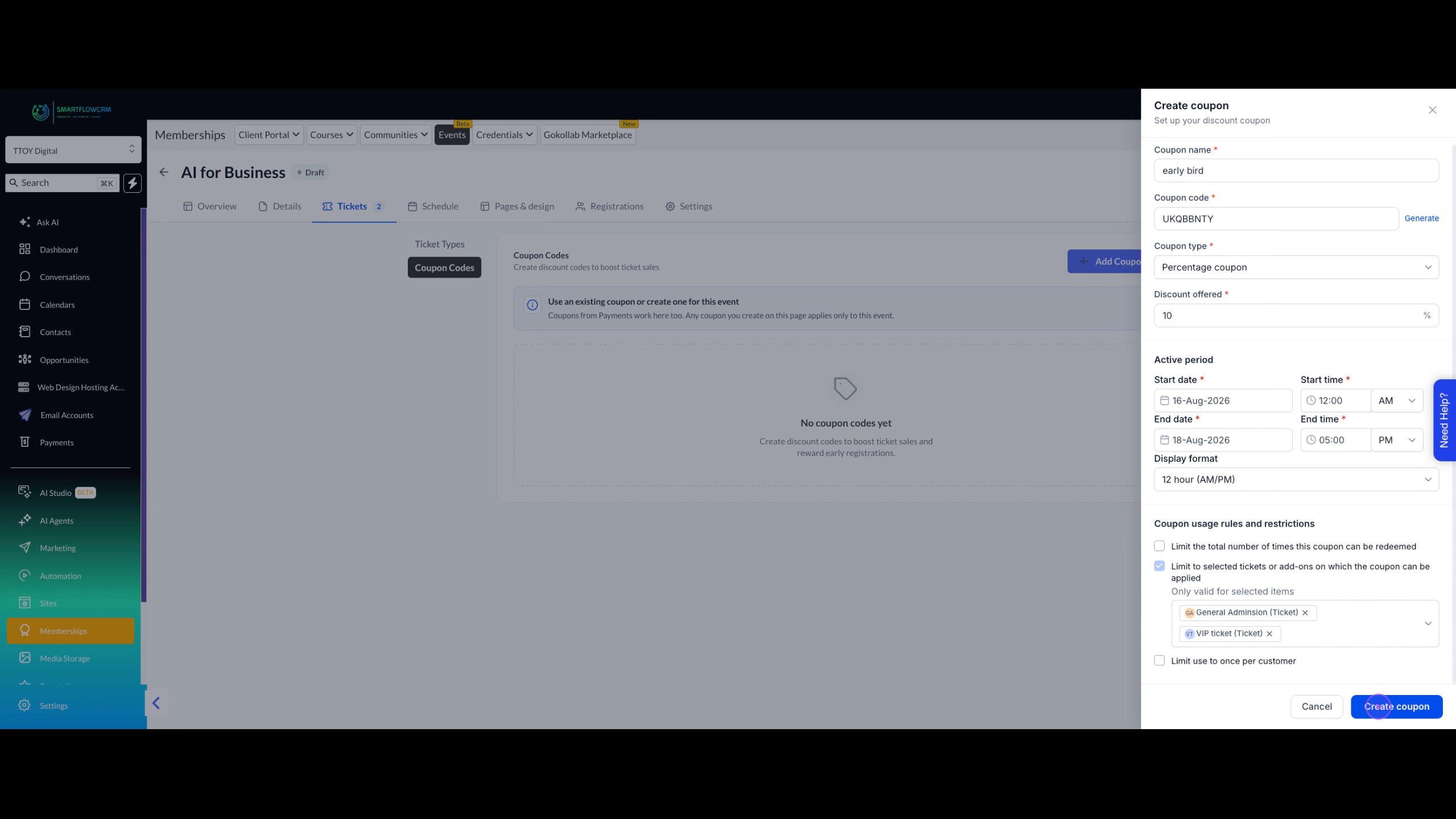
Review the active period settings and applicable ticket types, then click Create coupon to activate the discount code for your event.
Create ticket tiers with clear value differences to encourage upgrades.
Use limited quantities on VIP tickets to create urgency.
Set coupon active periods to end before your event to encourage early registration.
Always preview your event page to ensure tickets display correctly.