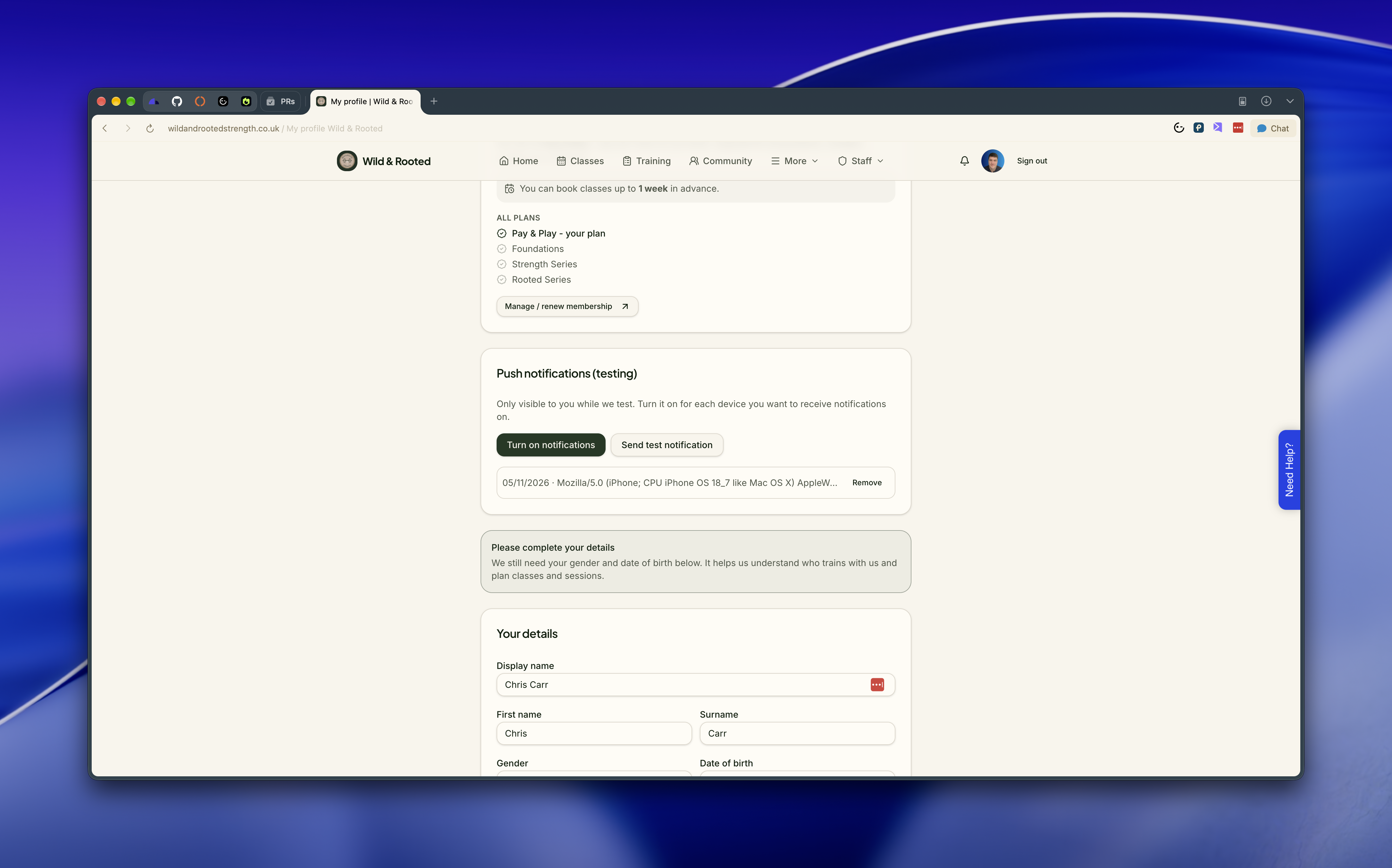
The app looks different depending on who you are. There are three types of user, and knowing which is which saves a lot of head scratching when a member says "I can't see that".
Members use the main menu: Home, Classes, Training, Progress, PT, Leaders, Badges, Courses, Rooted Series, Community, Groups, Messages, Health form, Terms and Meet the team. On a phone, some of these sit under the menu drawer.
What a member can actually use depends on their membership. If their tier doesn't include something, they still see it, but with a short "Included with Foundations and above" card instead of the feature. Nothing silently disappears.
Trainers get everything a member gets, plus a PT dashboard and a Check-in link. From the PT dashboard they can run class registers, set their availability, manage their PT sessions and 1-to-1s, build and assign training plans, create nutrition plans and complete fitness assessments.
Trainers are not blocked by the health form and terms checklist, so they can keep working while they set up their own account.
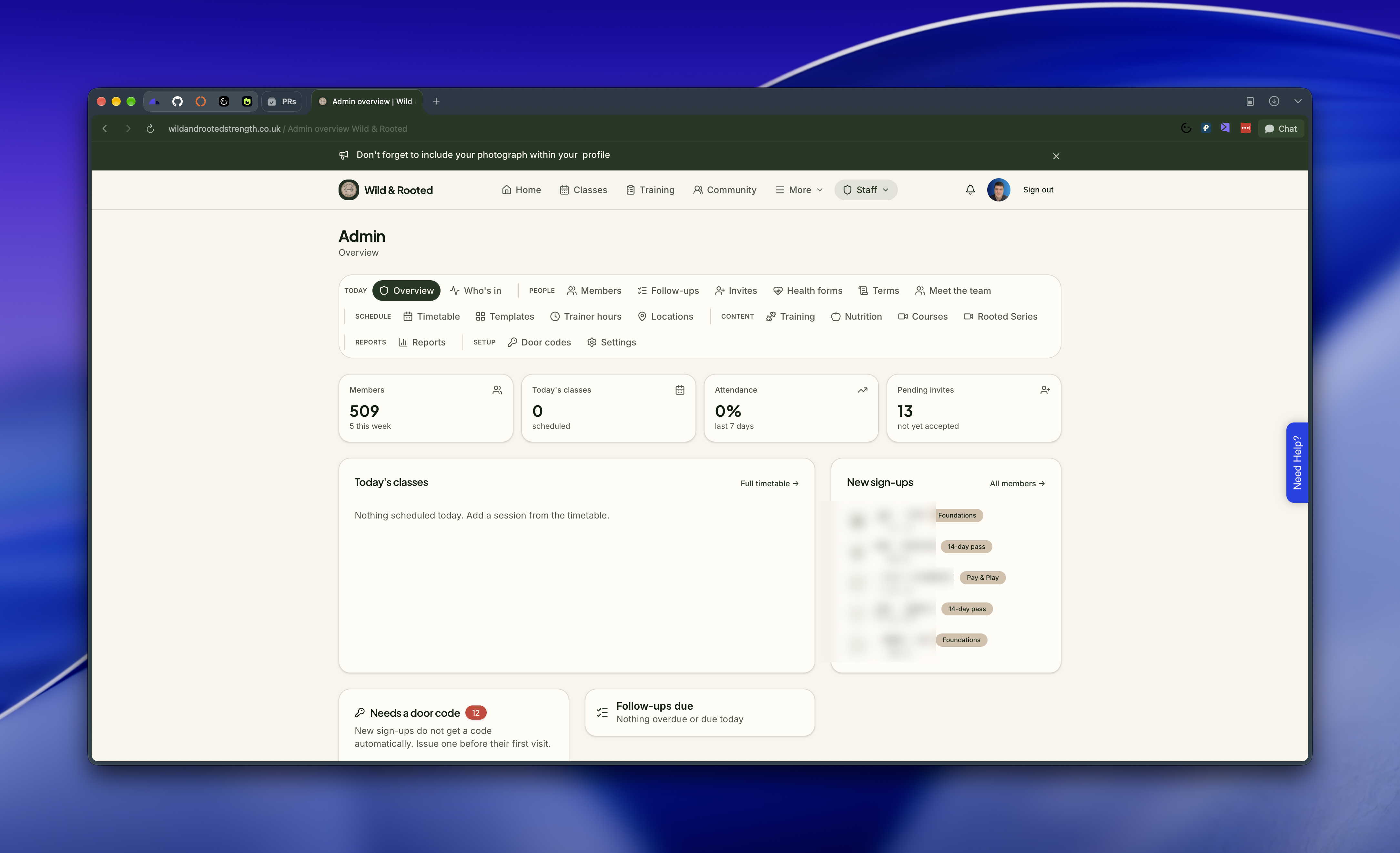
Admins see everything above, plus an Admin area. It is split into groups:
Today: Overview and Who's in.
People: Members, Invites, Health forms, Terms and Meet the team.
Schedule: Timetable, Templates, Trainer hours and Locations.
Content: Training, Nutrition, Courses, Rooted Series and Shop.
Reports: Upcoming renewals, Attendance, Membership movement and Member statistics.
Setup: Door codes and Settings.
Trainers and admins have a help button inside the app that opens a conversation with the TTOY support team. Members never see it, so if a member has a problem, they should ask someone at the gym.