The most common support question in any app is "I can't get in". Here is how sign-in works and how to get someone unstuck in about a minute.
Go to the gym app address and enter the email and password you set up. If the details don't match, the app says so and lets you try again. There is also a Join the gym link on the same page for people who don't have an account yet.
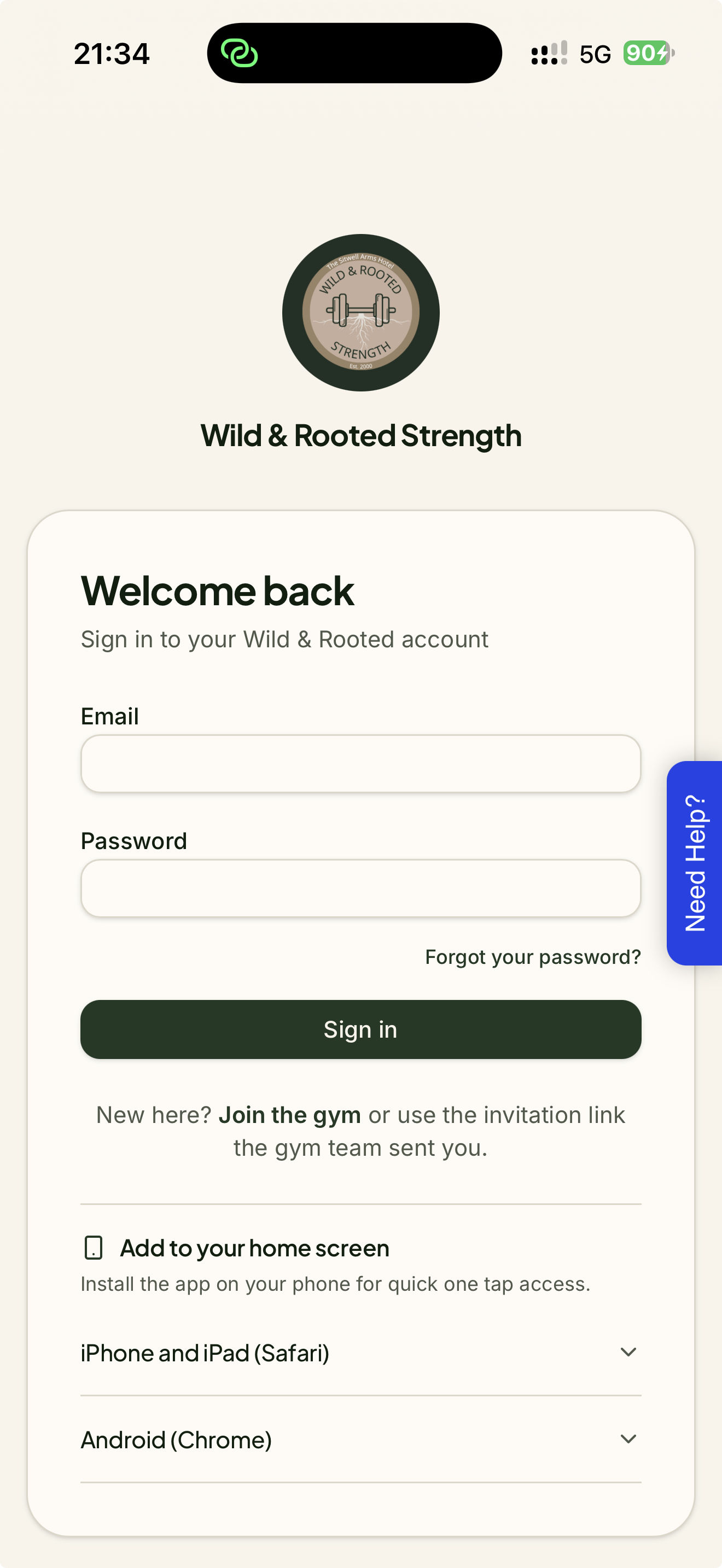
On the sign-in page, click Forgot your password?
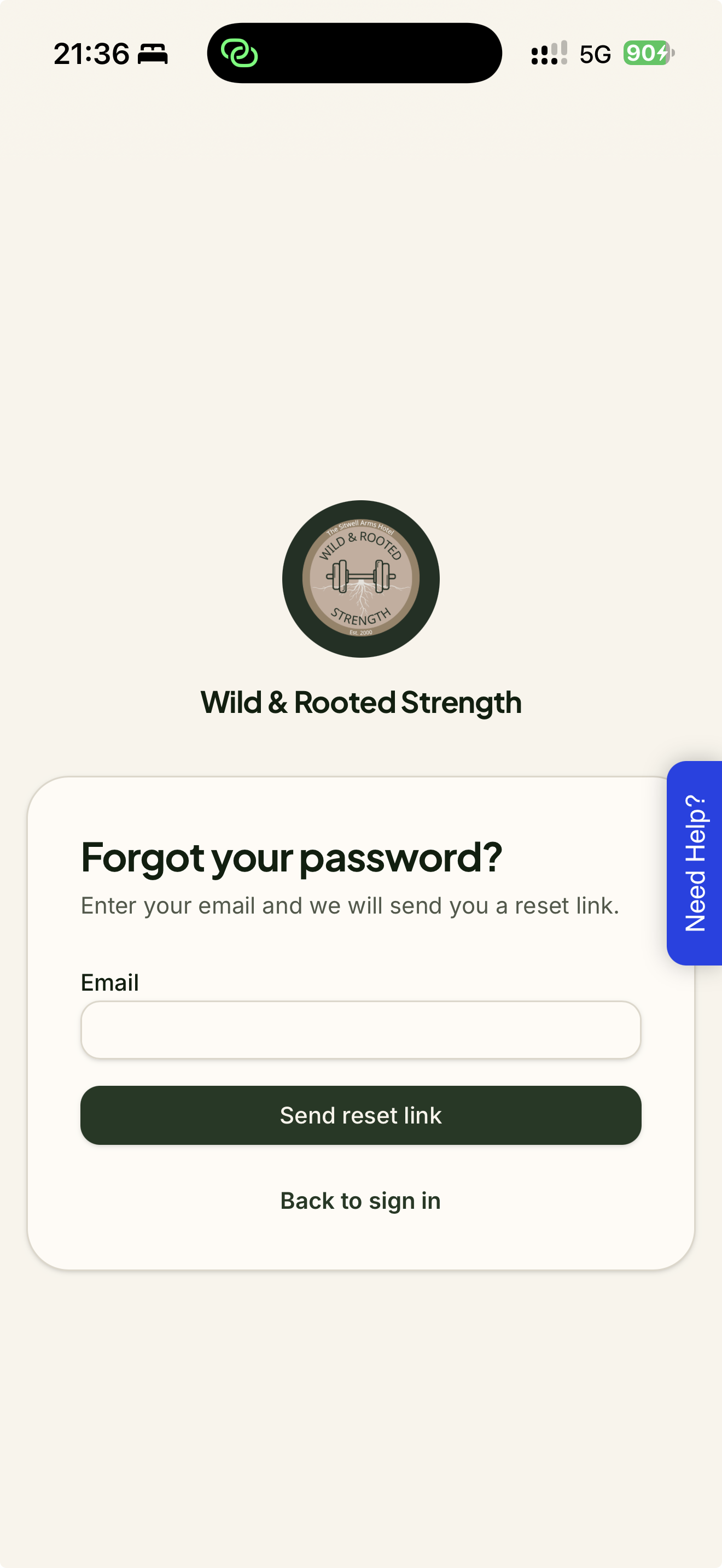
Enter the email address on the account and click Send reset link.
Open the email and click the link. Choose a new password (at least 8 characters), confirm it and click Save new password.
A few things worth knowing:
The app always says "if that email belongs to an account, a link is on its way". That is on purpose, so nobody can use the form to find out who is a member.
Reset links only work once and time out quickly. If a member sees "This link has expired", click Send a new link and try again.
If someone asks for several links in a row they will be told to wait a few minutes. Ask them to check their junk folder while they wait.
If the email never arrives, check the address on their member page in Admin. Members carried over from the old CFM list may not have a real email yet.
The app can sit on a home screen like any other app, which makes checking in quicker. The sign-in page has these steps built in.
iPhone and iPad (Safari)
Open the app in Safari.
Tap the Share button at the bottom of the screen.
Scroll down and tap Add to Home Screen, then tap Add in the top right.
Open the new Wild & Rooted icon and sign in.
Android (Chrome)
Open the app in Chrome.
Tap the three dot menu in the top right.
Tap Add to Home screen or Install app if it appears, then confirm.